Hi Guys! Here's how you withdraw your Publish0x earnings.
Installing and setting up the Metamask wallet
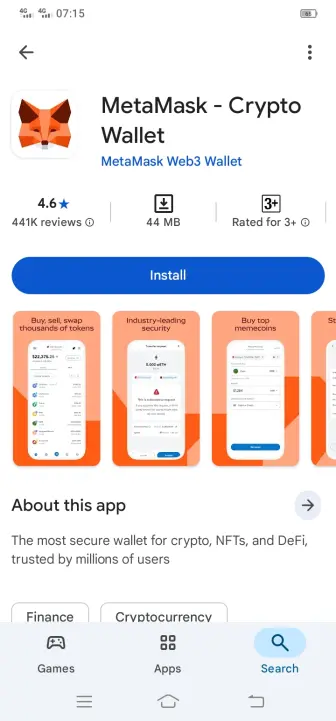
First, go to the Play Store and install the Metamask wallet.
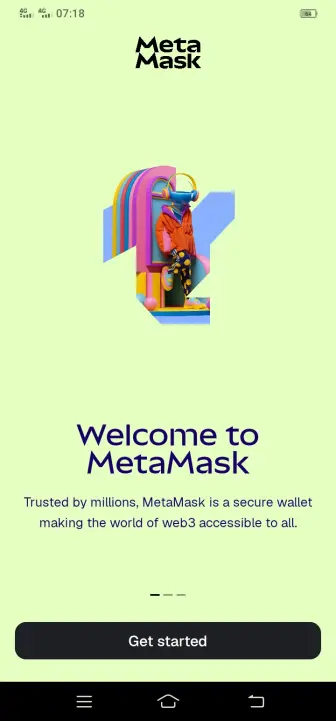
Then go through the setup process and set up your wallet. Upon opening the wallet, you will see the following screen. Click "get started" here.
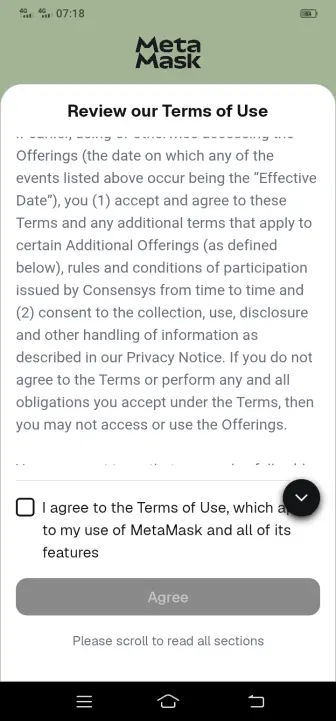
Then you're gonna have to agree with their terms.
Now we can start really setting our wallet up. In the next screen, you either import an old wallet or create a new one. I'm going to create a new one.
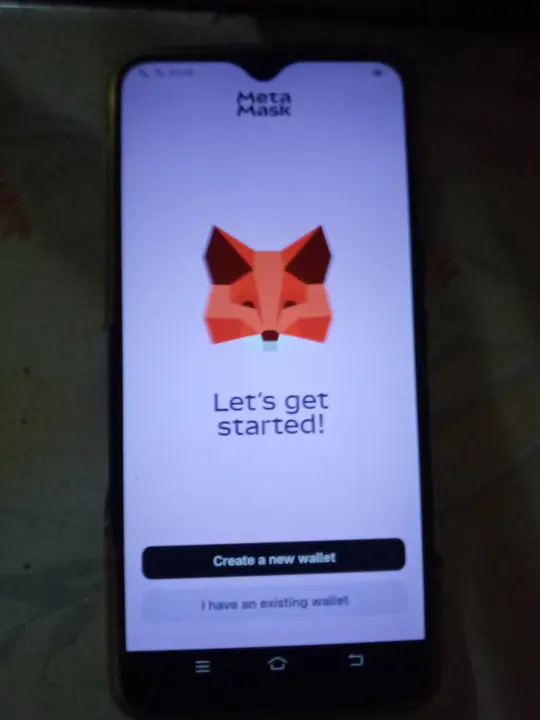
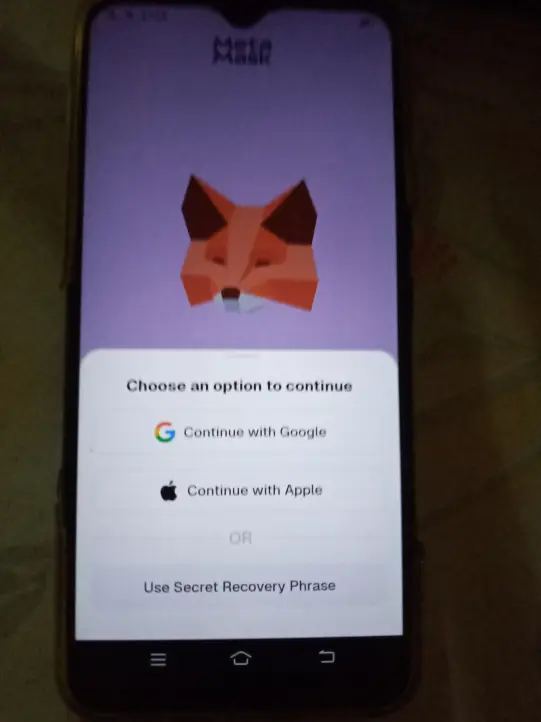
From here, I had to photograph the phone screen as the wallet doesn't allow taking screenshots. So kindly forgive the low quality of the photographs. Hopefully, they are clear enough for you to understand. In the next step, I chose the "use secret recovery phrase" option, as I like to keep my keys offline.
Then the wallet asked me to create a strong password. So I did just that.
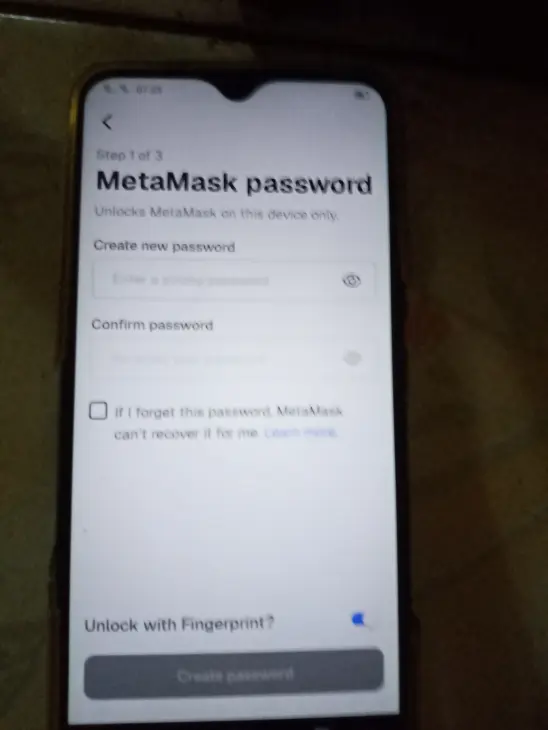
Then, I saw the following screen.
Then you're gonna have to write down the secret phrase the wallet shows you and prove it by choosing the correct phrases in the next step. First, click "get started" in the next opening screen
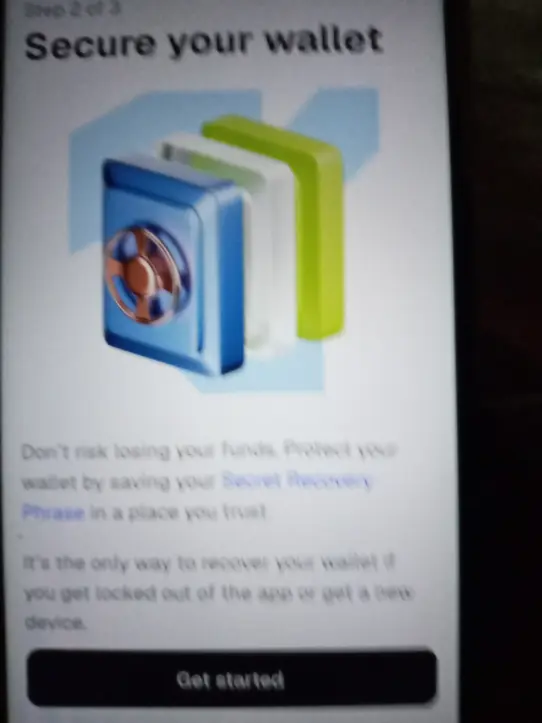
Then it will show your secret phrase, very important:- WRITE IT DOWN! and don't lose it.
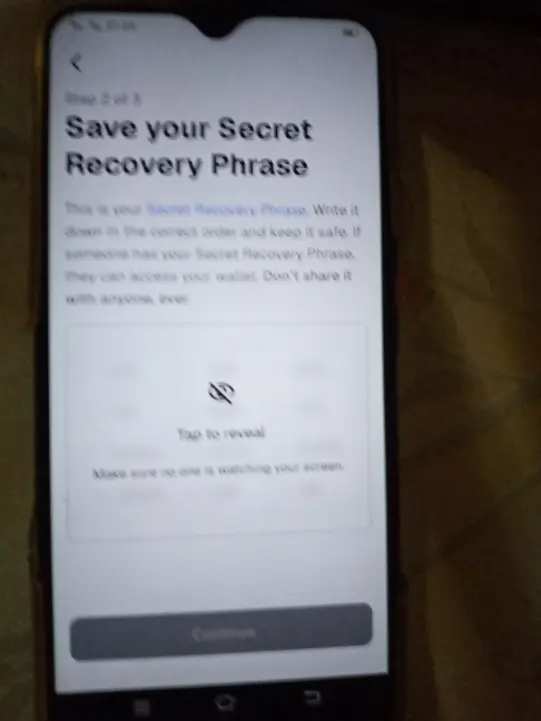
In the next step, you gonna have to go through a simple challenge and prove that you saved(wrote down) your recovery phrase. You simply click on the words on the screen according to your saved recovery phrase. It's a very simple challenge. (Sorry, no clear picture of that to add here) I'm sure you can do it. Then your wallet will be created, and in the next screen, once you click the "done" button, you will see your wallet for the first time..
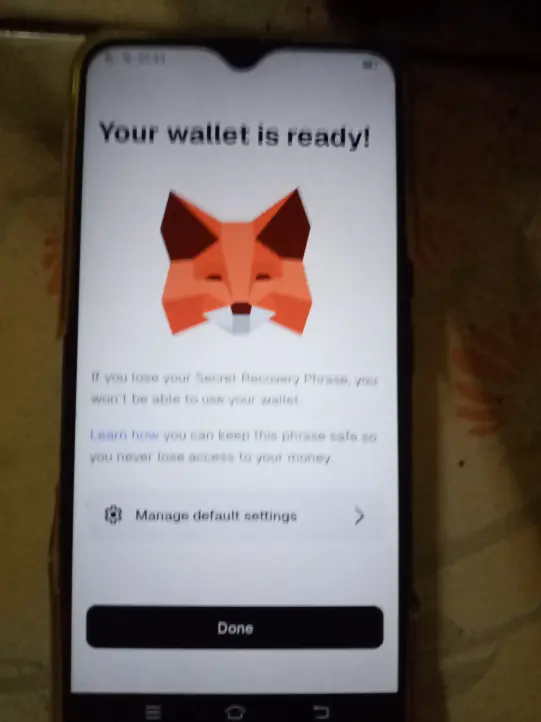
Here's what my new wallet looks like.
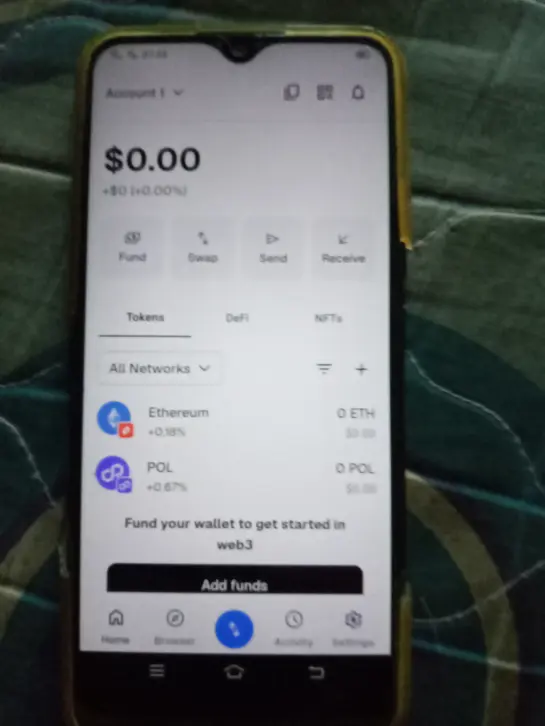
Congratulations. You have created your first MetaMask wallet. But we are not done yet. We have to do some setup to withdraw from Publish0x. It's a lot. I know. But you have to do this only one time, so stick with me.
Adding USDC via the Optimism network in MetaMask Wallet
In the following picture, I will highlight two items. When you click "All Networks," you can choose between different crypto networks. And the "+" button allows you to manually search for networks and different tokens. As you already know, Publish0x sends USDC tokens via the Optimism network. So we're gonna have to manually add that.
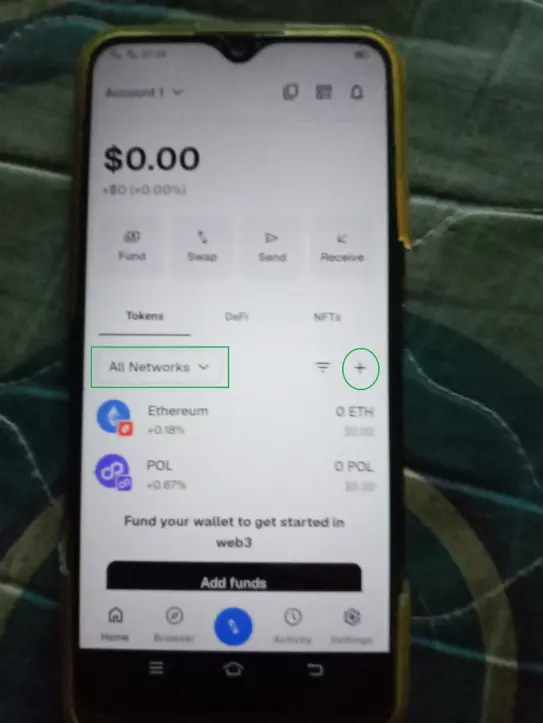
Click the "+" button, and the Import Token menu will open. In that menu, click "custom".
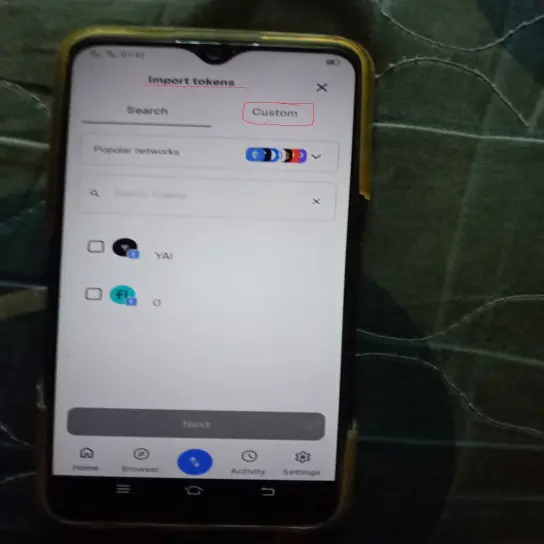
Now, on the opening page, click on the "choose network" drop-down menu and choose the Optimism network. And for the "token contract address", go to OP mainnet explorer and find the USDC contract address. Copy and paste it into the wallet's token contract address field.
Here's a link for that:- https://optimistic.etherscan.io/token/0x0b2c639c533813f4aa9d7837caf62653d097ff85
Now your screen should look like this.
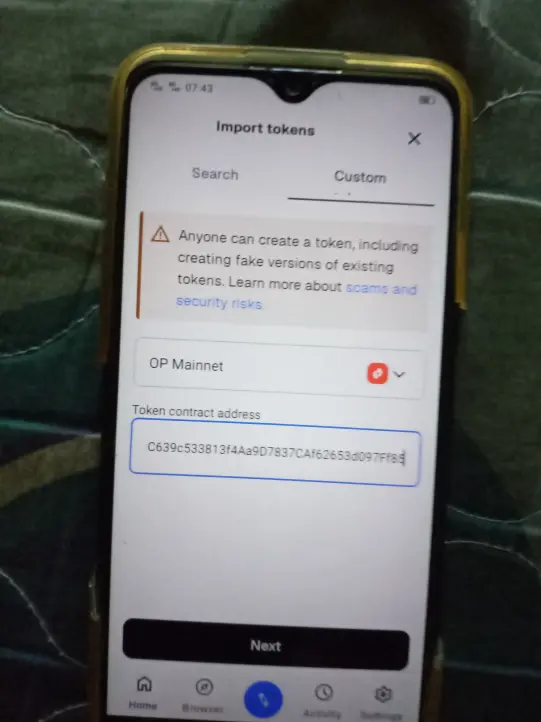
Here, click "Next". Then you will see the following image on your next screen.
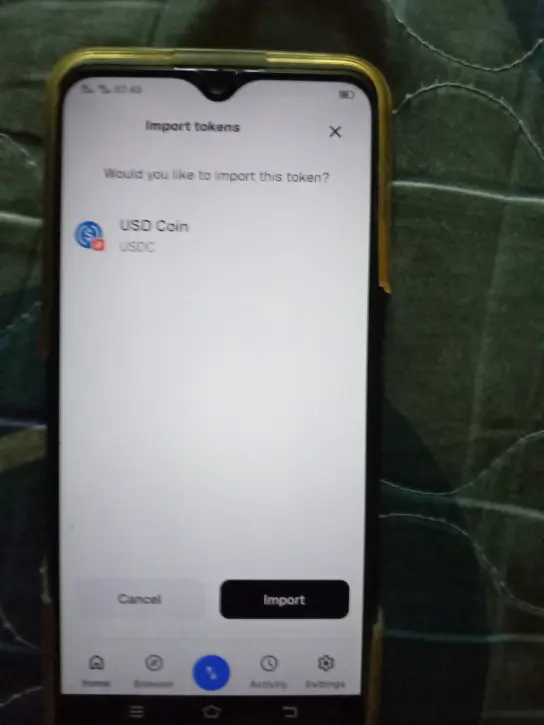
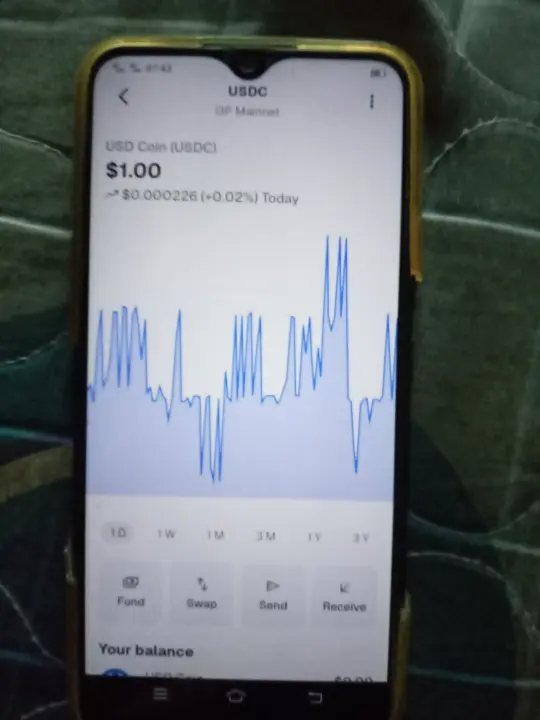
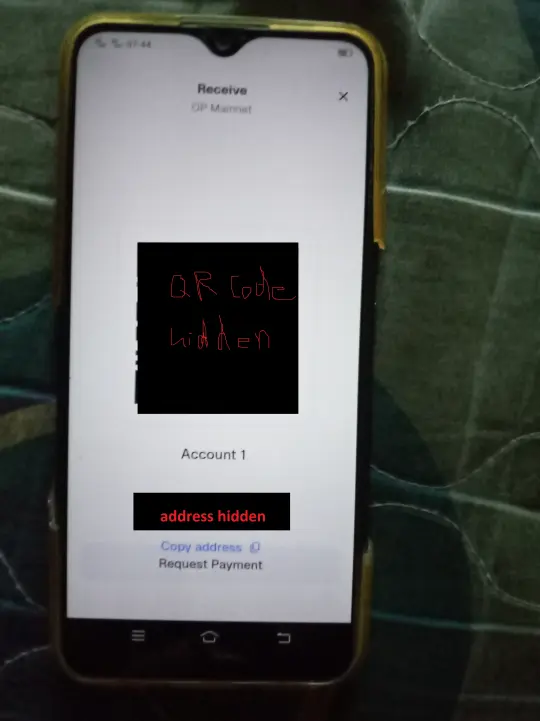
Now click "Import" and USDC will be added to your wallet. Then open your USDC wallet and click "Receive" and copy your USDC address on the OP network.
Withdrawing USDC From Publish0x
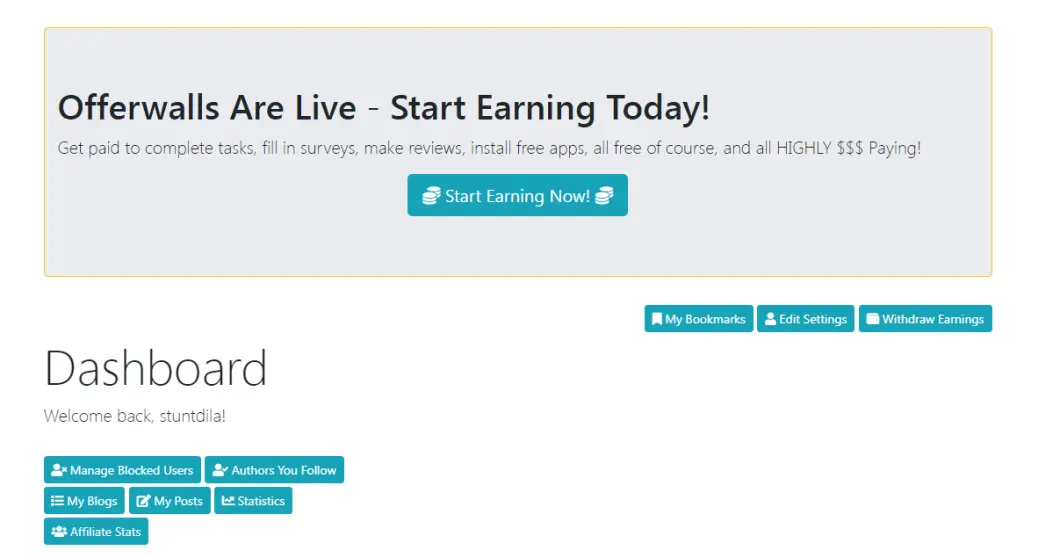
Now we have our own USDC address on OP network. So let's go to Publish0x and log in to our account, and click on the "withdraw earnings" button.
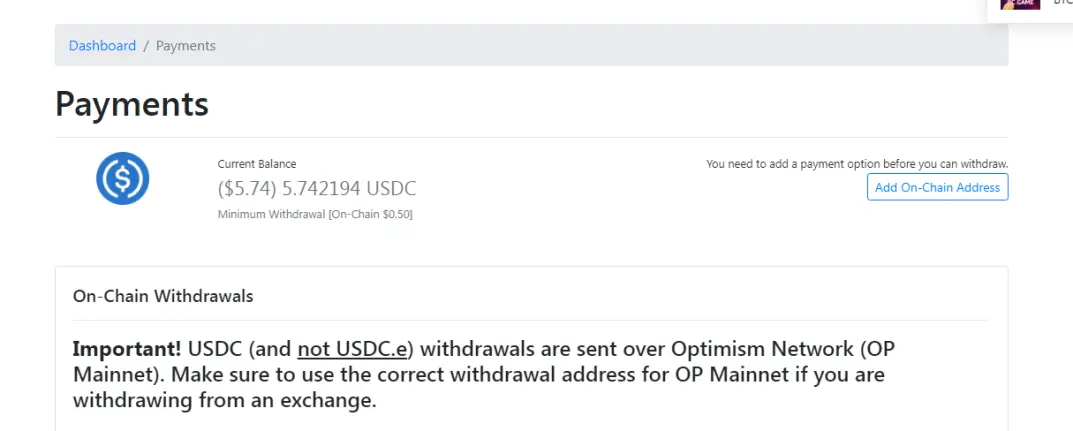
On the next page, click "add on-chain address".
Then, on the next page, paste your USDC address that you copied from your Metamask wallet and click "save".
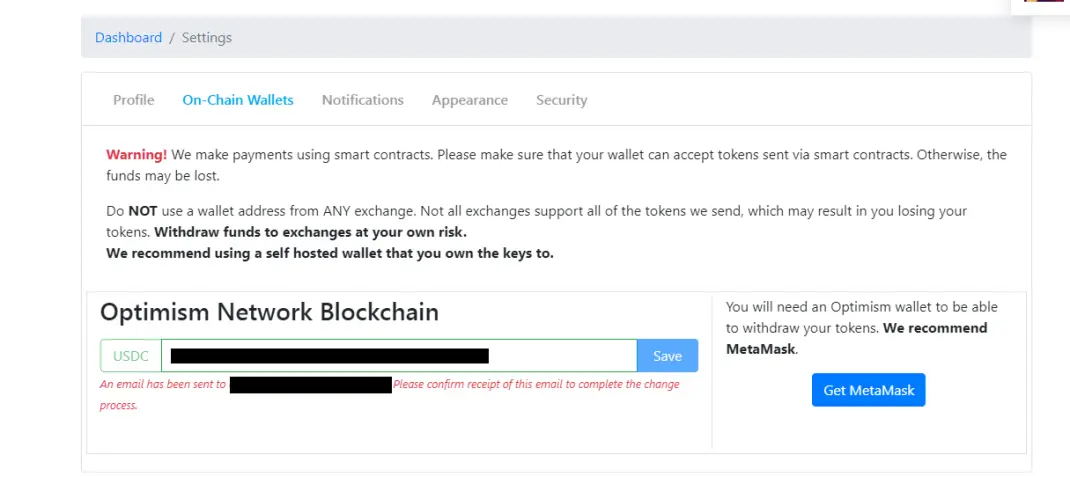
Once you click save, a verification email will be sent to your email address. Open it and confirm the verification. Then the opening website will say "wallet address changed successfully"
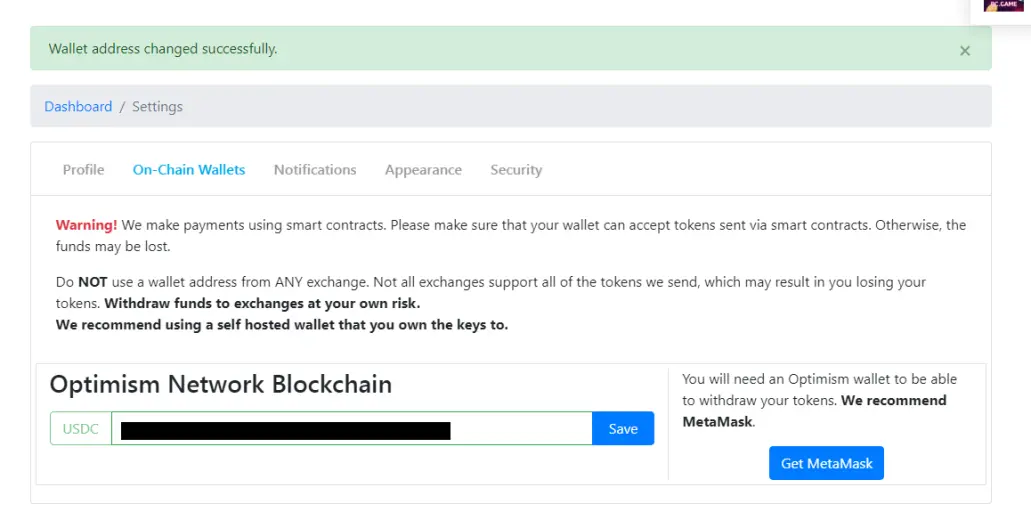
Now go back to your Publish0x profile and click withdraw. Now the withdrawal page will show you a "withdraw" button. Click it.
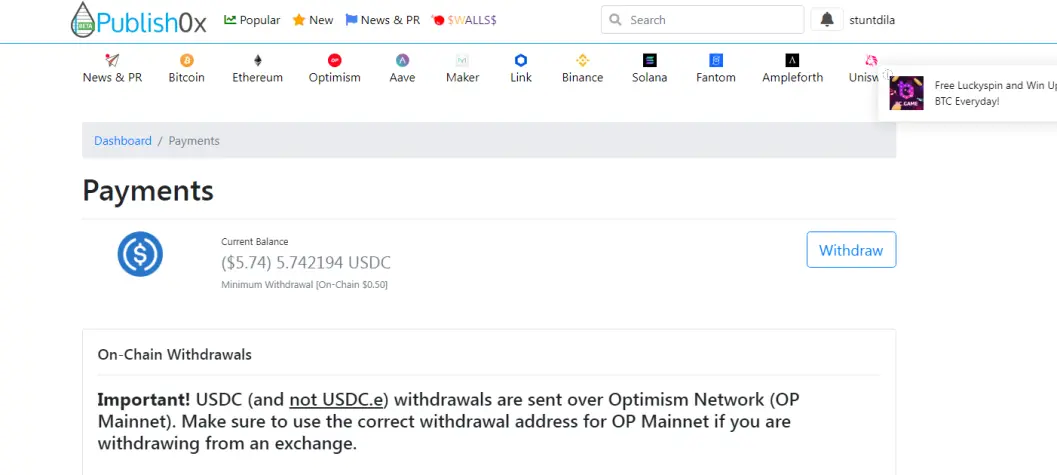
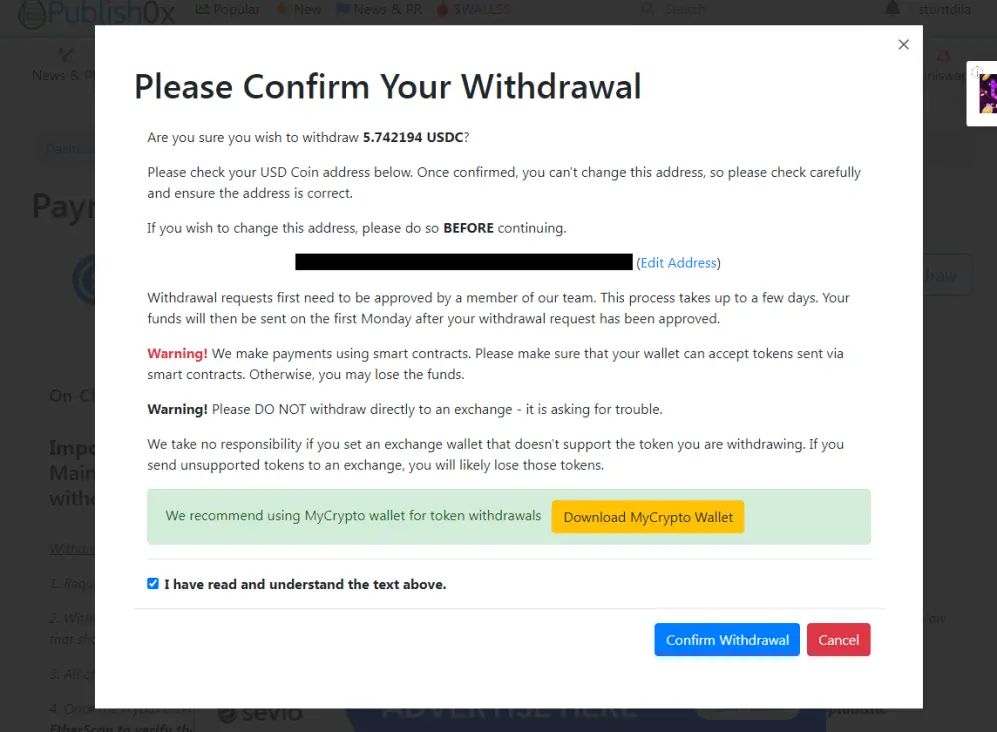
On the next opening page, check if your withdrawal address is correct or not and confirm the withdrawal.
And on the next Monday, I received my payment.
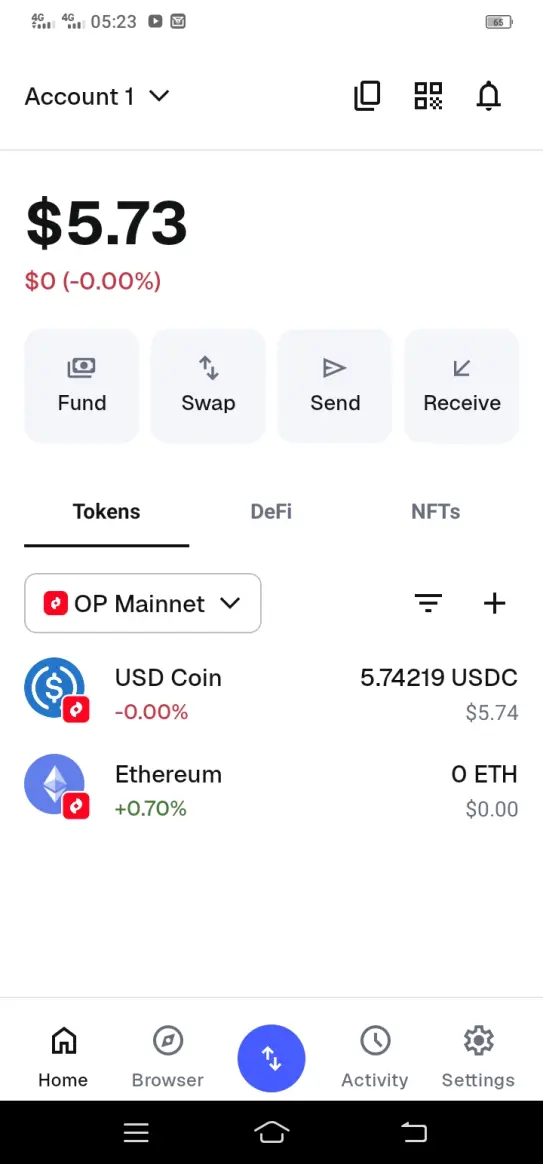
That's how you withdraw your earnings from the Publish0x website to your MetaMask wallet.
Hope you learned something.
Thanks, guys.






