
In this post we consider a simple way to play chess with computer in a Linux terminal.
1. Install stockfish
sudo apt install stockfish
2. Run stockfish
stockfish
3. Start a game with the initial position (you play with whites) and your first move (e2e4)
position startpos moves e2e4
Copy this command because all other moves will be added to it.
4. To see the position on your screen type d and “Enter”
d
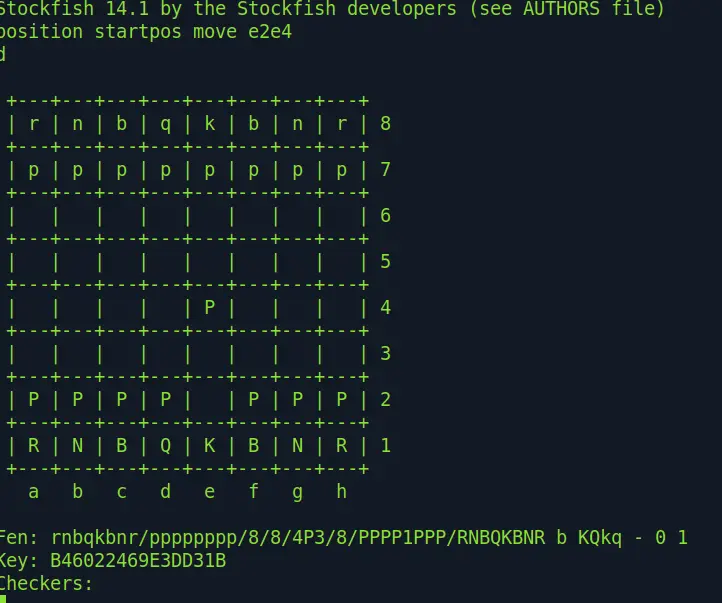
5. Give stockfish time in milliseconds (1000ms = 1 second) to make a decision
go movetime 1000
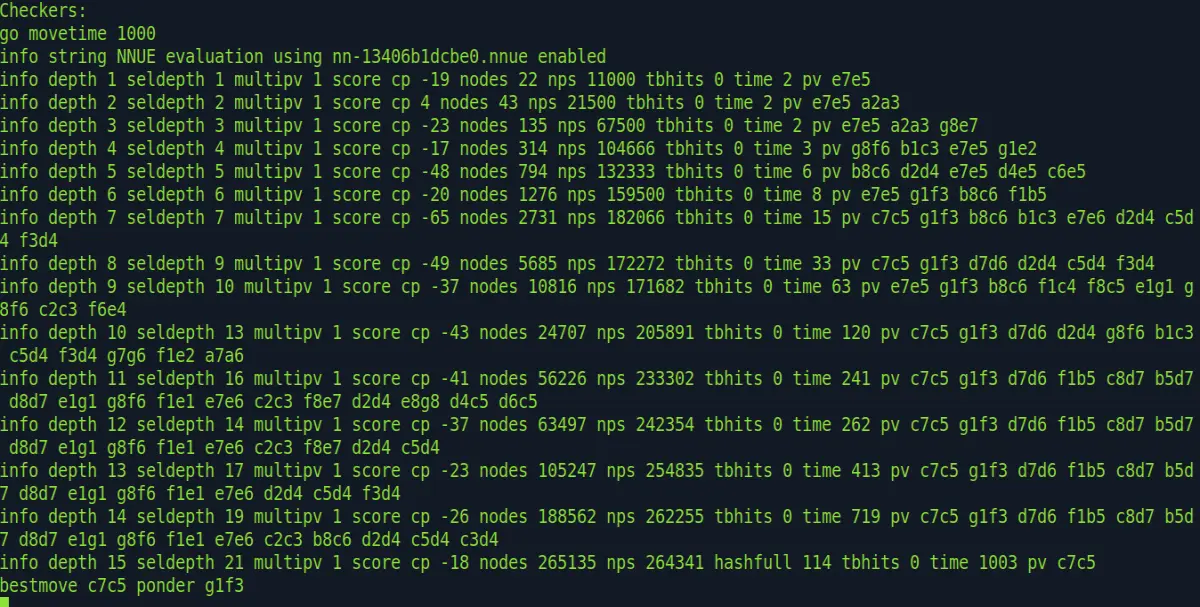
Look at the last line where the best move (c7c5) and the expected from you response (g1f3) are shown
6. Add the move to the command and enter the command
position startpos moves e2e4 c7c6
7. To see the position on your screen type d and “Enter”
d
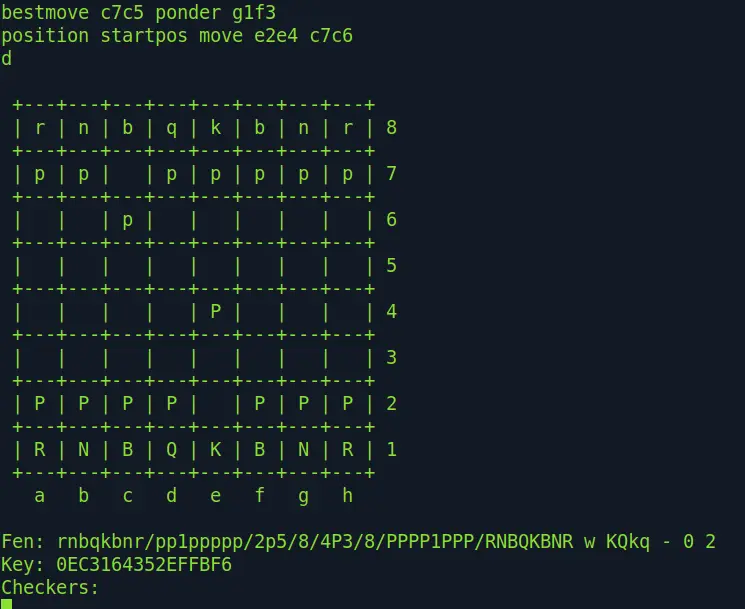
Continue the game until the end.
In the case when you play with blacks you should start with these commands:
position fen “rnbqkbnr/pppppppp/8/8/8/8/PPPPPPPP/RNBQKBNR b Kqkq – 0 1”
go movetime 1000
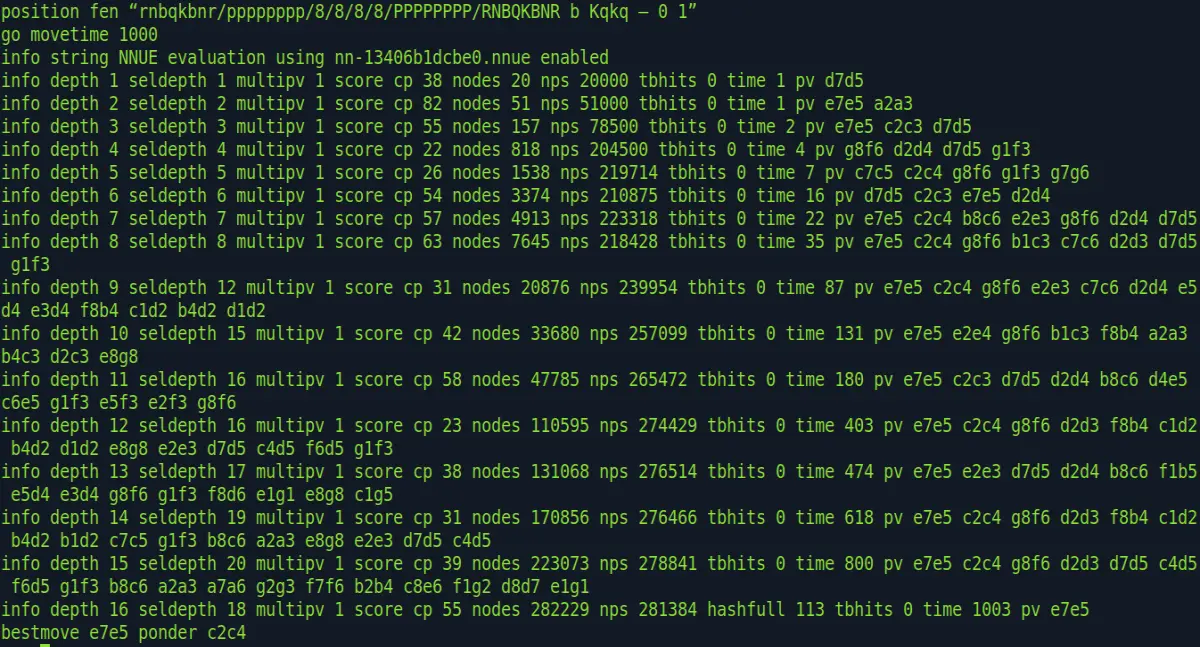
On the last line you see the best move e7e5 and the expected response c2c4
Now, add this move to the command:
position fen “rnbqkbnr/pppppppp/8/8/8/8/PPPPPPPP/RNBQKBNR b Kqkq – 0 1” moves e7e5
and enter d to see the position on your screen.
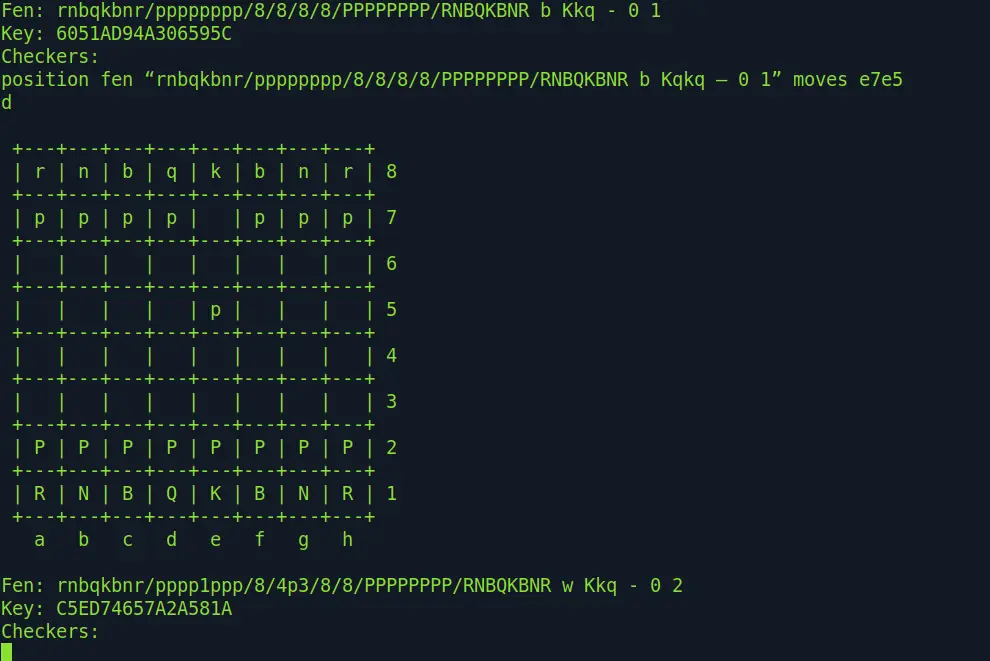
Now, you make your move, for example e2e4
position fen “rnbqkbnr/pppppppp/8/8/8/8/PPPPPPPP/RNBQKBNR b Kqkq – 0 1” moves e7e5 e2e4
and use d command to see the position
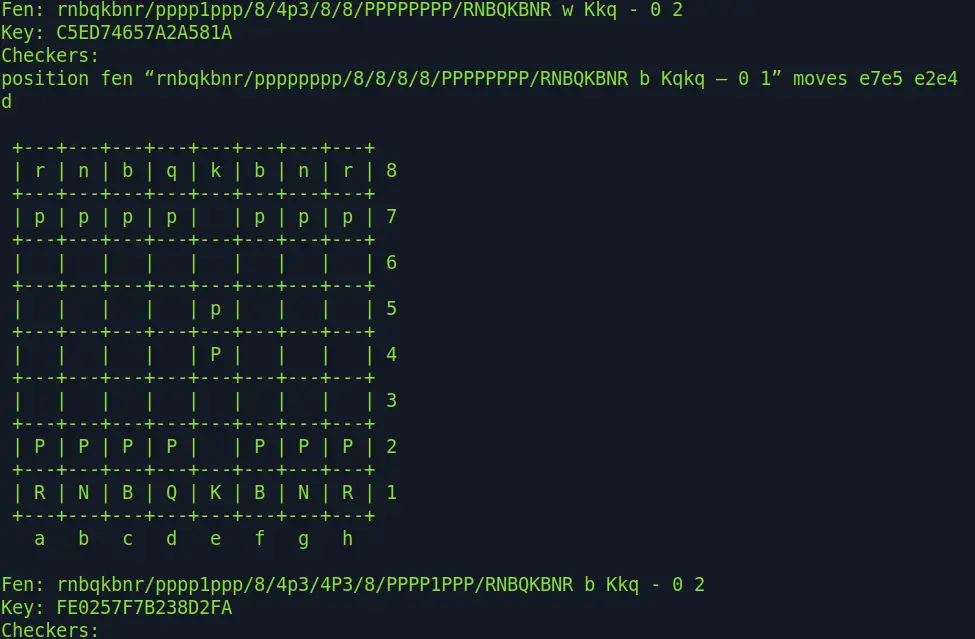
Now, let stockfish to make a move.
go movetime 1000
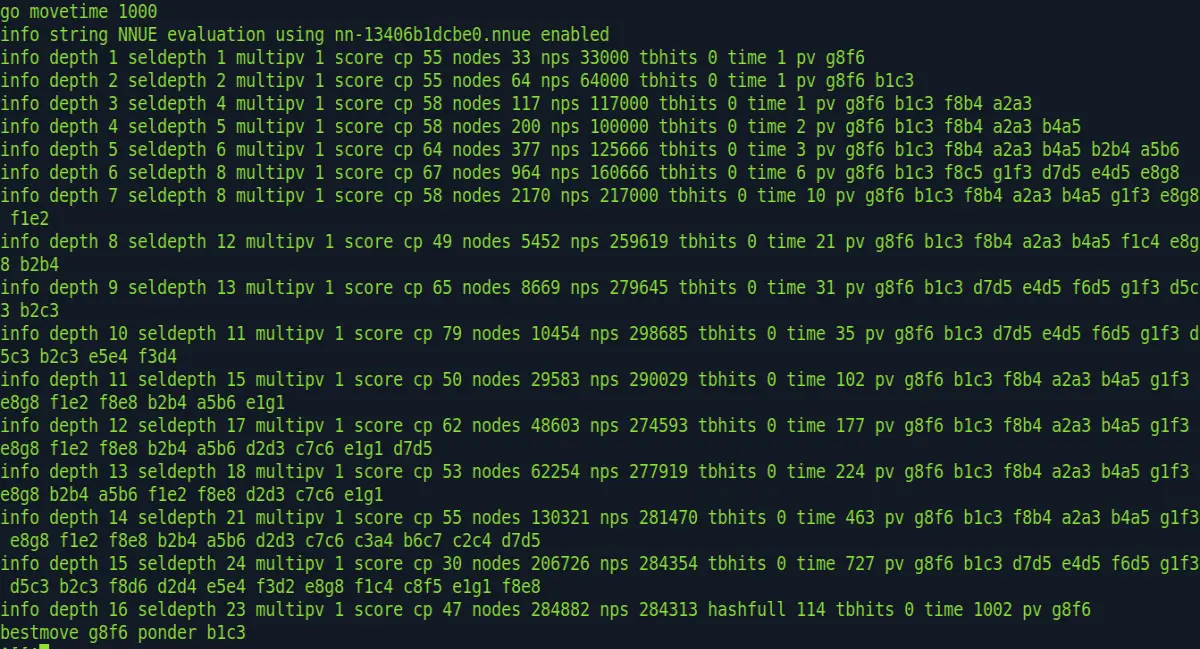
On the last line you see the best move g8f6 and the expected response b1c3
Now, enter this move:
position fen “rnbqkbnr/pppppppp/8/8/8/8/PPPPPPPP/RNBQKBNR b Kqkq – 0 1” moves e7e5 e2e4 g8f6
and use d command to see the position
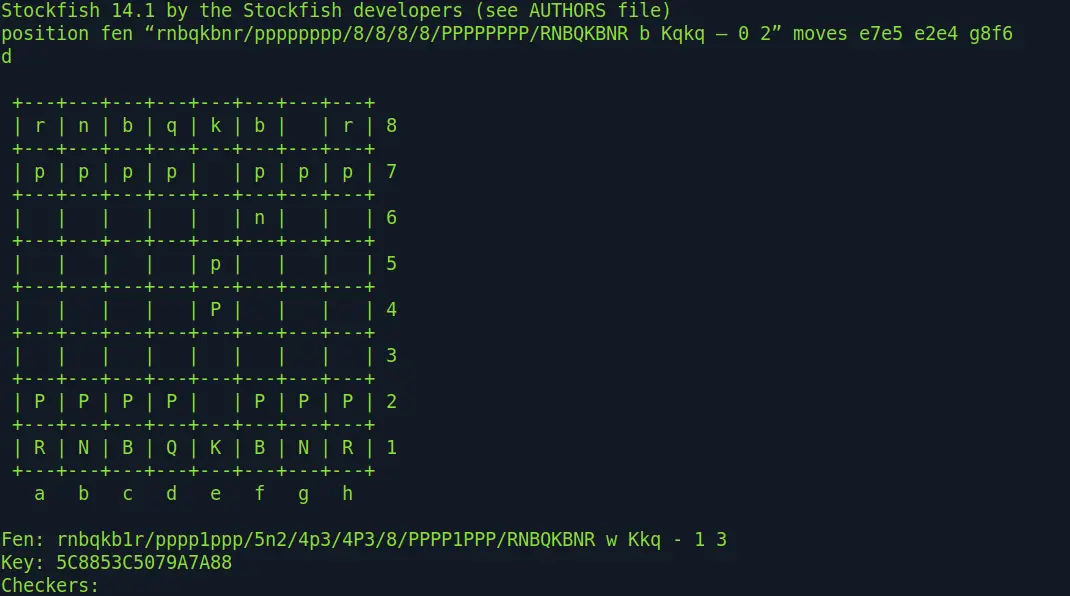
Continue the game until the end.
If you want to increase the game’s difficulty level then increase the time of stockfish’s search for future moves in the “go movetime” command.
You can play with stockfish on other devices and operating systems as well (android, windows, macOS, iOS, etc.). See https://stockfishchess.org and download the required version.





