
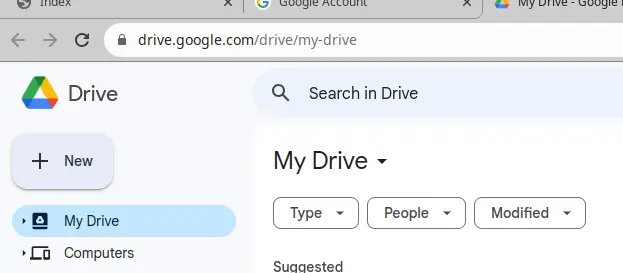
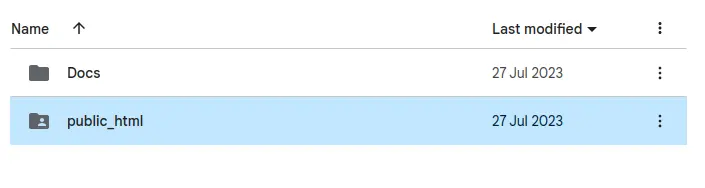
1. Create a new folder in Google Drive or OneDrive, for example “public_html”
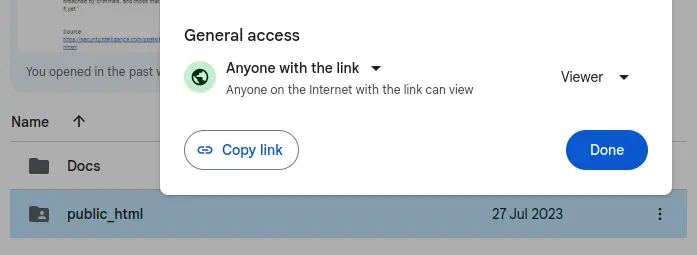
2. Share content of the folder with all users
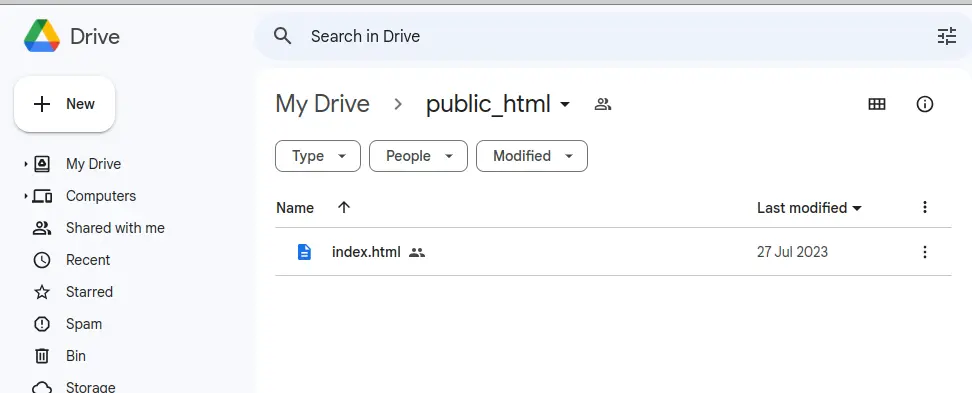
3. Put your static website into the folder
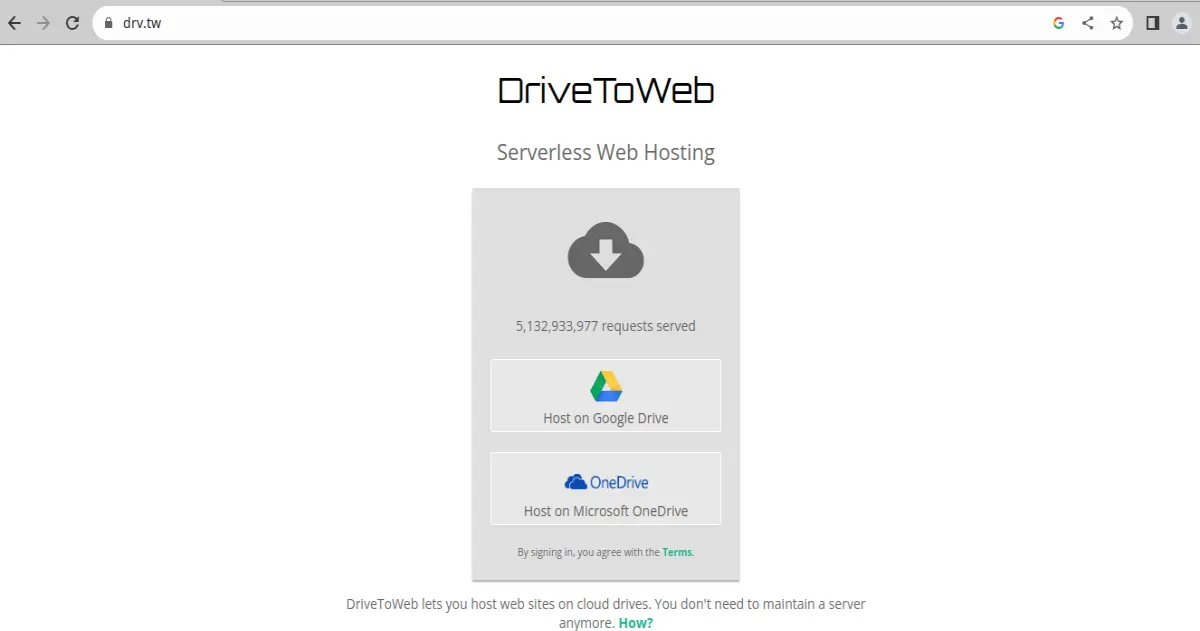
4. Go to drv.tw and login with your Google or OneDrive account. It asks you to allow access to the folder.
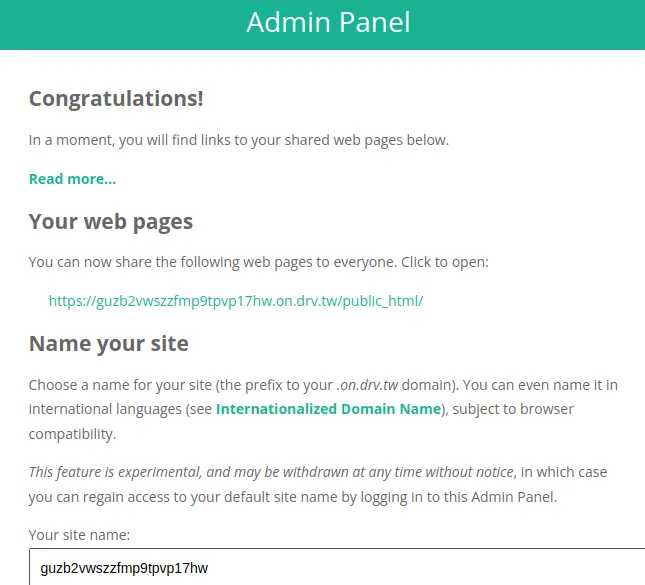
5. Select a randomly generated link from which your site can be accessed on internet
If you have a domain name you want to use for this site you can use web forwarding (see https://docs.gandi.net/en/domain_names/common_operations/web_forwarding.html
)






