There’s most likely other routes to take, but I’m going to show the best and easiest way I know how to do this.
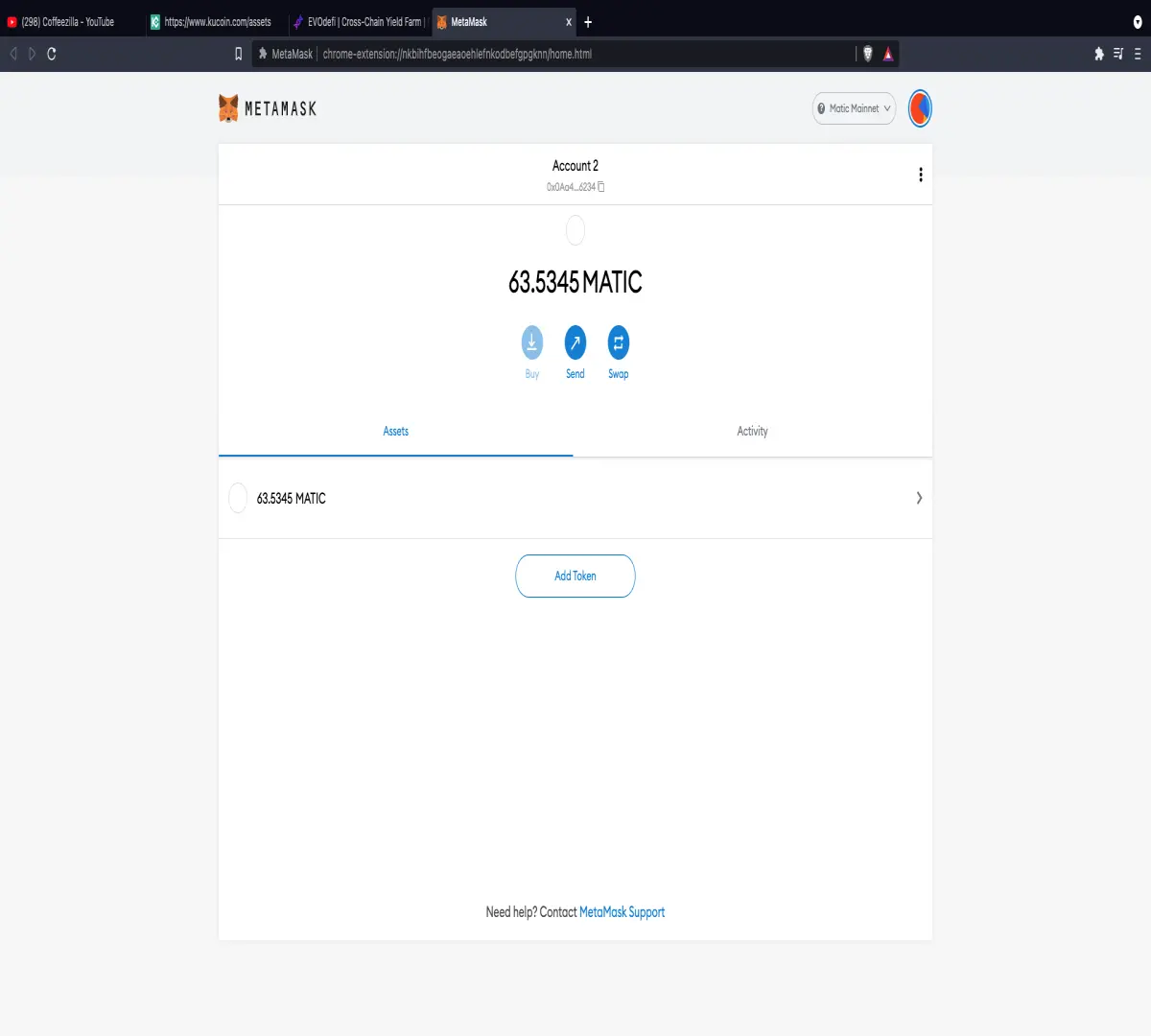
This is how Matic will look in your Metamask account once it gets sent.
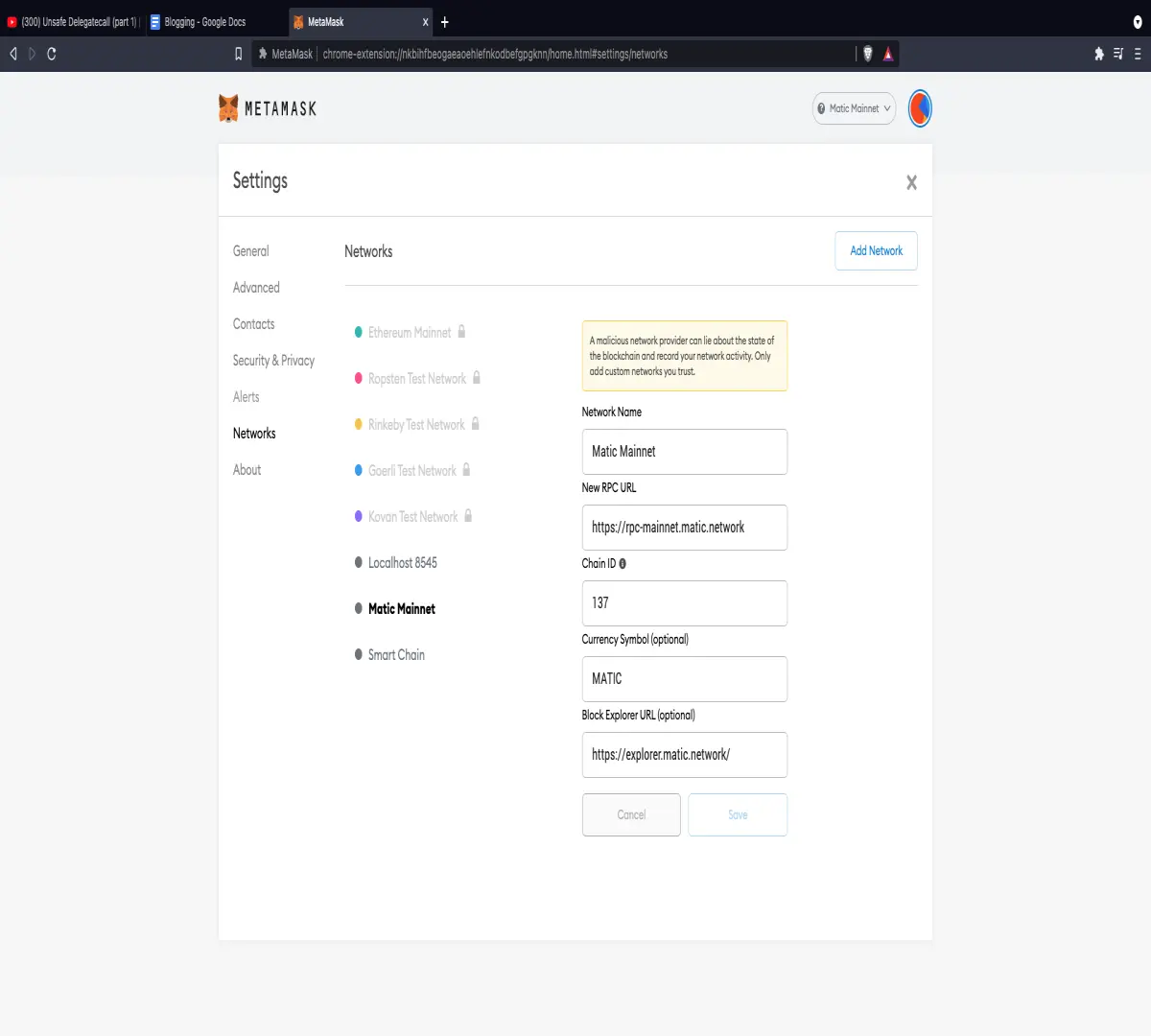
Go to the three bars on the top right and go down to the “Settings” button. Go down to “Networks” and go to “Add Network” at the top right. Then, put in this information on the picture to add the Matic Network onto your Metamask account.

One way I know you can bridge your funds from one Network to Matic is through “bridge.evodefi.com.” This may be good for someone who already has used Matic on the mainnet. However, the problem is that when you use this bridge as a first time user, they only give you .001 Matic to use for gas fees. While they may have been good when the Matic network was first being used, you can no longer get around with that much Matic. Only use this bridge if you already have enough Matic on the mainnet to get around for gas fees.
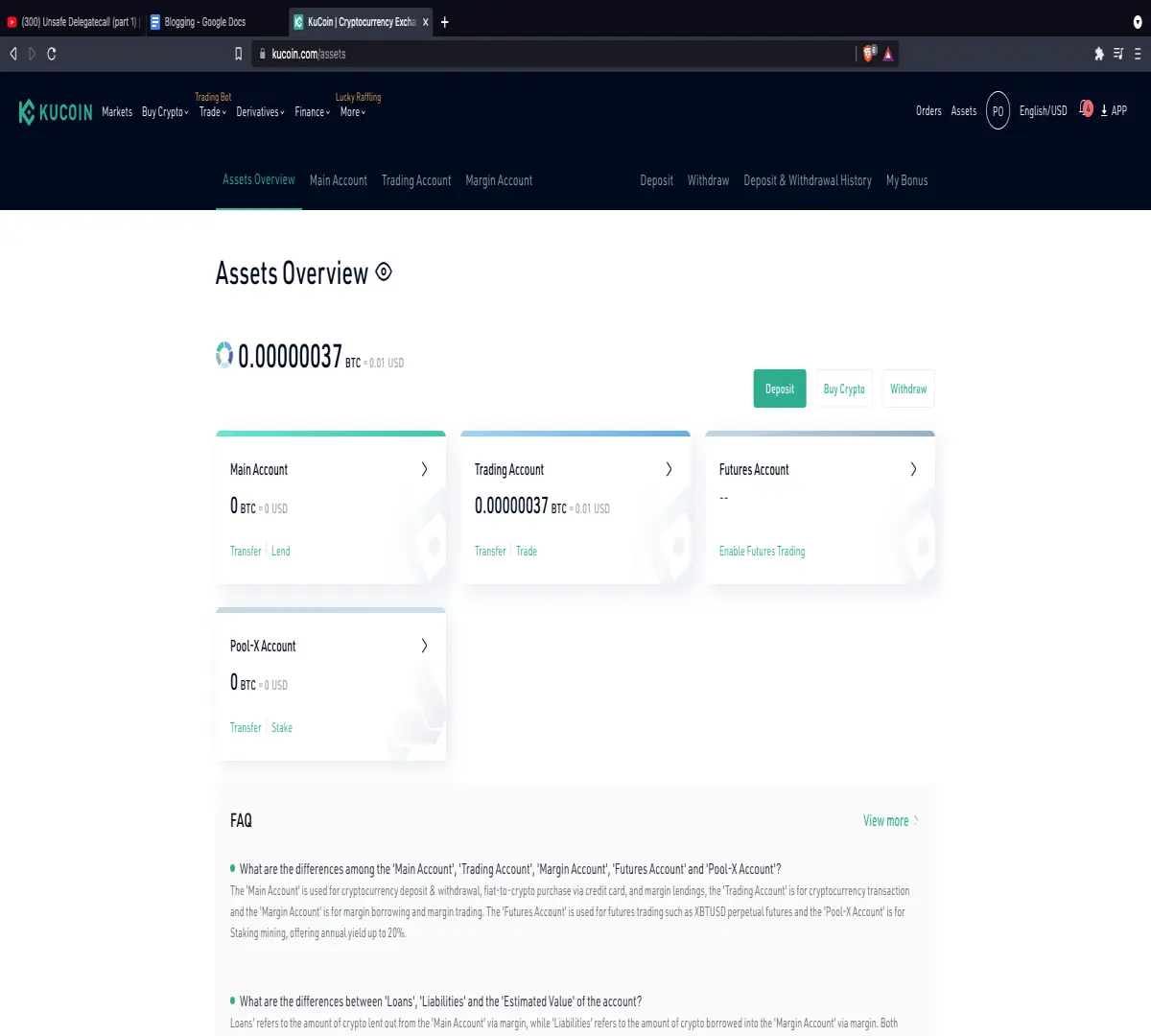
Kucoin is the route I would suggest as a first time user on the Matic Mainnet. This is the menu you will see when you go on your Kucoin account.
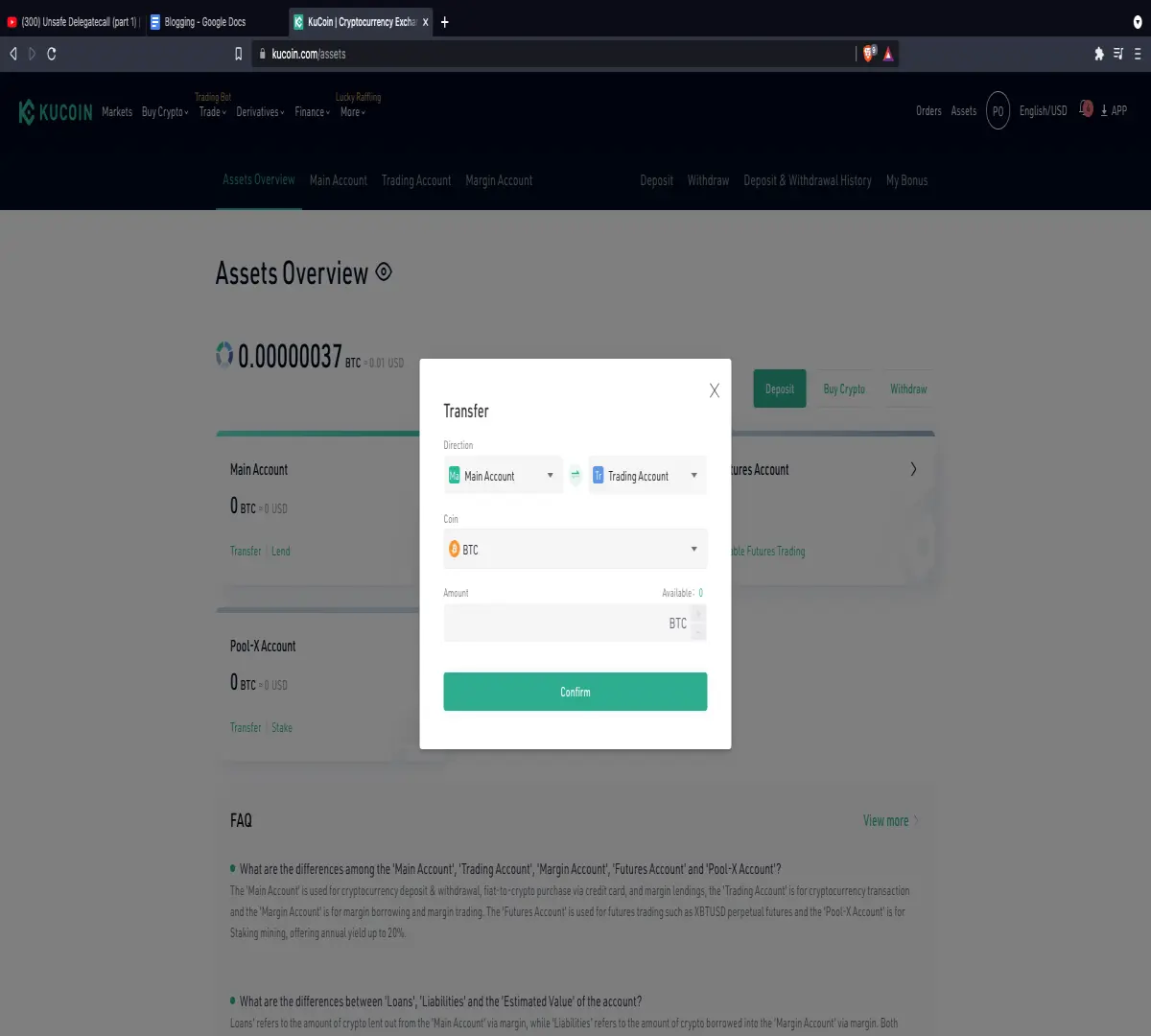
Suggesting that you have funds that are NOT Matic on your “Main Account”, transfer those funds on to the “Trading Account” so that you can begin the process of converting your token to Matic.
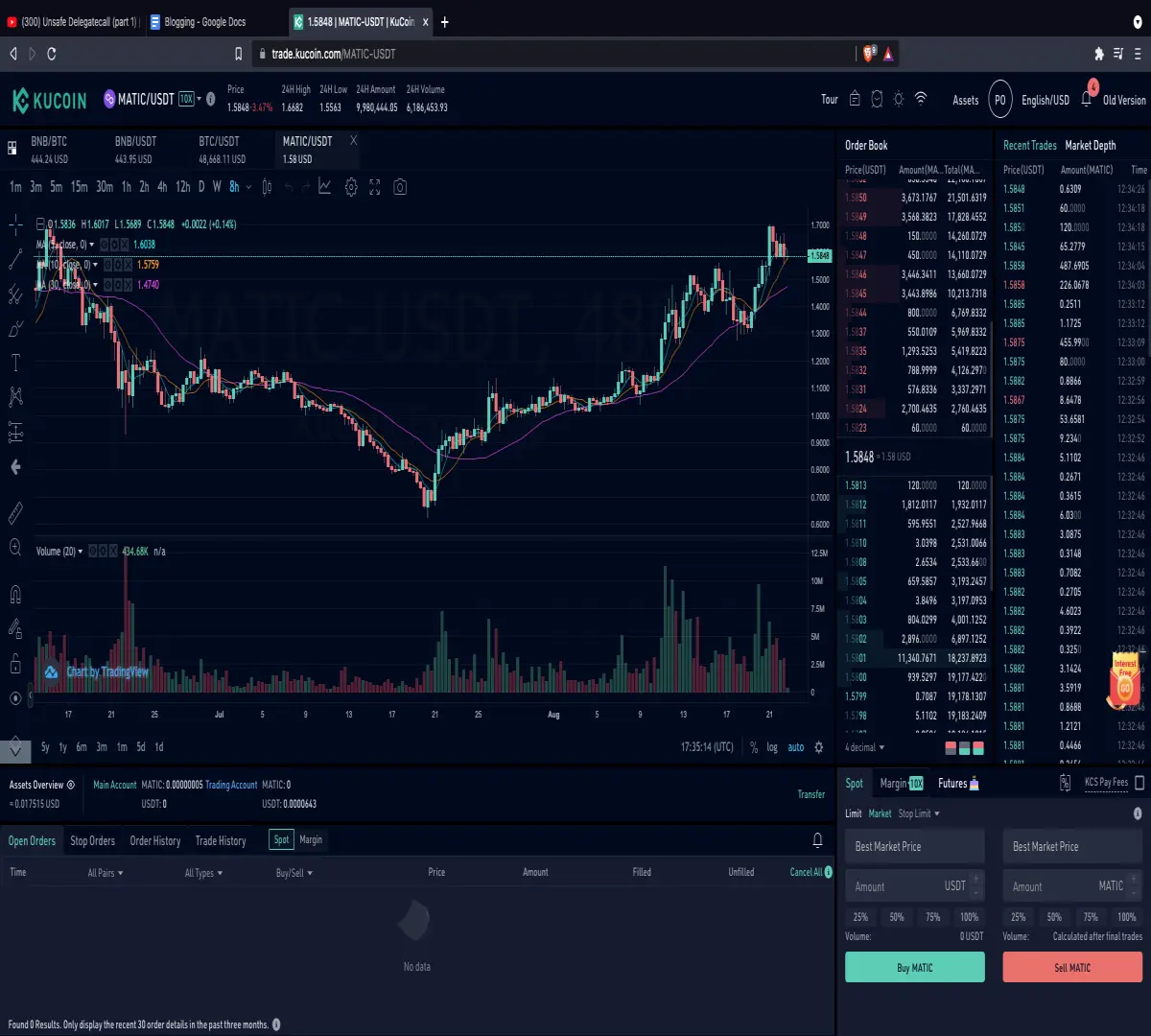
On Kucoin, go to the “Markets” tab and whatever token you have, convert it into USDT. Then go to the Matic/USDT trading pair and hit the “Buy Matic” button. Make sure that during the process of converting your token to USDT and then to Matic that you’re always doing a Market order and not any type of Limit order.
Go back to your “Assets Overview” and transfer your Matic from “Main Account” to the “Trading Account.”
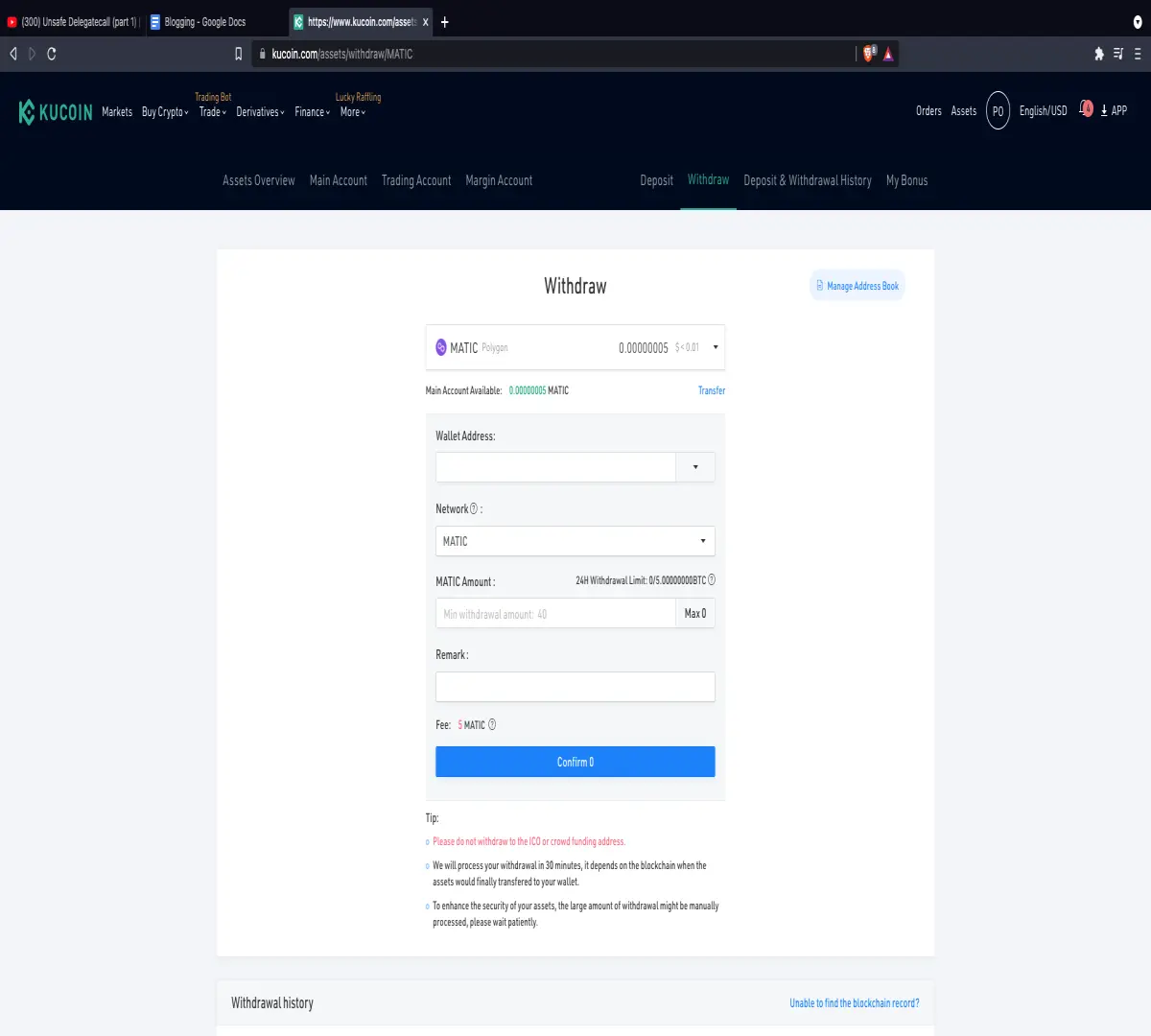
Go to the “Withdraw” tab and put in your Metmask public address in the “Wallet Address.” On the Network tab, make sure it says Matic and NOT ERC20. Type in the Matic amount you want to send and then hit withdraw. Make sure you have at least 50 Matic to meet the minimum withdrawal requirements and the fees.
You should see your Matic amount update on your Metamask account ON the Matic Mainnet.






