What you need to start?
1. VPS (i suggest using these provider: Vultr/Contabo)
2. Terminal (t'm using termius on my video).
3. FileZilla (or any other SFTP)
How To Start?
1. Login to your vps using Terminal/Putty/Termius
2. follow and use command below:
sudo apt install pkg-config curl git build-essential libssl-dev libclang-dev screen
curl --proto '=https' --tlsv1.2 -sSf https://sh.rustup.rs | sh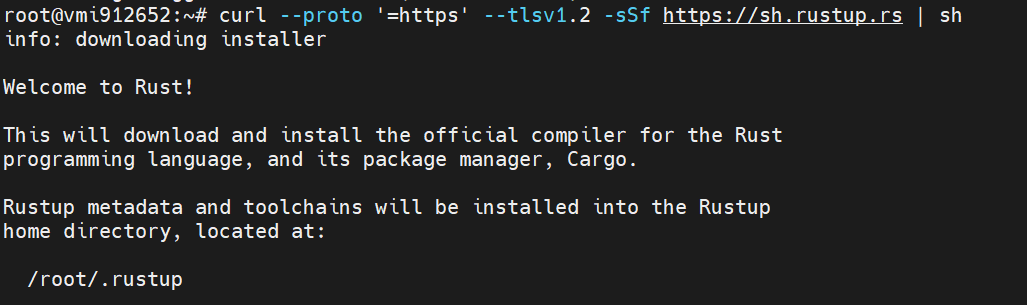
source $HOME/.cargo/envIf success, you should see this on your screen: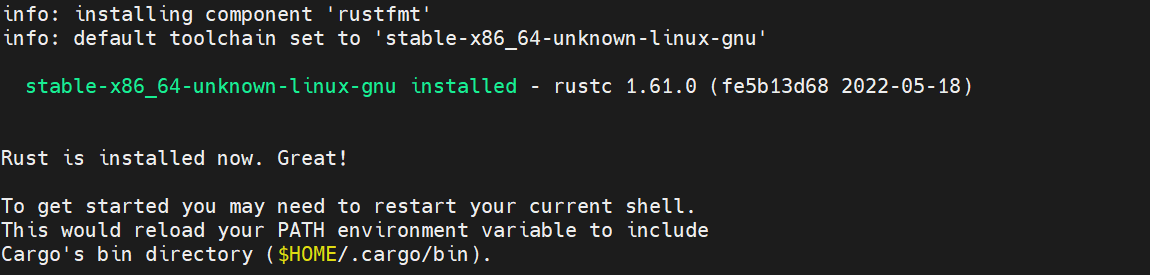
check rust version using command below
rustc --version
rustup toolchain install nightly-2022-07-09
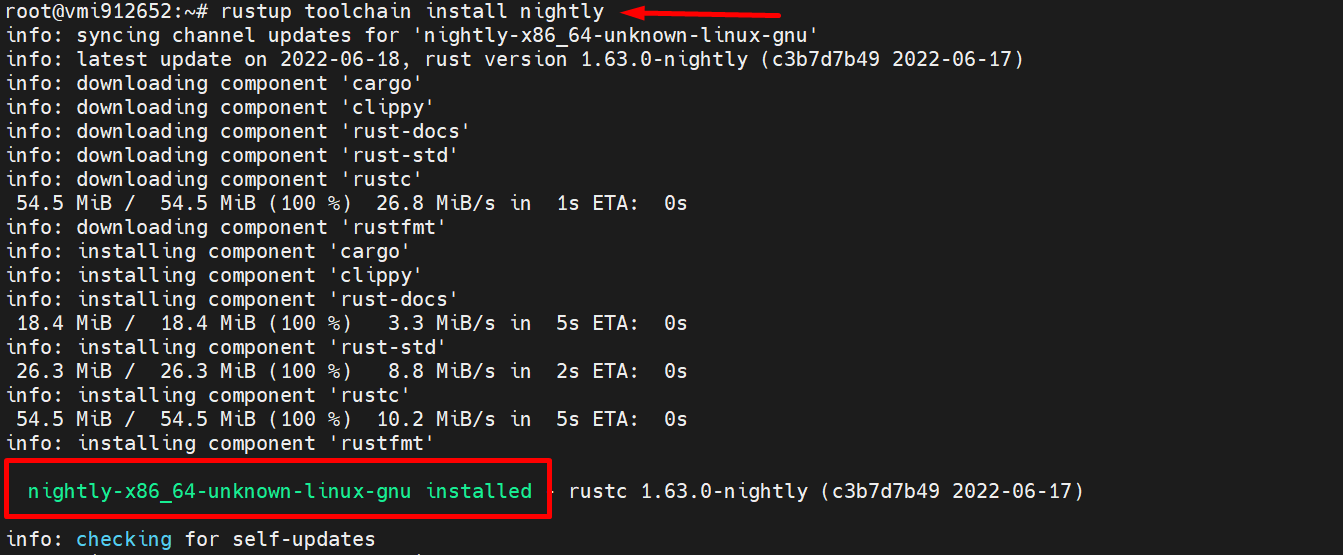
setting up rust nightly
rustup default nightly-2022-07-09clone Massa from github
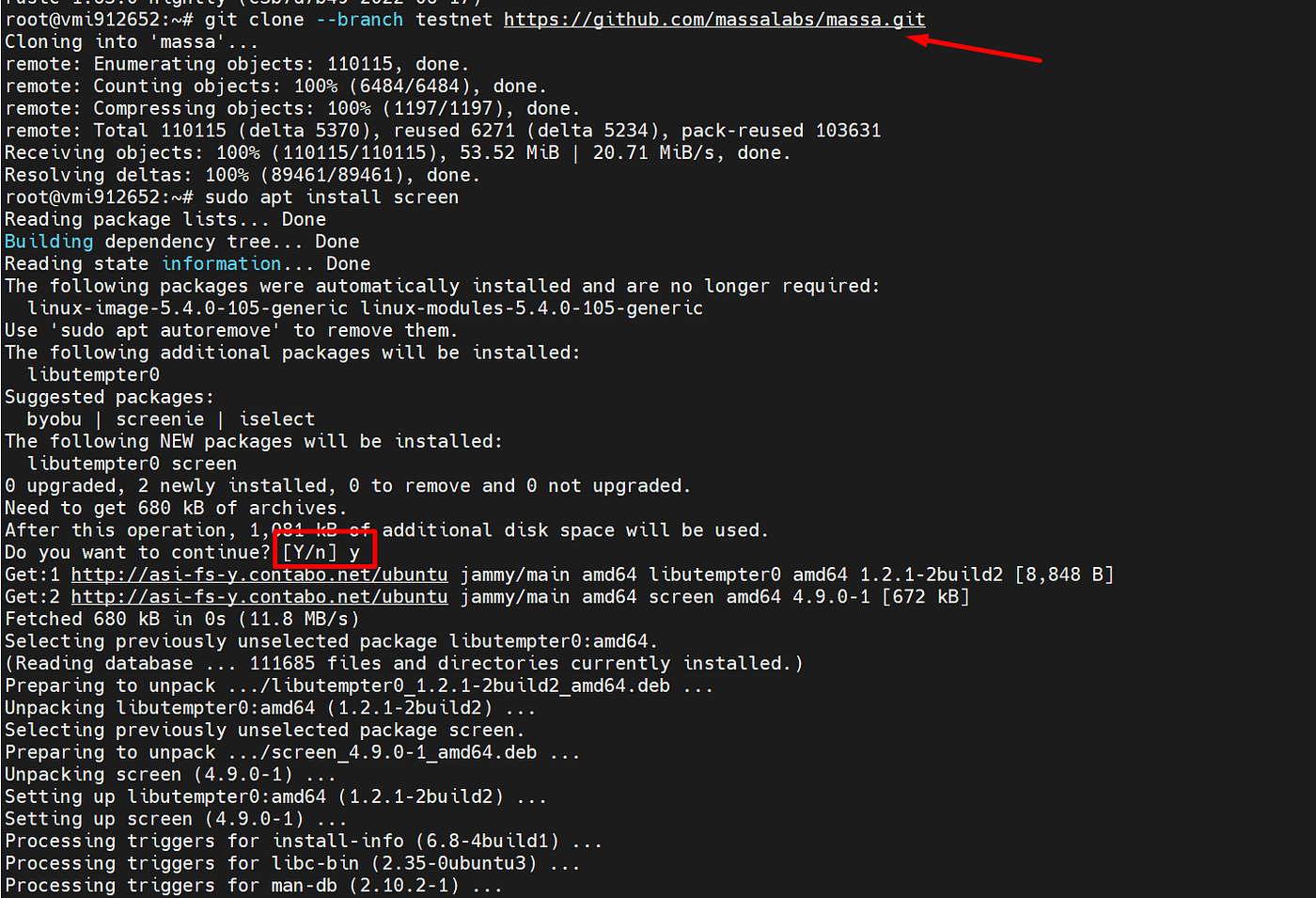
git clone --branch testnet https://github.com/massalabs/massa.git**select yes / y
Open port for node communication
ufw allow 31244 && ufw allow 31245Next step we are going to make a bootstrap.
connect using SFTP to your node to make it easy.
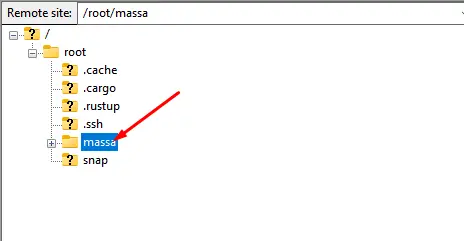
Open folder "massa" on your root directory.
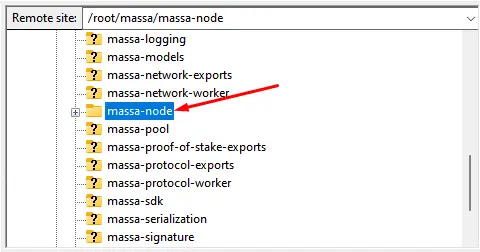
Go To massa-node
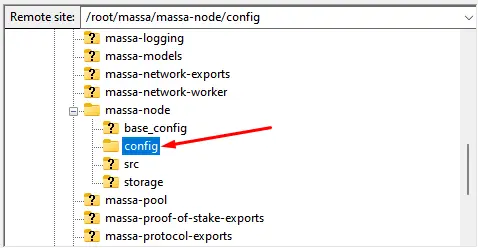
And open config folder.
inside config folder, create new file (right click, choose create new file) and rename it to "config.toml"
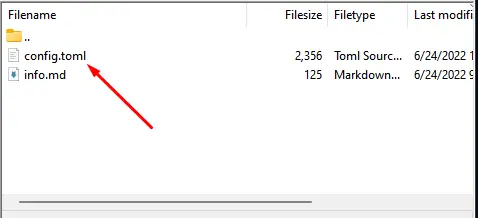
and paste code below into the file:
[network]
routable_ip = " YOUR_IP "
# SUBSCRIBE TO https://Youtube.com/c/PramonoUtomo for more testnet :)
# list of bootstrap (159.223.59.48, xMH7JJ467UaMkPY2XdnE3zzkSjZ2wAXhhicmUYmpp5DUpiBfp)
[bootstrap]
bootstrap_list = [["158.69.120.215:31245", "P12rPDBmpnpnbECeAKDjbmeR19dYjAUwyLzsa8wmYJnkXLCNF28E"],
	["158.69.23.120:31245", "P1XxexKa3XNzvmakNmPawqFrE9Z2NFhfq1AhvV1Qx4zXq5p1Bp9"],
	["198.27.74.5:31245", "P1qxuqNnx9kyAMYxUfsYiv2gQd5viiBX126SzzexEdbbWd2vQKu"],
	["51.75.60.228:31245", "P13Ykon8Zo73PTKMruLViMMtE2rEG646JQ4sCcee2DnopmVM3P5"],
	["149.202.86.103:31245", "P12UbyLJDS7zimGWf3LTHe8hYY67RdLke1iDRZqJbQQLHQSKPW8j"],
	["54.36.174.177:31245", "P1gEdBVEbRFbBxBtrjcTDDK9JPbJFDay27uiJRE3vmbFAFDKNh7"],
	["149.202.89.125:31245", "P12vxrYTQzS5TRzxLfFNYxn6PyEsphKWkdqx2mVfEuvJ9sPF43uq"],
	["198.27.74.52:31245", "P1hdgsVsd4zkNp8cF1rdqqG6JPRQasAmx12QgJaJHBHFU1fRHEH"],
	["141.94.218.103:31245", "P1VRyXjUaHeJd4Rmr3waVmpZDFzzH5ARRi3f5ye5BYgxBmxHC7X"]]
YOUR_SERVER_IP_HERE = Your VPS IP. (please change it to your own IP) ~
Create new screen called "massa"
screen -S massaRun massa node
cd massa/massa-node/

RUST_BACKTRACE=full cargo run --release -- -p <YOURPASSWORD> |& tee logs.txt
**change the <YOURPASSWORD> to any password you want.
This will need time to make your nodes running like images below
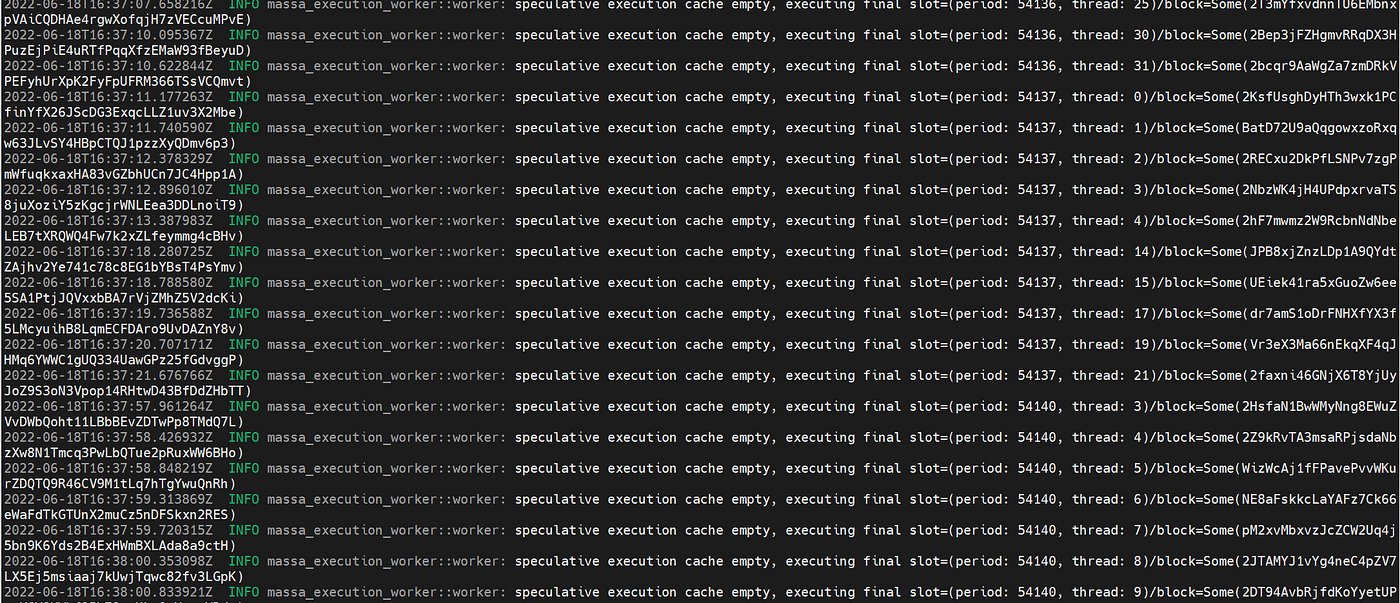
[press CTRL+A+D to minimize the screen
move to massa client folder
cd /root/massa/massa-client/
run massa client
cargo run --release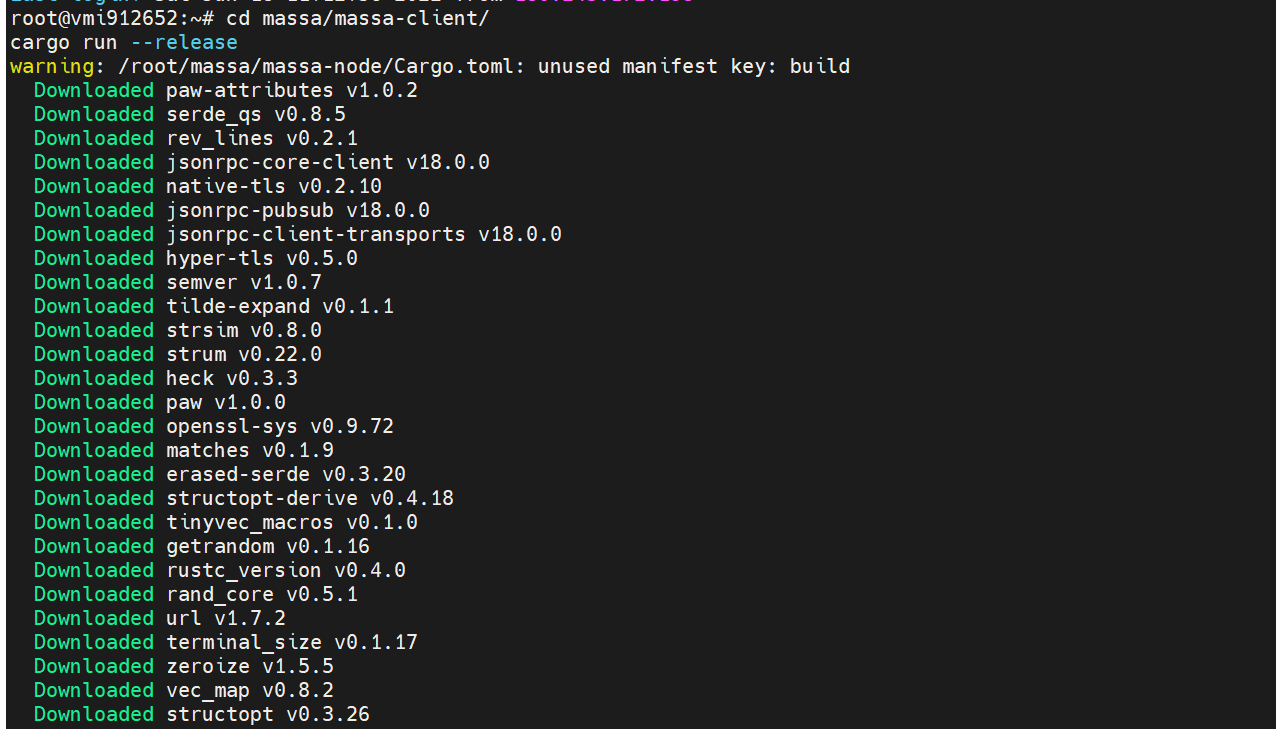
wait till you got somekind like images below
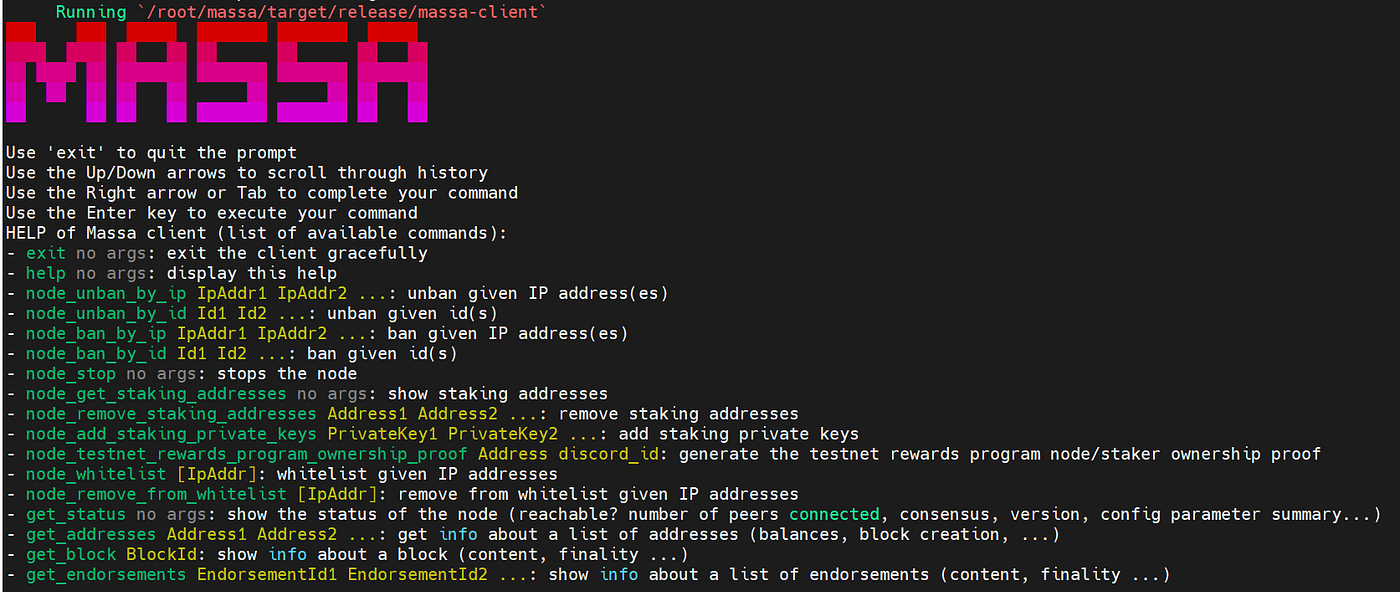
Create new private key:
wallet_generate_secret_keyView wallet created
wallet_info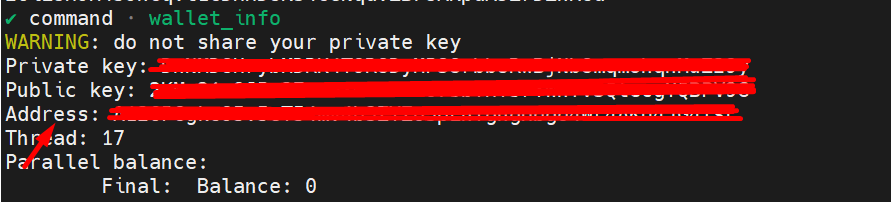
Save all your data, you'll need this later.
Next step, we'll move to discord to claim some testnet tokens.
Join Massa Lab Discord: https://discord.gg/massa
Claim faucet on #testnet-faucet
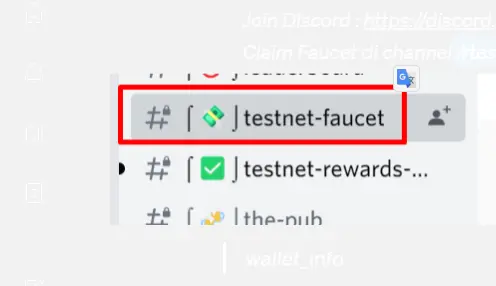
Simply enter your address to claim on faucet channel.
Check again your balance
wallet_infoMake sure your port are opened. So you're qualified to join the testnet
Go to https://www.yougetsignal.com/tools/open-ports/
and enter your vps ip there.including the port 31244 & 31245.
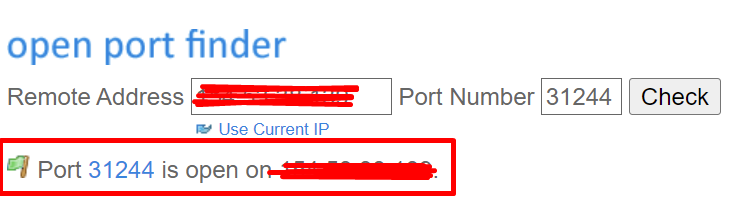
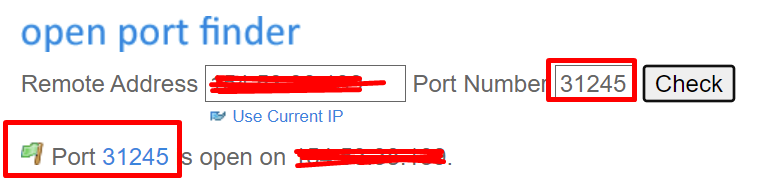
Go back to your terminal (massa client)
Buy Rols
buy_rolls (insert your wallet address) 1 0Add Staking
node_add_staking_secret_keys (YOUR_PRIVATE_KEY)Check again your wallet to check your rols
wallet_info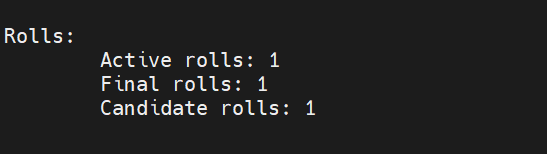
Then last step is register your IP to the massa bot and verify
DM MassaBot on #testnet-rewards-registration (on discord), just send your vps ip.
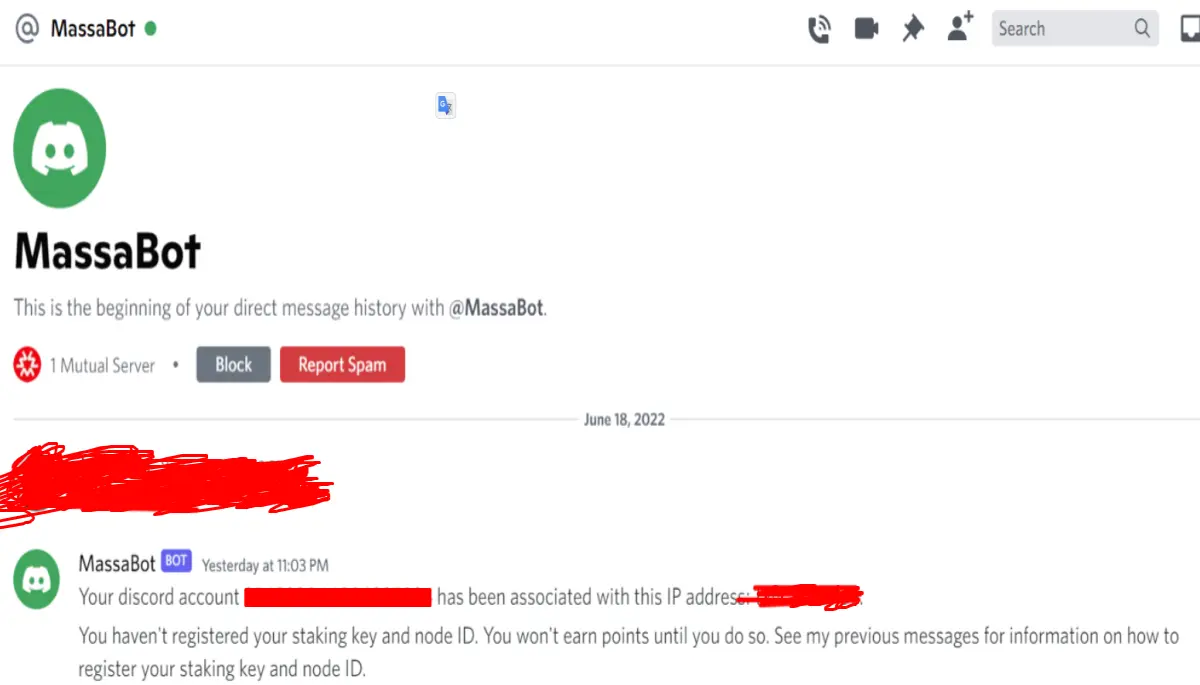
Go back to your terminal
node_testnet_rewards_program_ownership_proof Address (your discord account id)You'll receive some verification hash. Copy it and send to MassaBot.
You can also check your node score on MassBot by sending "info".
Thanks to JustinRzx from BeritaCryptoo for creating first tutorial in bahasa indonesia. i have modify some error on code, changing some step and translate it to english :)
================
join @codeblocklabs on telegram https://t.me/codeblocklabs
subscribe to my channel https://youtube.com/c/PramonoUtomo
================






