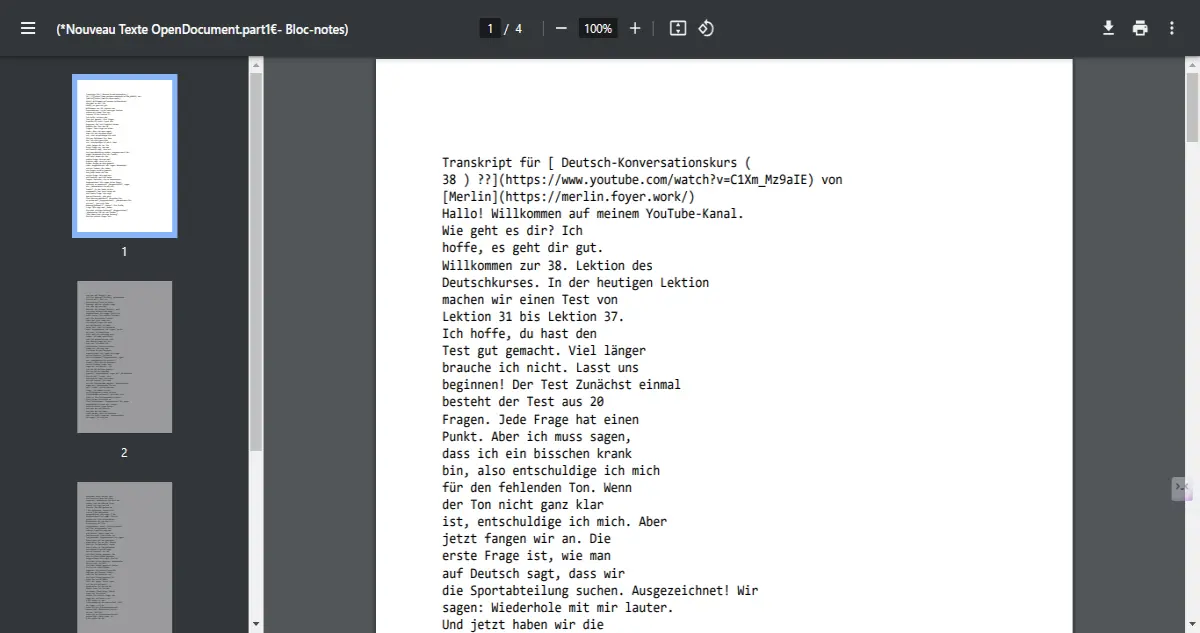
Hello,
If you see this transcript from Merlin it has an awful view.
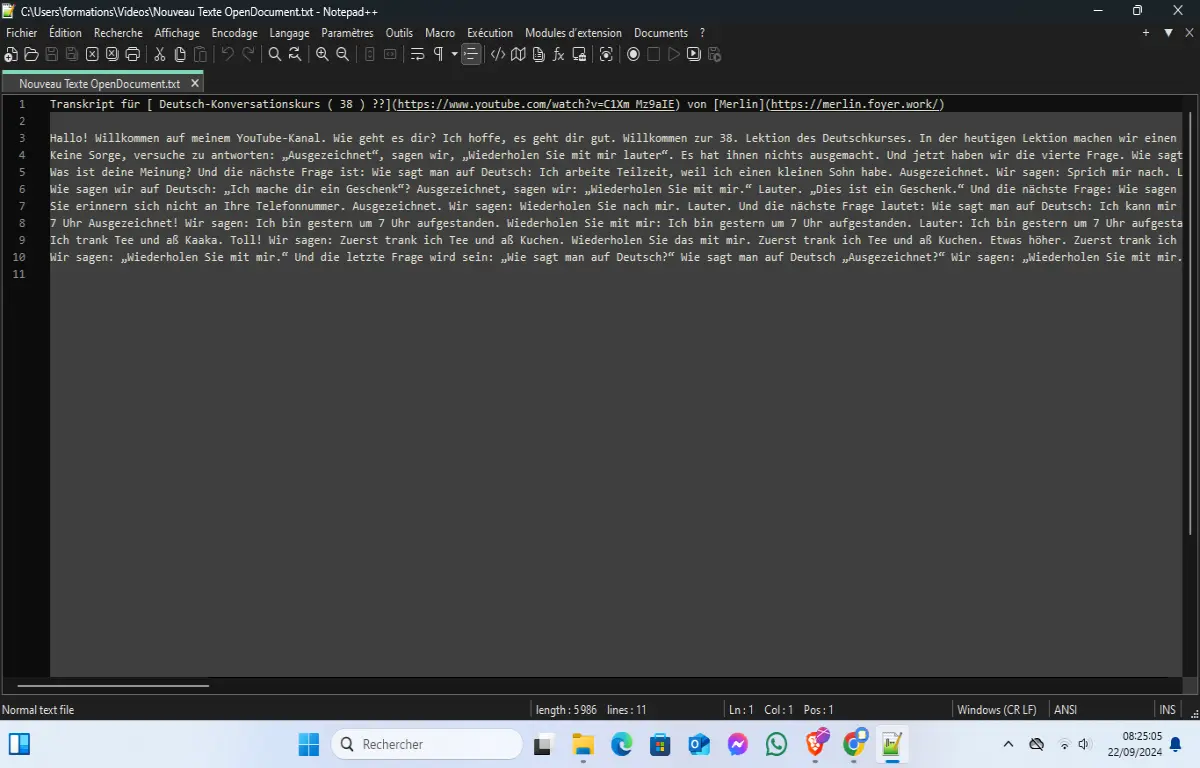
The text is much lines and even if you convert to PDF it has a lot of lines in same level like this:
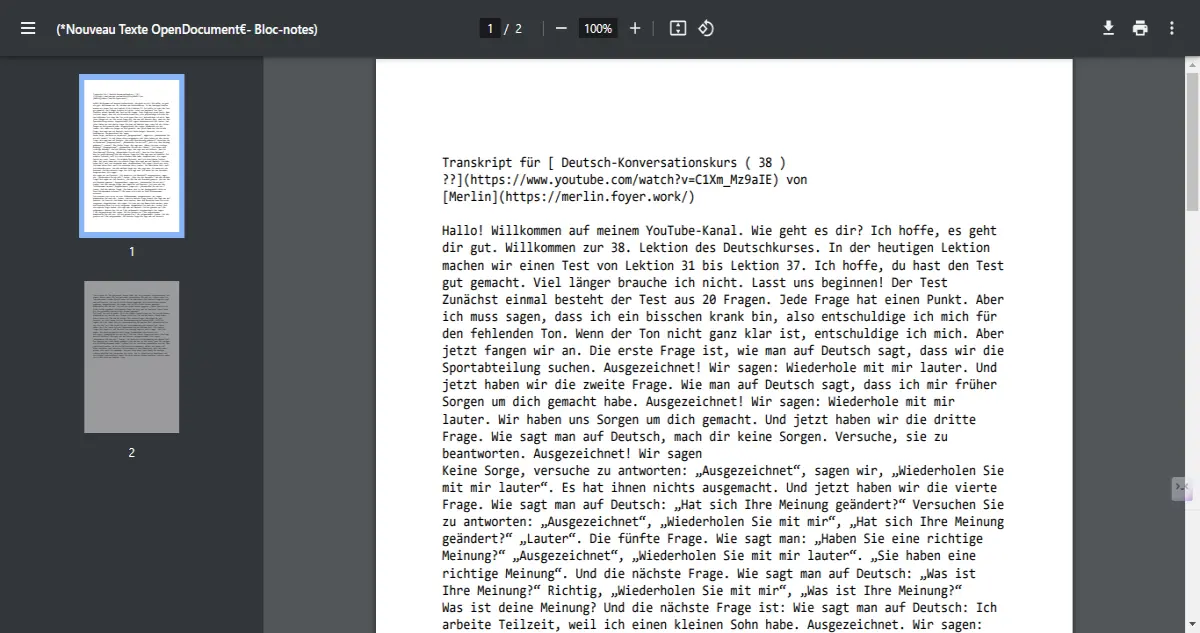
However with python scripts you could organize the text.
There is the code:
import os

def format_and_split_text():
    editor.beginUndoAction()

    # Get the current file path
    current_file_path = notepad.getCurrentFilename()

    # Check if a file is open and saved
    if not current_file_path:
        print("Please save the current file before running this script.")
        editor.endUndoAction()
        return

    # Get the text from the editor
    text = editor.getText()
    words = text.split()

    # Format text to have five words per line
    formatted_lines_storage = []
    for i in range(0, len(words), 5):
        formatted_lines_storage.append(' '.join(words[i:i + 5]))

    # Determine how many parts to split into (10 lines per part)
    lines_per_file = 678
    total_files = (len(formatted_lines_storage) + lines_per_file - 1) // lines_per_file  # Calculate number of files

    # Create output folder in the same directory as the current file
    output_folder = os.path.join(os.path.dirname(current_file_path), 'output')
    os.makedirs(output_folder)

    for part in range(total_files):
        start_index = part * lines_per_file
        end_index = start_index + lines_per_file
        part_lines = formatted_lines_storage[start_index:end_index]

        # Create a file name for each part in the output folder
        file_name = os.path.join(output_folder, "{}.part{}.txt".format(os.path.splitext(os.path.basename(current_file_path))[0], part + 1))

        # Write to the file
        with open(file_name, 'w') as f:
            f.write('\n'.join(part_lines))

    editor.endUndoAction()
    print("Formatted and split text into {} parts, saved in the 'output' folder.".format(total_files))

# Call the function
format_and_split_text()
The code is no longer like before.
It would generate an output directory with 678 lines then you convert it using PDF24 to multiple PDF.
You need pythonscripts installed on Notepad ++ to have this working.
The transcript is translated to deutsch using Reverso to have a transcript according to deutsch lesson.
The choice of 678 lines is strategic to not have one pdf with all content which make someone getting bored from the trick.