Hello,
Steps to crop animated gif into various shapes:
I have googled a lot about subject since most of gif converters provides crop in either rectangle or circle.
For other geometric forms like triangle result removes gif animation.
Beginner metho is to split gif into images then apply the shape one by one.
However it is not a good method since you will never do them same shape crop with this opacity since some gif have 2 or 3 frames
and others have hundred of frames.
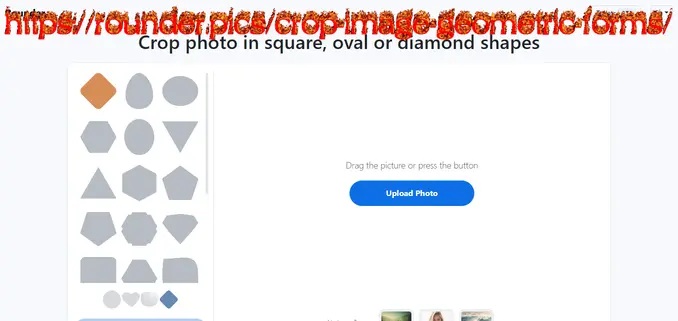
The second it is to go this website and screenshot the shape.
Some services offers get color from the picked color.
#d88e57 selectionned
Then you go to a service to remove background like ezgif.
Then after that you resize and strech to fit to gif dimensions later you do overlay then optimize 35 to be back to compressed size.
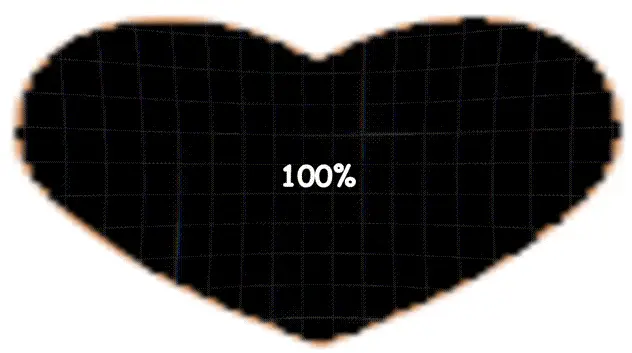
This is example of final result: (you can click on second animation to see result on publish0x but it is animated result)