
Hello,
As you know writing Chinese is good on a copybook to entertain yourself but you could have an electronic version too.
How does it work?
First of all, you take screenshots like the following example:
 As you know maximum number of converted files jpg2pdf is 20 images then split into 2 folders like this:
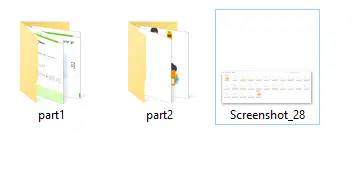
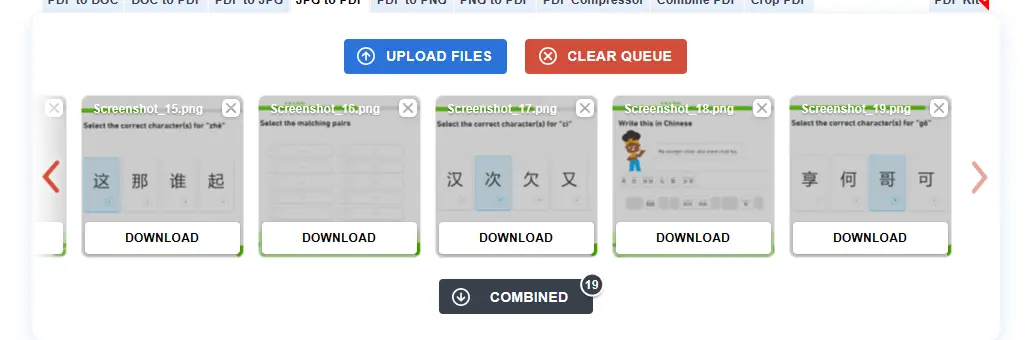
Then part by part you make conversion:
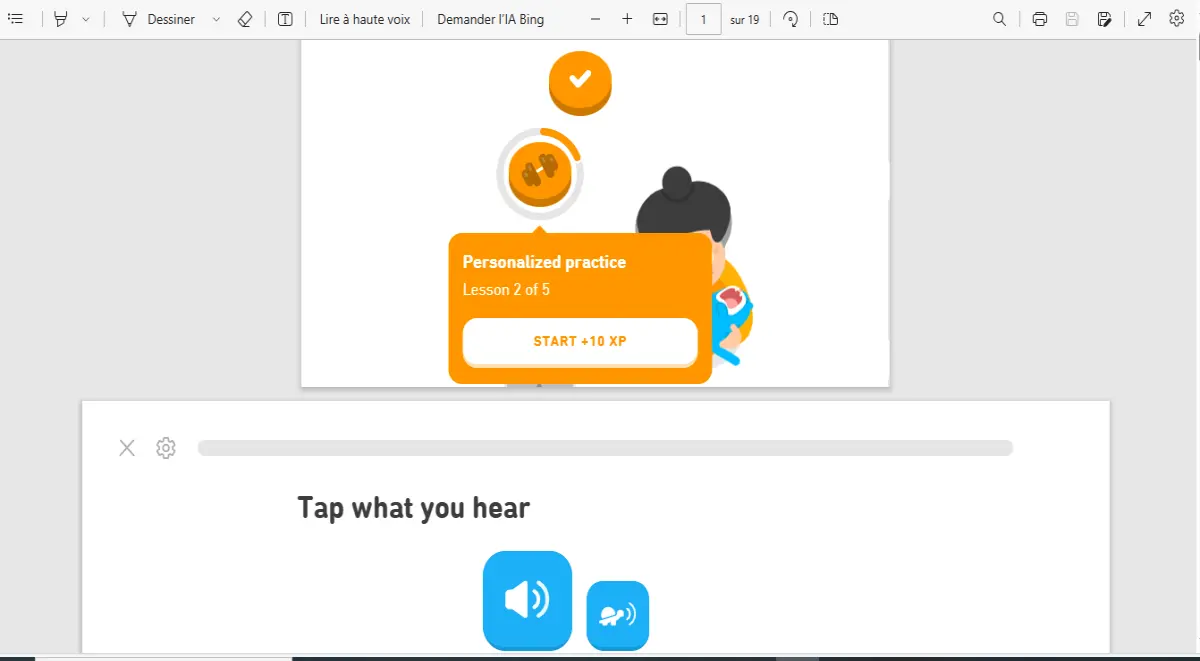
Then you have your 2 electronic versions of the PDF:
You could later use PDFShrink to reduce the size of the PDF before uploading on Drive or print using a printer to get your notes and then on notes you could from time to time entertain yourself by writing Chinese.






