1 Angular CLI:
npm i -g @angular/cli: Installs the Angular CLI globally.
npx @angular/cli: Runs the Angular CLI without a global installation. This is very useful when needing to use different versions of angular cli between projects.
2 create-react-app/React, create-next-app/Next, create-expo-app/expo-cli:
These tools are often used to bootstrap new projects.
npx create-react-app my-app, npx create-next-app my-app, and npx create-expo-app my-app are the recommended ways to use them because they avoid global installations. This ensures that you're using the latest (or specified) version of the tool without affecting other projects.
Because these are tools that are generally used to create a single project, there is rarely a need to install them globally.
3 In summary:
Understanding the difference between npm i -g and npx is crucial for efficient Node.js development. Here's a breakdown:
Use npm i -g for tools that you use very frequently and consistently across all your projects.
Use npx for tools that you use occasionally, for trying out new tools, or when you need to manage different versions of the same tool.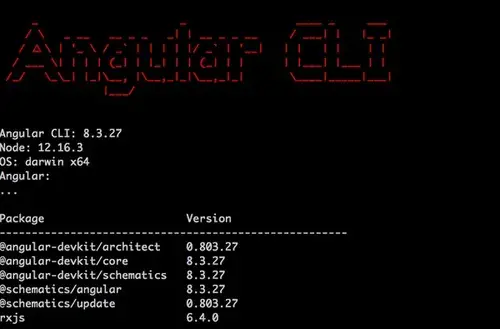
personalblog
Applying it to some examples

How do you rate this article?
1


personalblog
My daily experience in crypto world


Reward the author with $0.01 in crypto, and earn yourself as you read!
% to author / 80% to me.Rewards are FREE. Publish0x pays them, not you.


16 hours ago
6 minute read


10 hours ago
3 minute read


11 hours ago
5 minute read
Page not displaying correctly?
