I have decided to start by following a tutorial to learn how to display data in a window and the add various code to get data to display. I am following: https://likegeeks.com/python-gui-examples-tkinter-tutorial/
Here is the display from today's code which I will post below the picture.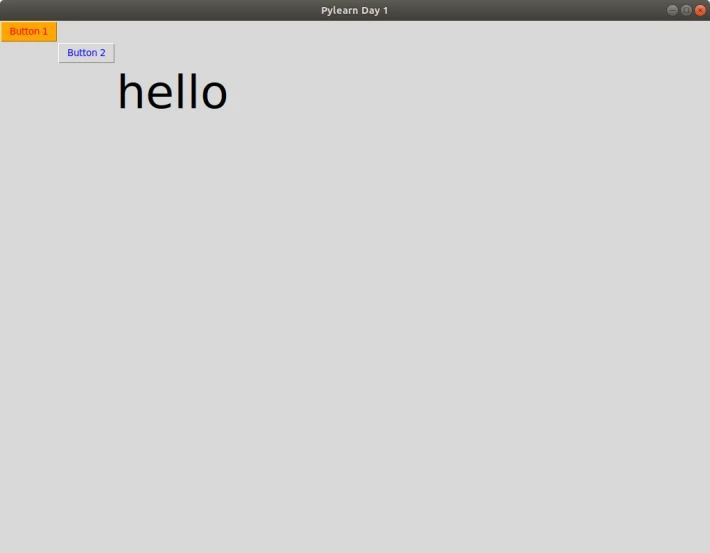
from tkinter import *
window =Tk()
window.title("Pylearn Day 1")
window.geometry('1024x768')
lbl = Label(window, text="hello", font=("Arial Bold", 50))
lbl.grid(column=10, row=10)
def clicked():
lbl.configure(text="Button 2 was clicked !!", font=("Arial Bold", 14))
button_1 = Button(window, text="Button 1", bg="orange", fg="red")
button_2 = Button(window, text="Button 2", fg="blue", command=clicked)
button_1.grid(column=1, row=0)
button_2.grid(column=2, row=9)
window.mainloop()
Short but sweet for today.






