The next step of the Pi Network is here!
Yesterday, the first beta version of Pi Node was released, and with it came something we haven't seen from the Pi Network yet.
A desktop interface.
That's right, the “first digital currency you can mine on your phone” is now accessible via your PC.
Granted, you're going to want to get the Pi Network app first, as you need it to log into the desktop interface.
After, you download the app (and get the 1 Free Pi Sign Up Bonus), head over to the Pi Node Beta website on your PC, and click 'Download Node!'
Now, not all Desktop Users are created equal.
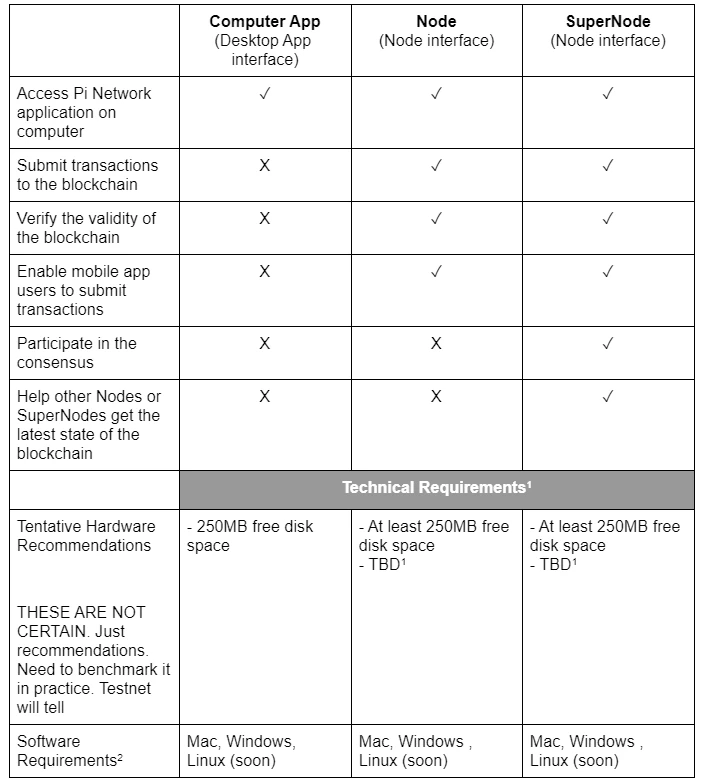
This Beta Launch actually contains two interfaces: the desktop interface, and the node interface.
The node interface is accessible only to those operating a Node or SuperNode.
Here is a chart detailing the roles and abilities the 3 ranks:
Find more information about the desktop interface, Pi Node, and Pi SuperNode, click here.
How to run a Pi Node:
-
1. Download the Pi Node Desktop Interface.
- After downloading the Pi Network mobile app, download the desktop interface from the Pi Network official website. Follow the prompts to sync your mobile app and desktop interface.
-
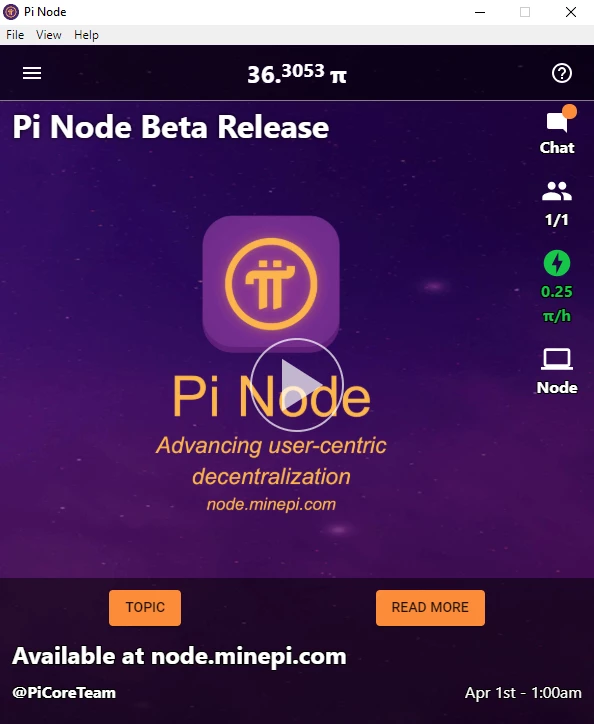
2. Click the 'Node" Laptop icon on your desktop interface.
-
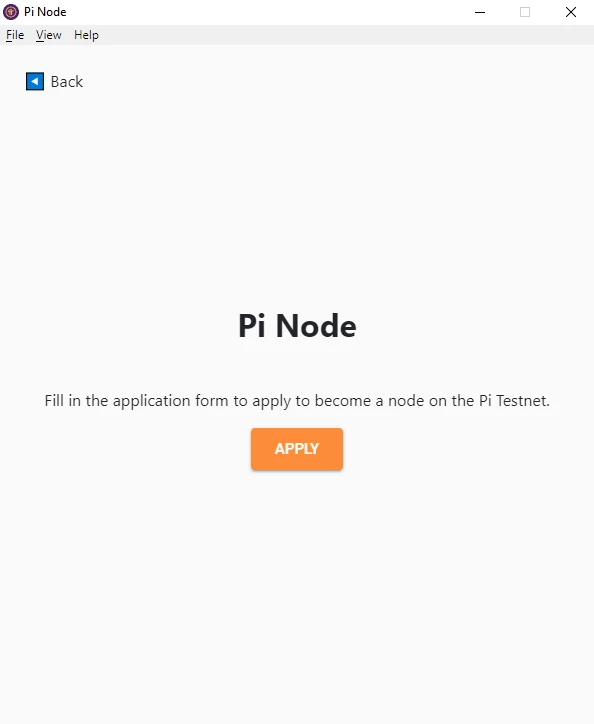
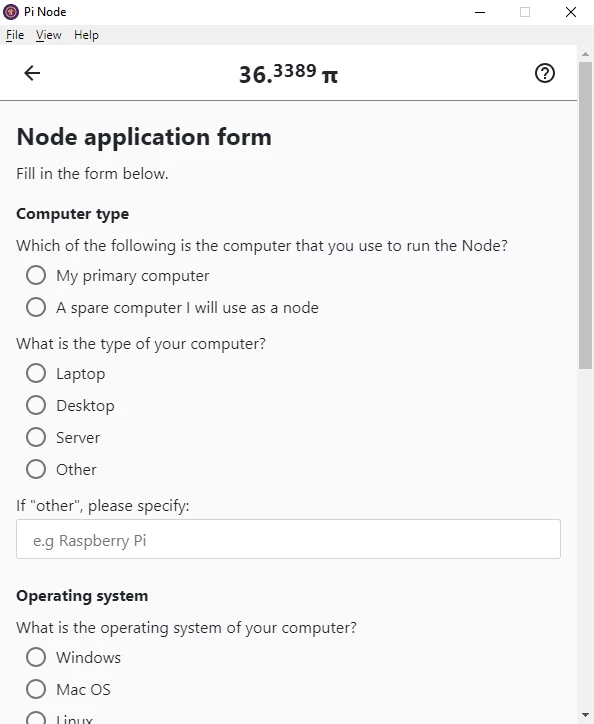
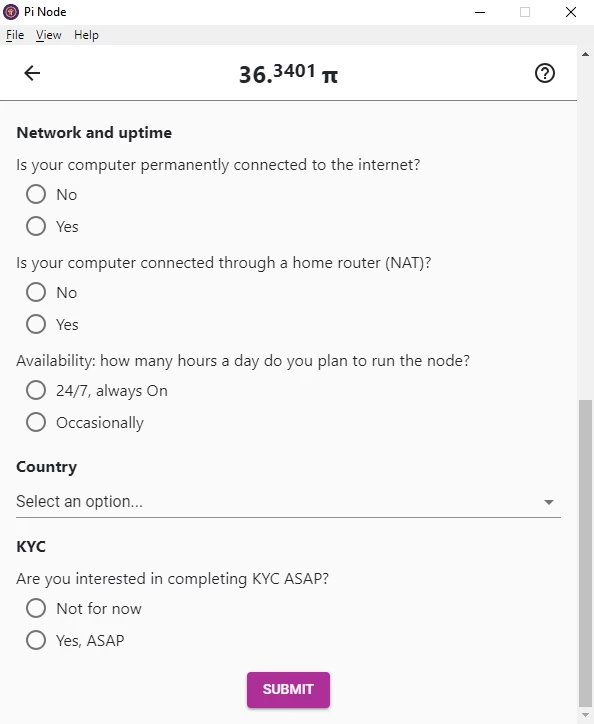
3. Click "Apply," and fill out the details of your Laptop, Desktop, or Server.
-
4. Submit!
As stated on the Pi Node information page, Node applications are screened, and criteria such as uptime and internet speed are considered during selection.
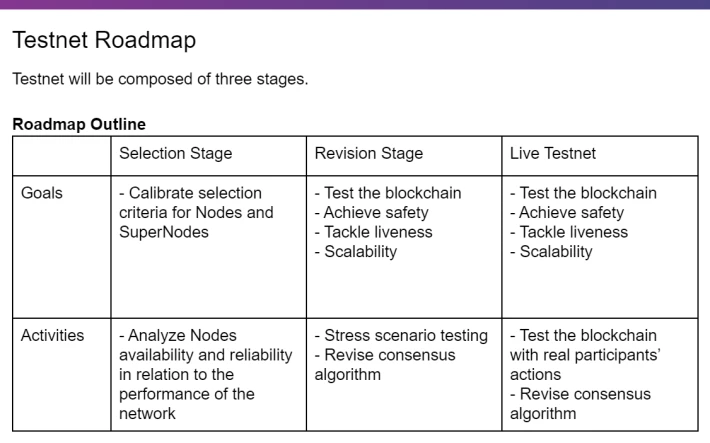
Based on the transparency provided by the lead team of Stanford graduates, and the plans laid out in the Testnet Roadmap...
The future of the Pi Network looks promising!