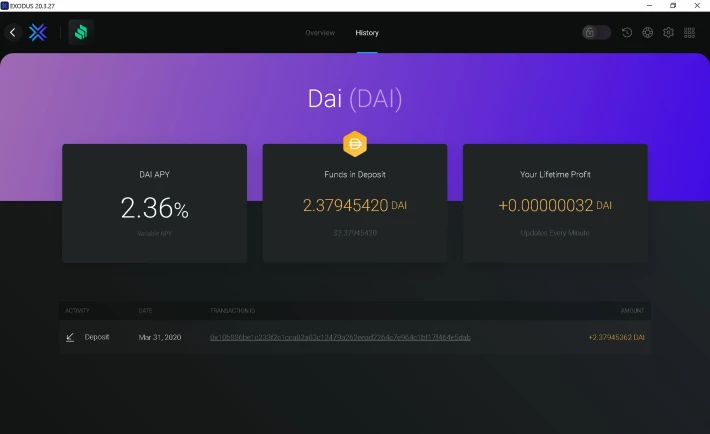
Hello my Crypto Friends!
The latest version of the Exodus Desktop Wallet includes a new DeFi App called Compound.Finance. The App allows you to earn interest on Dai stablecoin through Compound, right from your Exodus wallet.
Here i show you how to start using it:
-
Make sure that you have the latest version of Exodus Desktop Wallet. Version 20.3.27.
-
Click on Settings (on bottom left hand side)
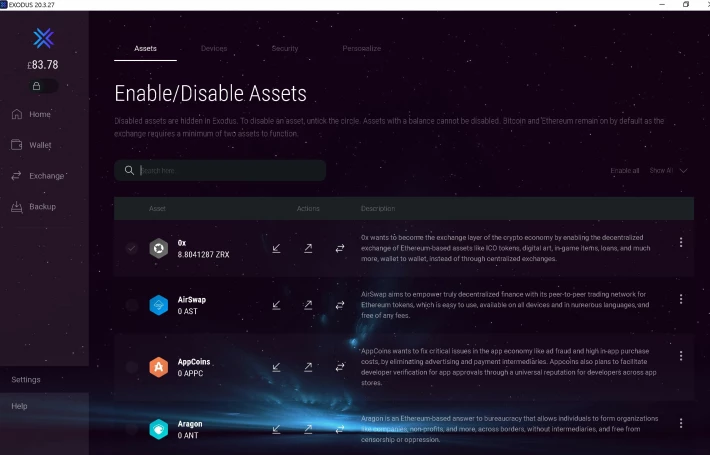
-
Click on Personalize
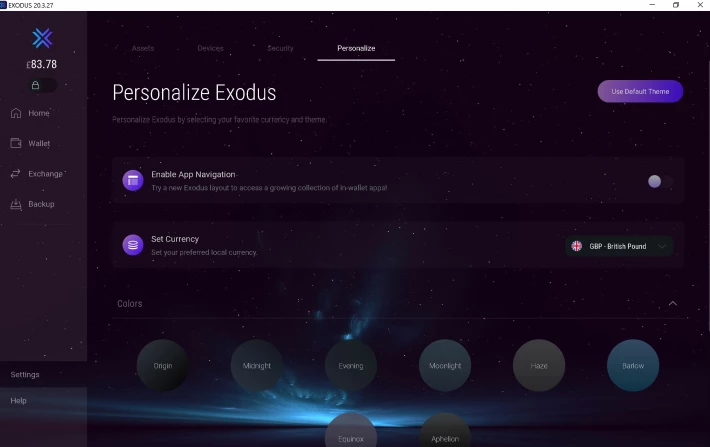
-
Move the "Enable App Navigation" button to the right
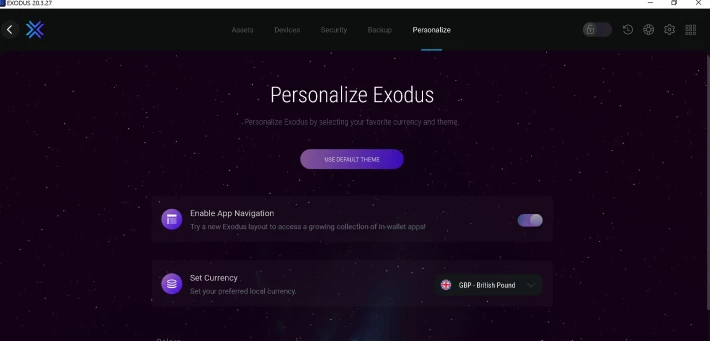
-
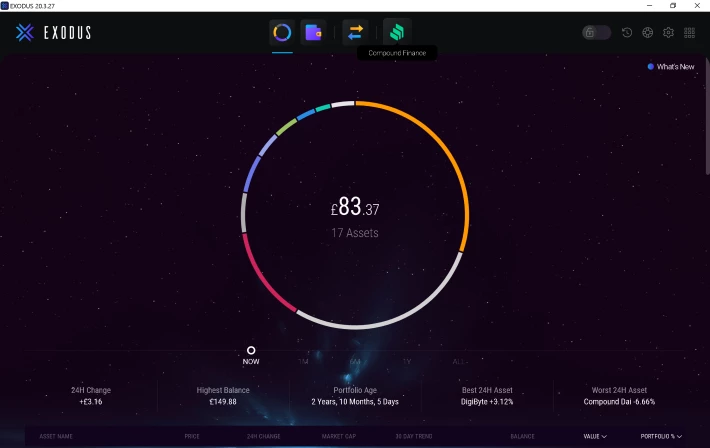
You will now see new icons on the top of the Home Page. Click "Compound.Finance". The green icon on the right
-
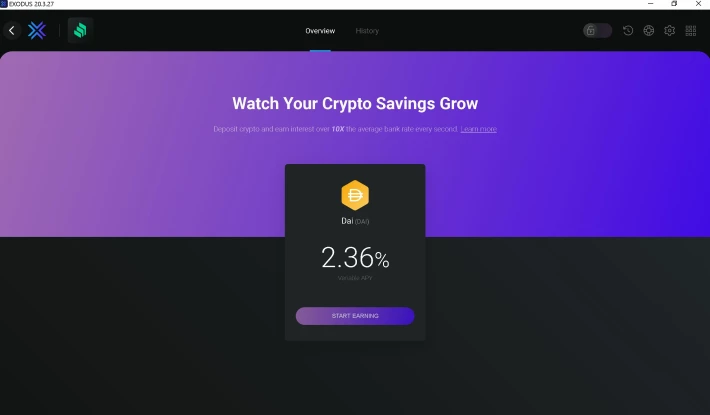
You will now be in the Compound.Finance App.

-
Click on "Start Earning"
-
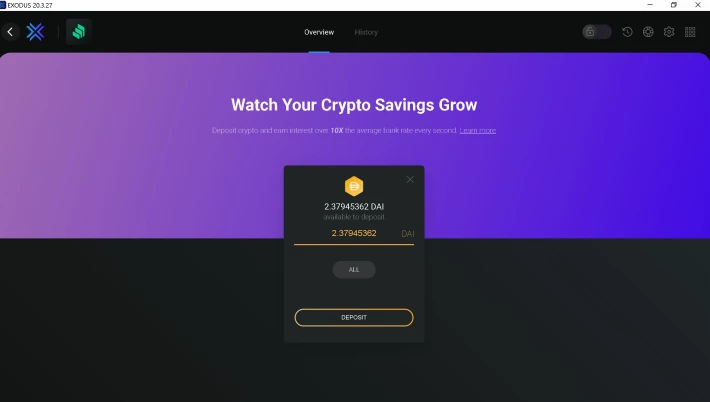
Choose the amount of DAI you want to deposit (You need to already have DAI in your wallet). Then Click Deposit.
-
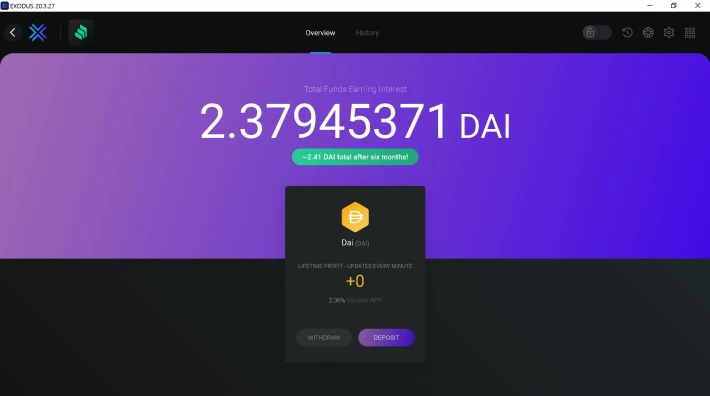
You will now start earning interest on your DAI every minute!!
-
Click on "History" to see how much interest you have earned. it updates every minute!!