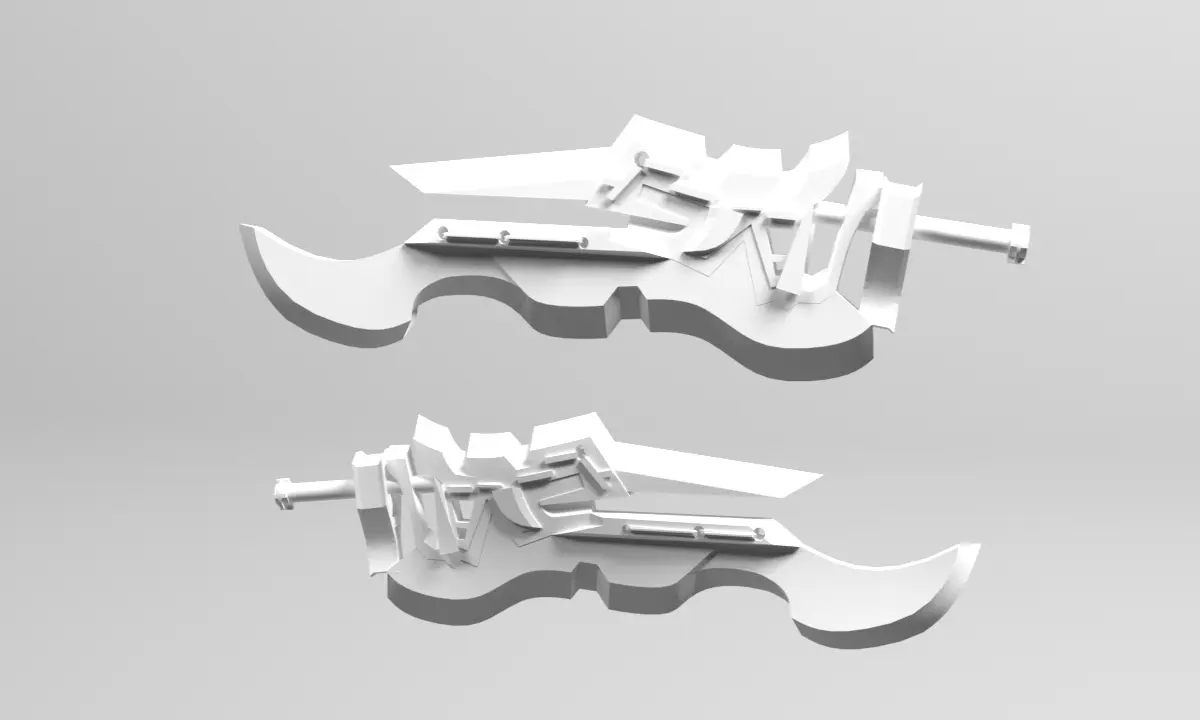
Hello, this publication shows you how to make a 3D model in a fast and simple way using 3 programs to do it.
Programs to be used in the course:
-
Adobe illustrato
-
Autodesk 3ds Max
-
V-Ray
Illustrator:
The first one that we will use will be Adobe illustrator with which we will need to save the work we are doing in (Illustrator 2008) since we are going to create our template using a simple drawing like the one shown in the following example:
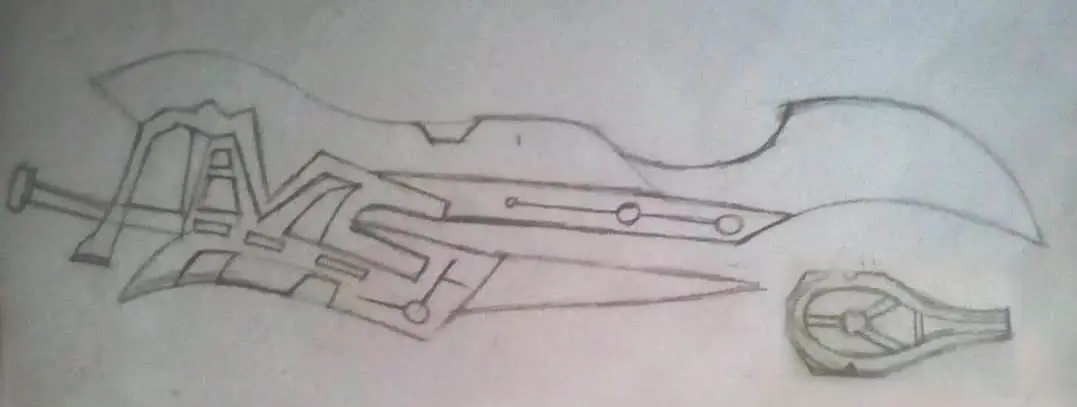
We do not have to be experts drawing so we only need to draw a drawing in this way to make our model, you can also download this template from here: ( Download ) or create your own drawing, we are going to create the templates by vectorizing the drawing.
Autodesk 3ds Max:
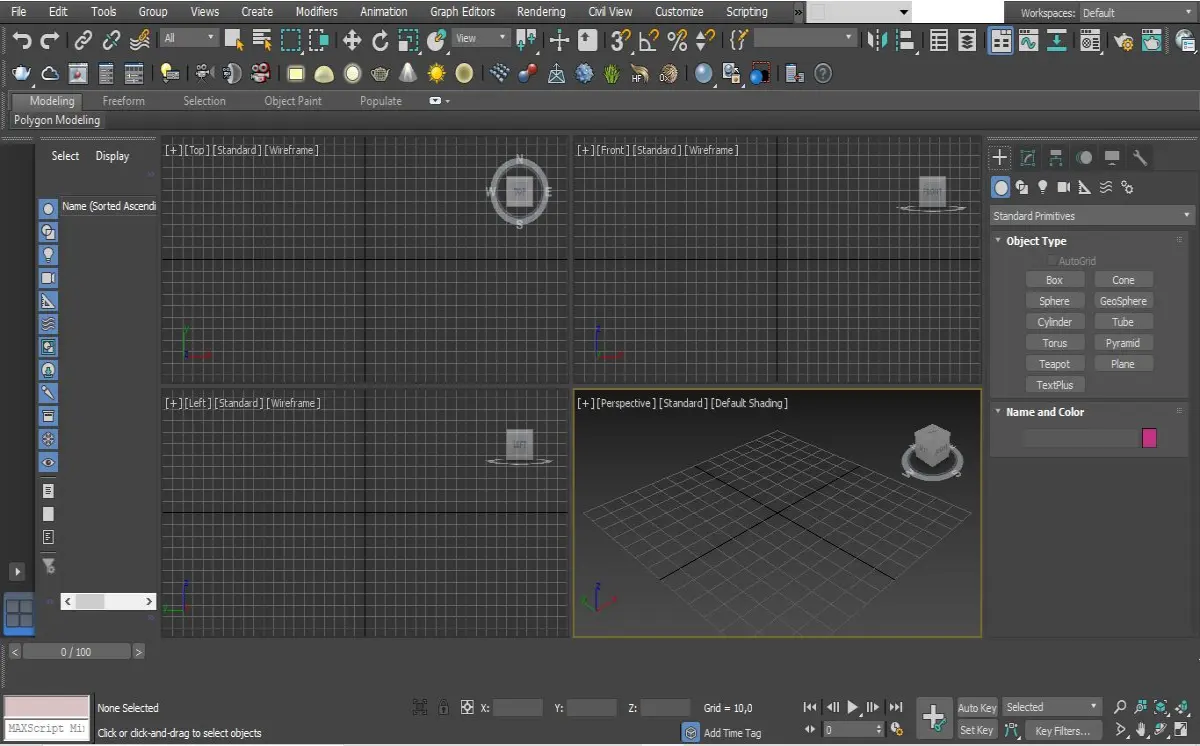
The second program will be Autodesk 3ds Max that will be with which we will create to model our templates that we already have previously made in Adobe illustrator, import them or launch them on the program to open it and thus be able to extrude and start with the 3D modeling of our weapon.
V-Ray:
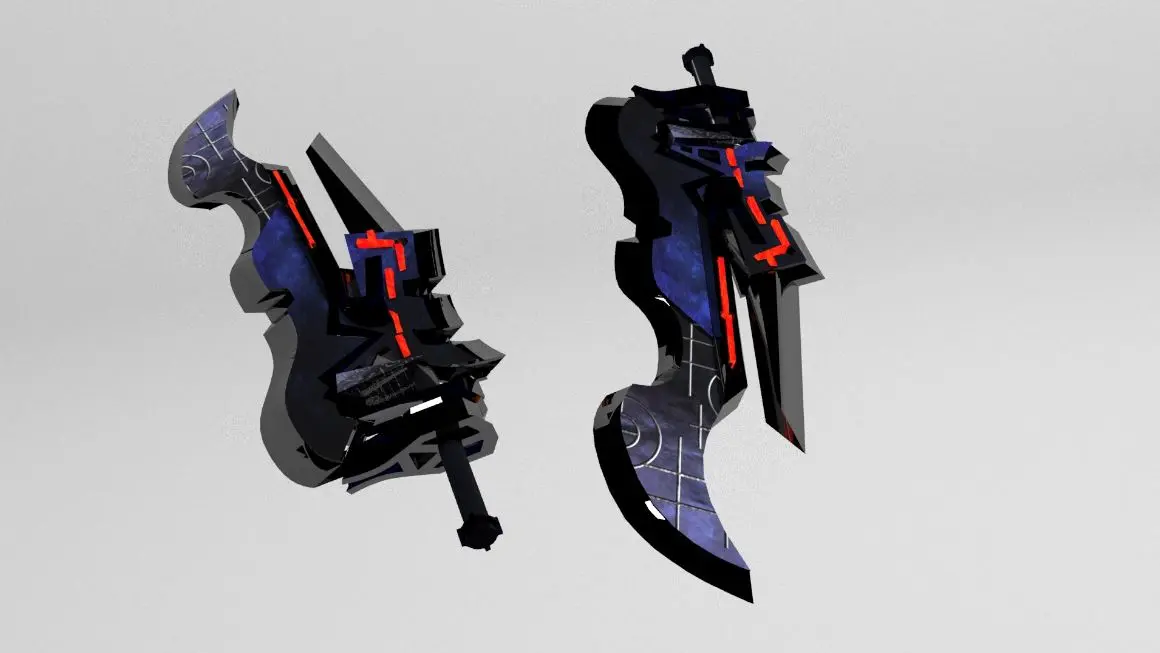
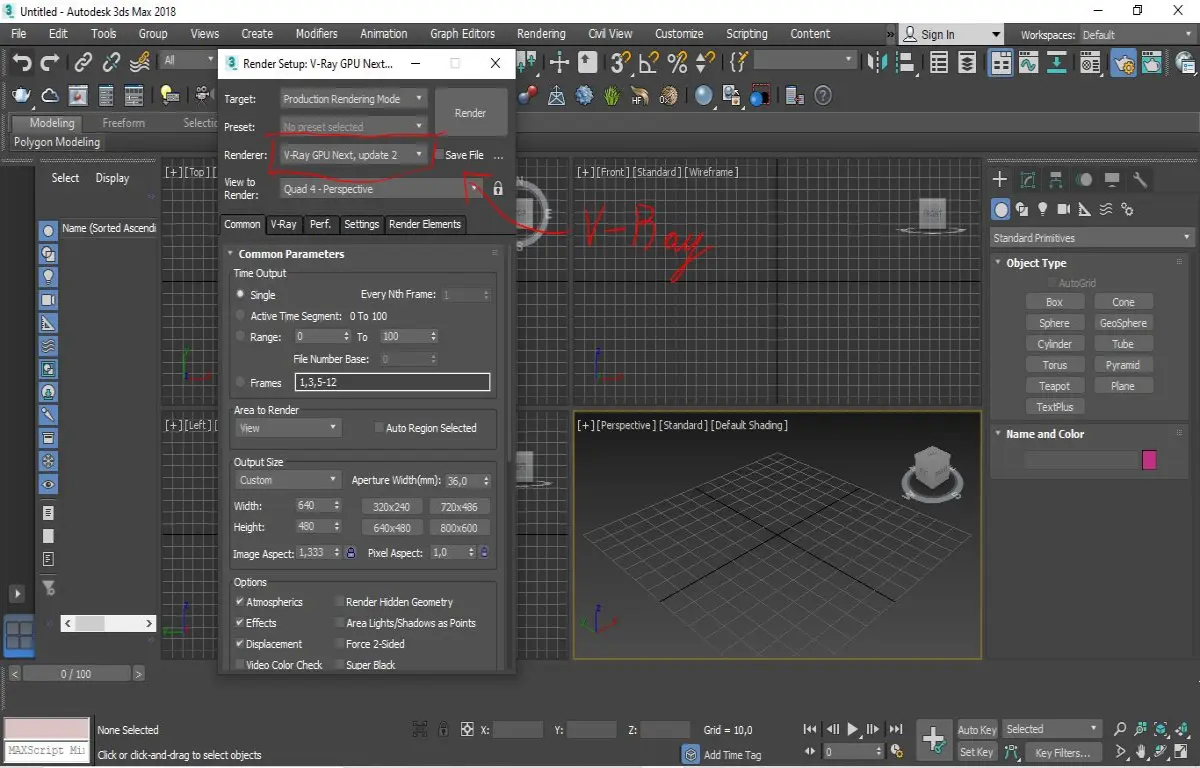
The last program will be the V-Ray engine that we will be using in the Autodesk 3ds max program since this program is a renderer engine superior to the one that Autodesk 3ds max has by default.
This would be the end result of the work we would have with our models: