
Interested in bridging to Terra? Me too. One cost-effective way was via Binance Smart Chain, but I do not have any BNB for gas. I searched around for bridges that allow me to bridge over BNB directly, or for faucets (all seems dubious) and didn't managed to find a direct bridge to go for. Instead, I ended up exploring an indirect method - routing via KuCoin.
1. Sign up for KuCoin using e-mail (yes, e-mail is required, no longer as "defi" as it seems). If you find the below instructions useful, you can consider (no obligations though) signing up using my referral (I have no idea what's the referral bonus at this point, I literally opened this account half an hour ago) - https://www.kucoin.com/ucenter/signup?rcode=r3SW541
- What KuCoin will ask for - e-mail and Google Authenticator
2. Go under Deposits > search for Matic > Indicate it is Matic chain > Copy your address
3. On Polygon, do what you need to do (swap, sell, etc.) for Matic
4. In Metamask, send the Matic on Polygon to KuCoin
5. Depending on congestion, it should be a quick one (within 5 minutes for me to be reflected in KuCoin). As per below, you can see a nominal amount of 10 MATIC. It's a common advice to do a test transfer in case something goes wrong and you can't recover your deposit.
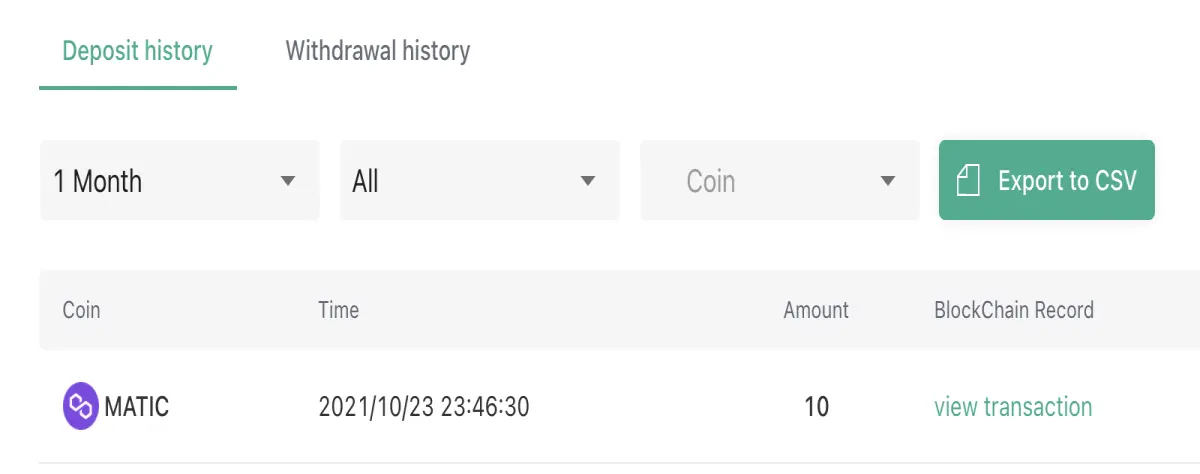
6. Repeat the deposit for your full capital
7. In KuCoin, go to Main Account > Transfer to Trading Account
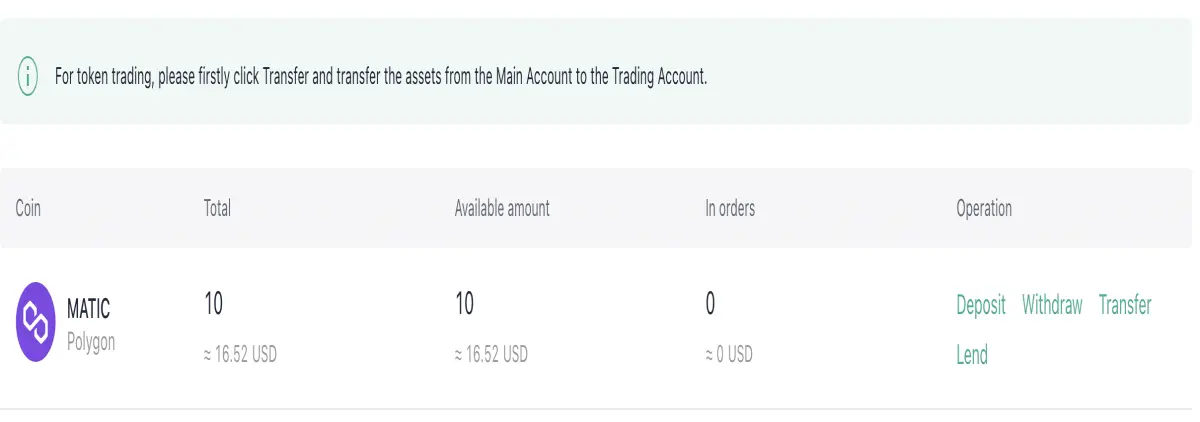
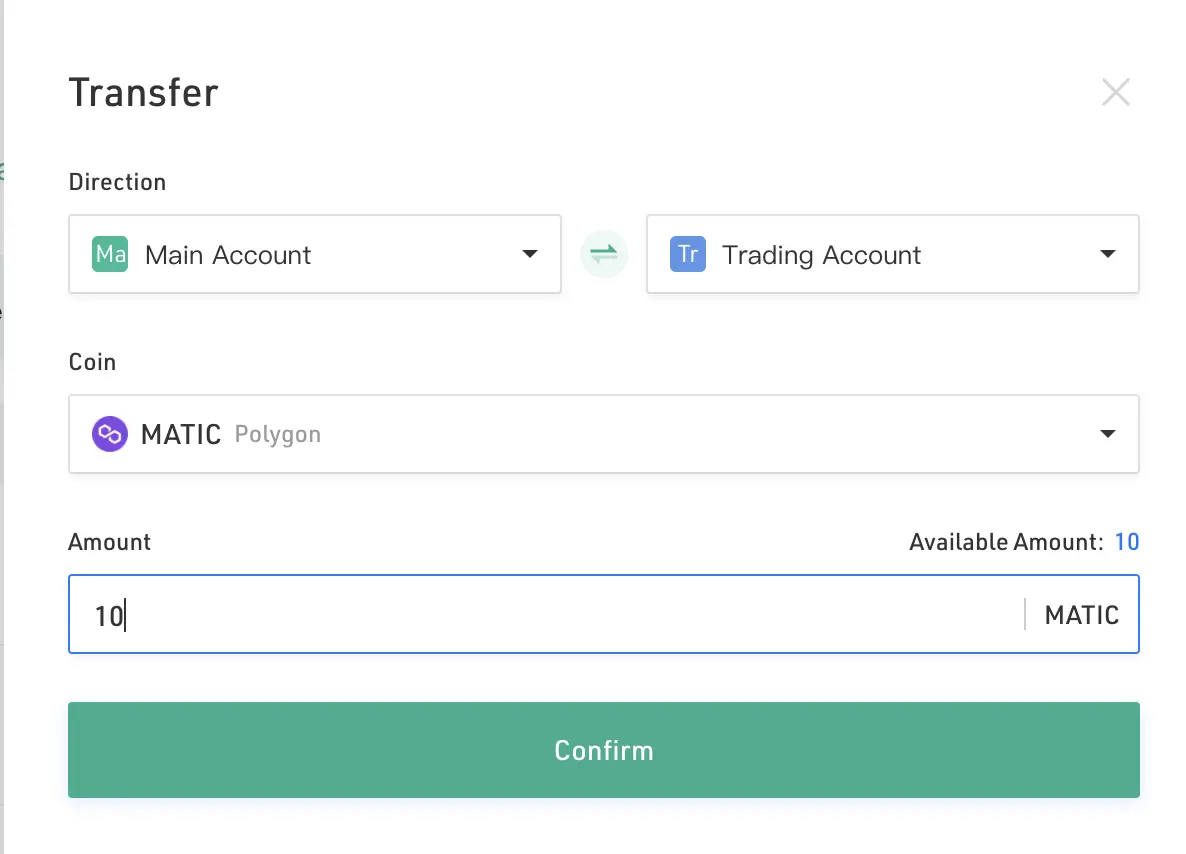
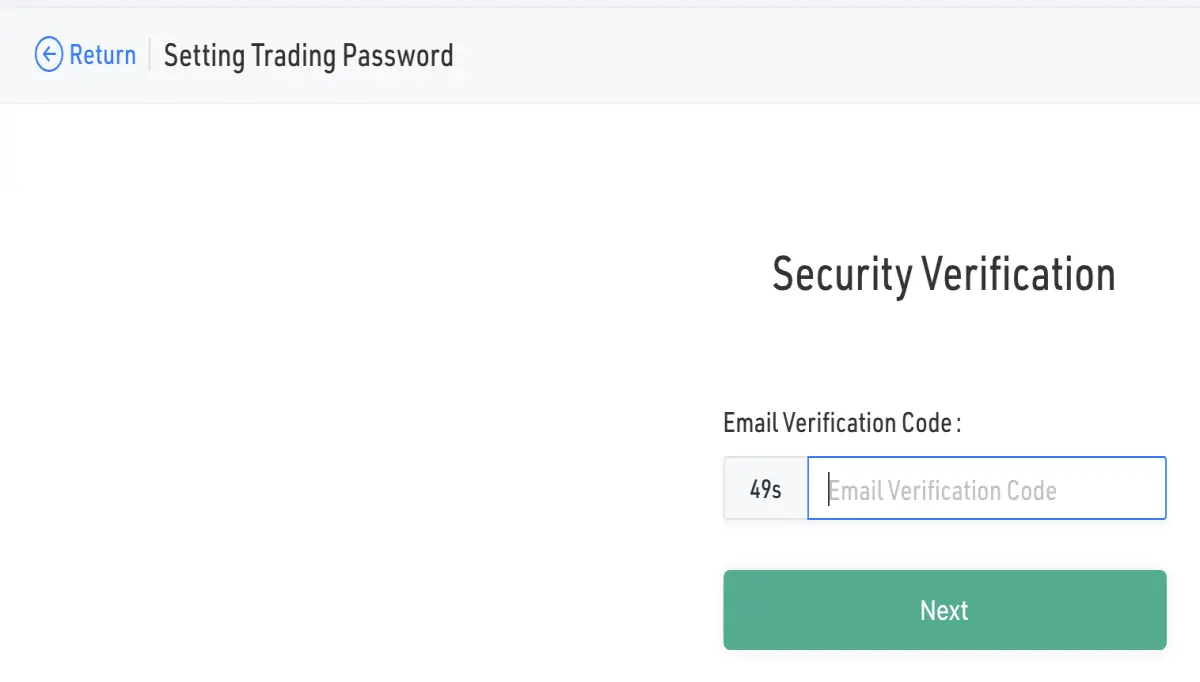
8. In KuCoin, switch over to Trading Account view. The transfer should be instantaneous. Click Trade to exchange for USDT (because UST, the token we are bridging to Terra is paired with USDT). For new users (like myself), you'll see a request to "set trading password" at the bottom right hand corner.
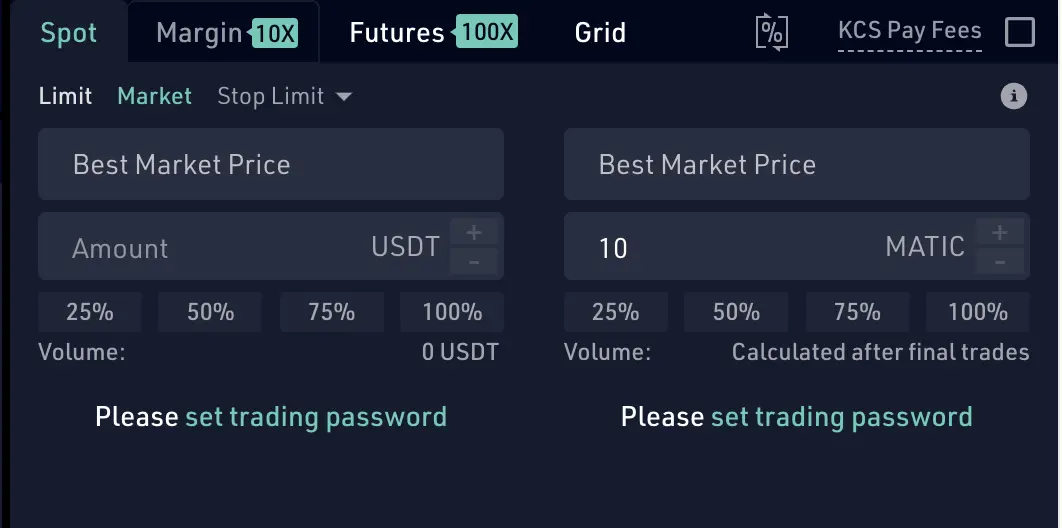
9. Set your trading password by following the on-screen instructions. Once done, head under Trade > Spot Trading in the header to return to the same page.
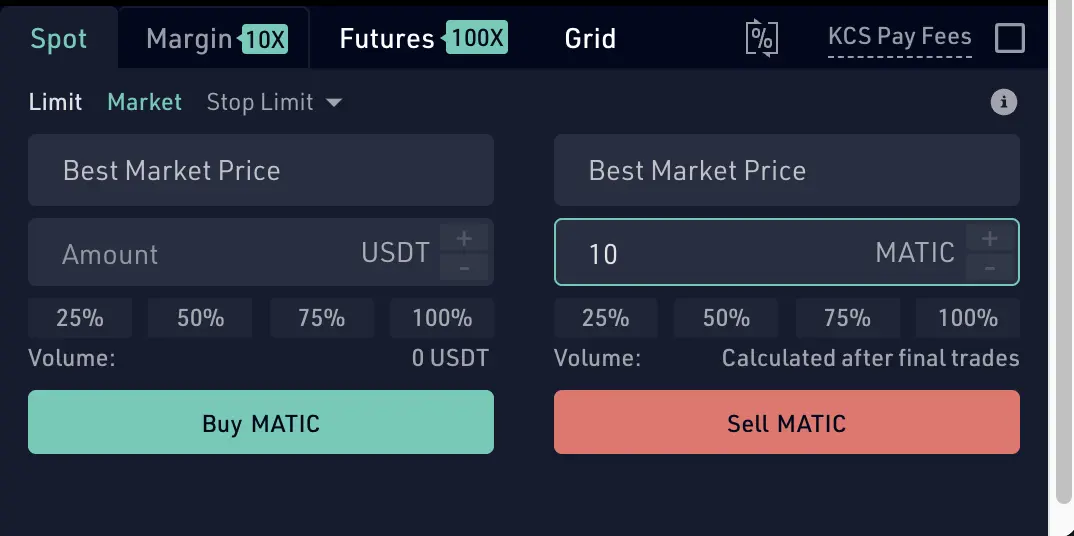
10. On the trading page, re-select MATIC-USDT pair (it should have been reset to BTC view). Input your MATIC for selling. For ease of transaction, I went with Market rate.

11. On the trading page, select USDT-UST pair. You can refer to below screenshot to see the amount of USDT you have on hand. Or, a simpler way would be to just click "100%" to transfer all to UST.

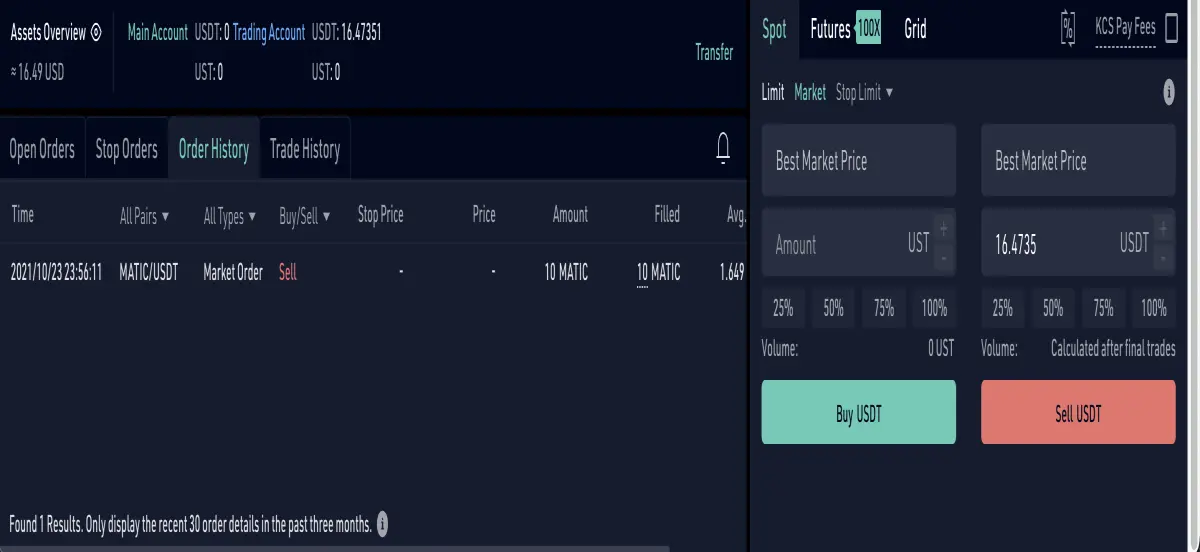
12. Congrats! You got yourself UST. Now, before we move on, you may be wondering how much does this all cost? For these transfers, I'm charged a fee of 0.1%, which is pretty decent.

13. At the top right hand corner, click into "Asset" page, and "Withdraw".
14. Bless us - yet another authentication required (how much I love the ease of defi now). On a side note, do note that Google Authenticator has the issue of not being ported over should you change a phone or device. Good luck with that if you're going ahead with it. 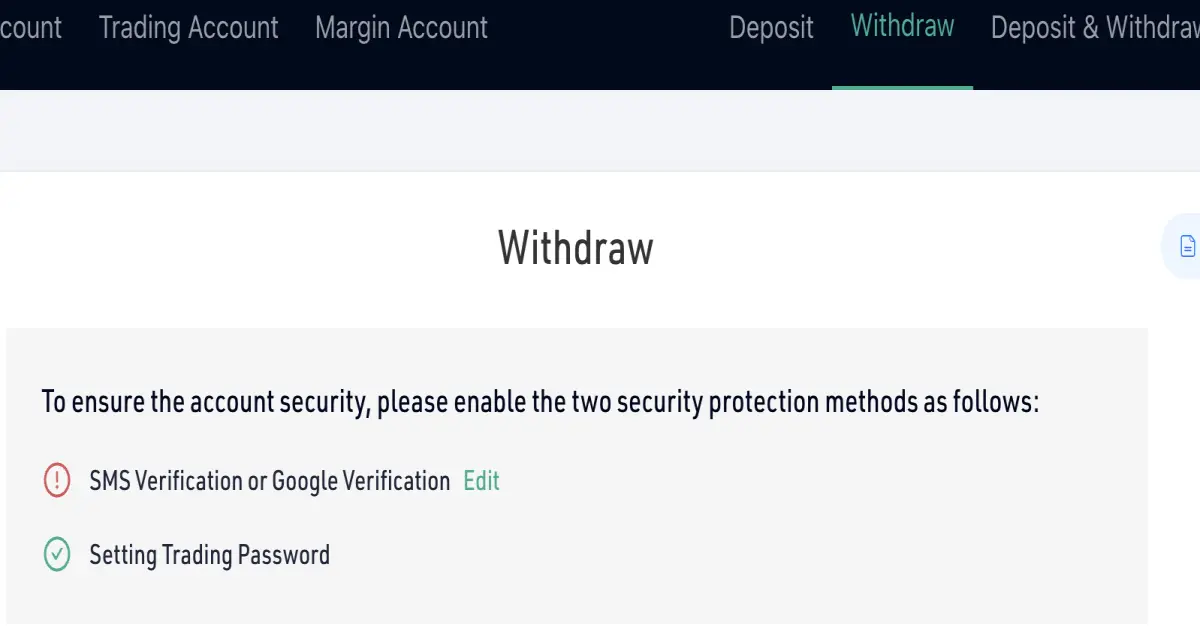
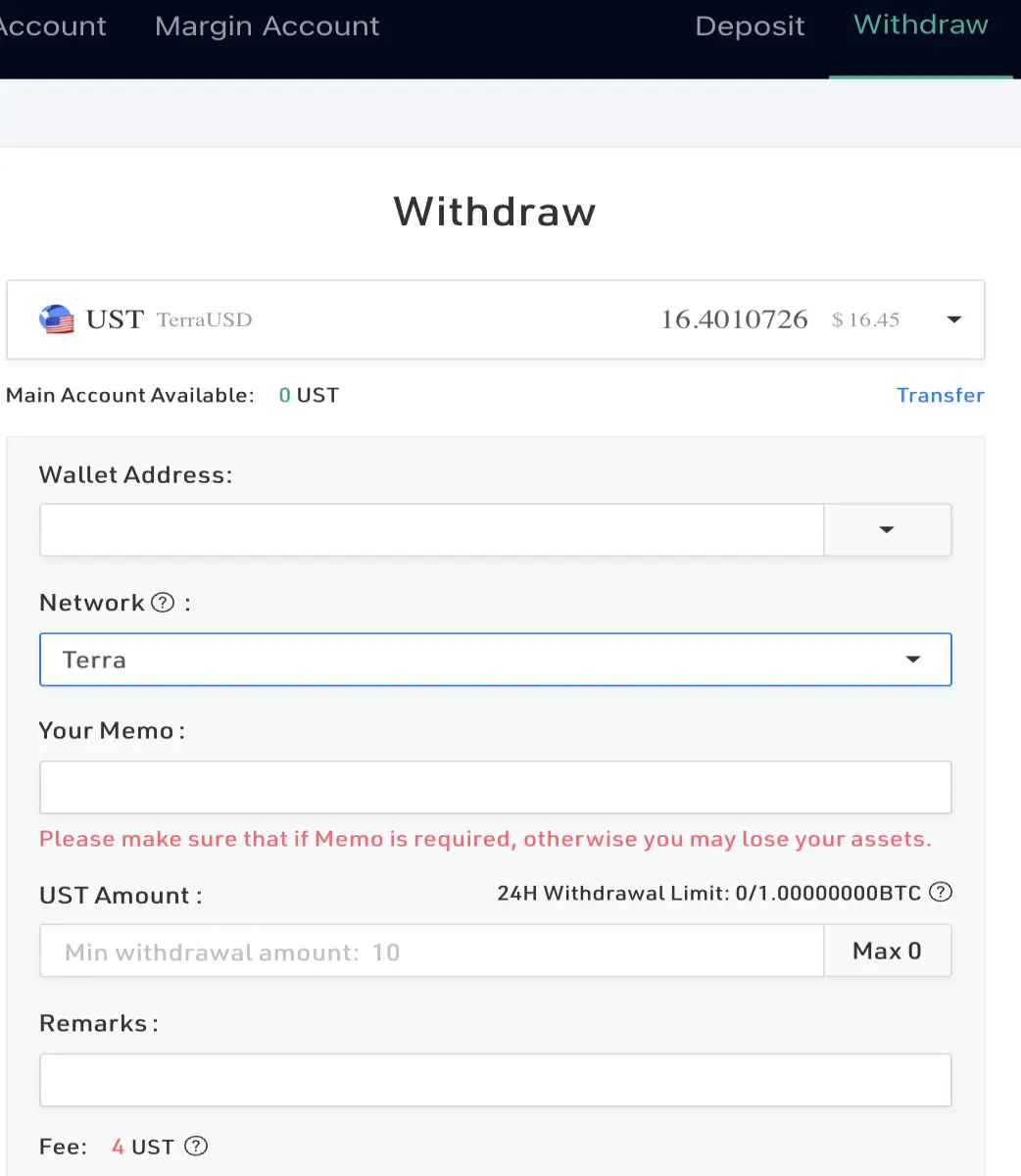
15. Once done, re-visit the withdraw page and select UST. See that Main Account Available is 0 UST? Click on the Transfer button at the right to move it back to Main Account to proceed. Copy and paste your terra address (don't have one yet? See below), and select Network as Terra. As you can see, the fee is 4 UST. To cap the fee at below 1% of your deposit, you're recommended to deposit UST400 and above (to keep it to <1%).
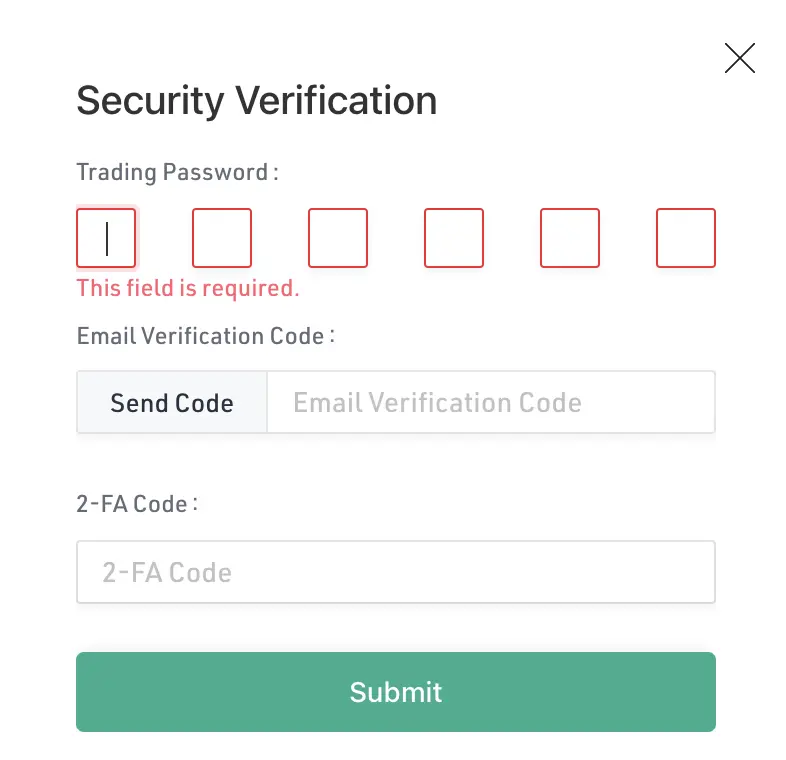
15. There'll be a message to prompt you to confirm. And here, you get all 3 authentication fields. Even though it's a tad troublesome, I'll rather have these verifications in place.
16. Congrats, this transaction should appear in your withdrawal history.
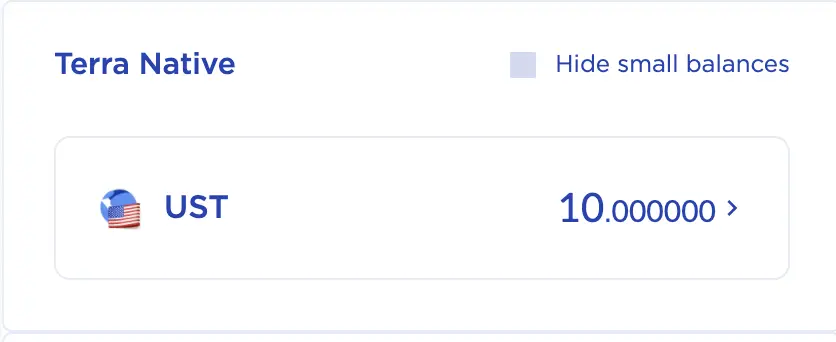
17. Refresh your Terra Station view, and phew, it's in! Within 5 minutes too. Always happy to see a fast transfer. Yes - I paid 4 UST to transfer 10 UST. I make it a rule to do a test amount (acknowledging the fact that I'm so new to this, and don't want to risk losing my capital in some failed transaction).
P.S. How to get a terra wallet?
Or, if you don't have a terra wallet yet... See below.
1. Head over to https://www.terra.money/
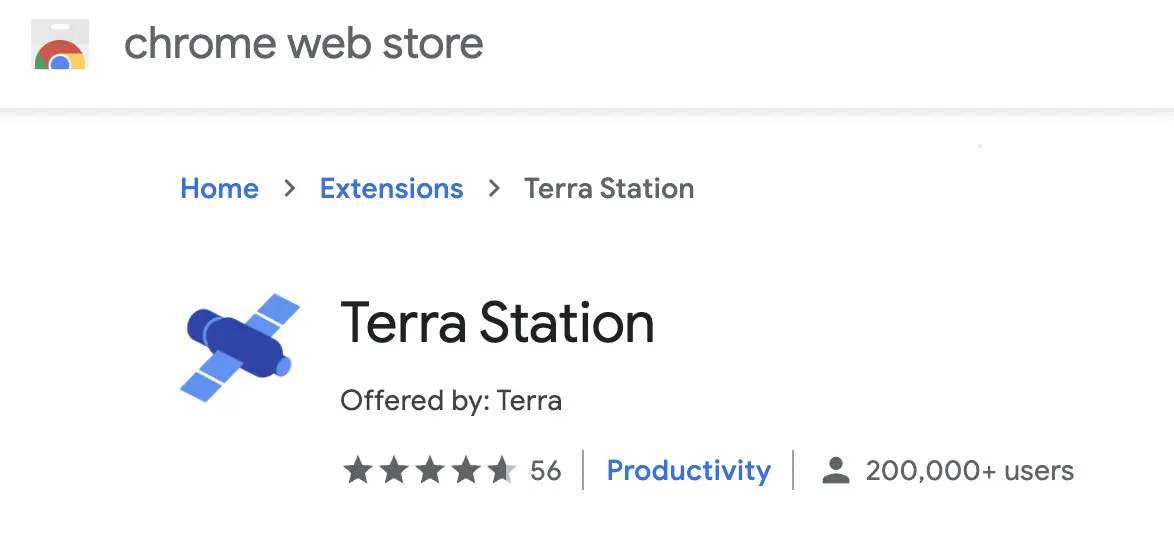
2. Download the Station Wallet in your preferred manner. For me, Chrome Extension.
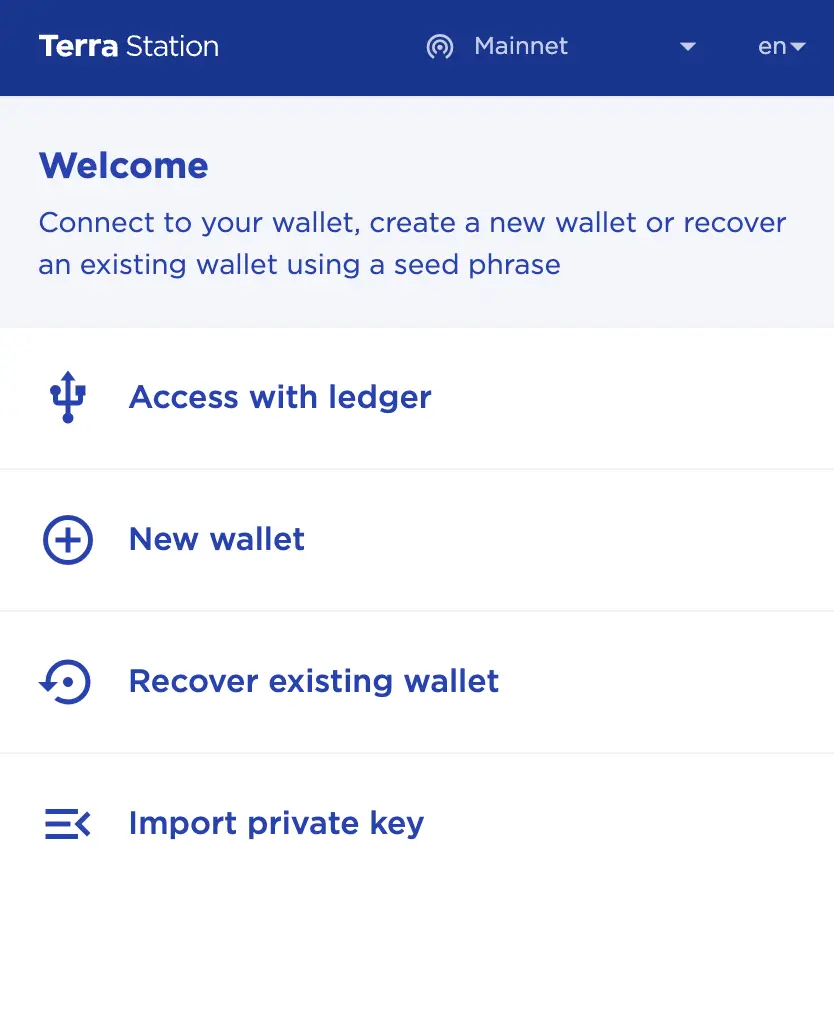
3. Click on New Wallet, and follow the instructions to get your wallet address (which you'll copy and paste over to KuCoin).
Cheers guys! It's a long transfer process but it's the best method I can find so far to bridge from Polygon to Terra. Let me know if you've a more direct way!






