
Memecoins are thriving the crypto-world and on the most popular platform Pump.fun new tokens are launched secondly. With a such growth, it's important to stand out among the crowd. But how do most token devs do that? Simply, they follow a few points, such as
- creating social media network sites, such as X.com, TikTok
- gain followers using publicity and promotion
- creativity of memecoin
- dexscreener
- memecoin website
all five contributes to a higher visibility, which is crucial to receive the bonding threshold. However, setting up means a lot of effort, especially the memecoin website. Therefore, some services has been established to simplify the creation of a memecoin website, which are the following memecoin website builders:
- coinsite.app
- coine.io
- hodl.fyi
All memecoin website have a similar interface and helps you to launch your memecoin website within minutes, not days. Forget the days of setting up a memecoin website using WordPress or Wix for endless hours.
In this guide, I'll show you how you can launch your memecoin website within minutes
1. Choose a Memecoin Name And Create Visuals
The first step is to choose a memecoin name and create some visuals. What I often notice is that memecoins are based on recent news or hypes.
Personally, I decide to go with CanaryCoin with the following visual

2. Create Memecoin Website
In the next step, I visit the memecoin website builder coinsite.app and enter the name
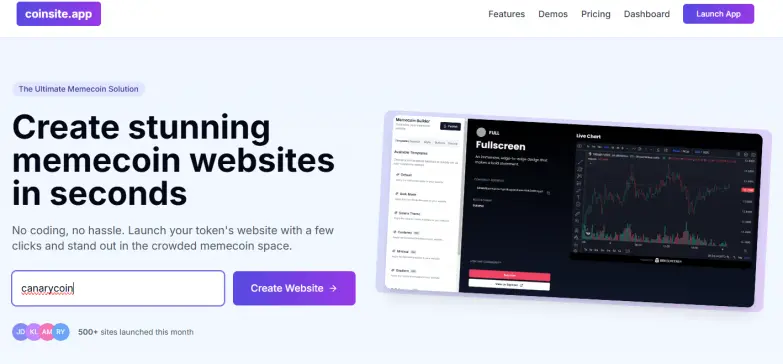
I click on 'Create Website' where I'll be forwarded to the builder
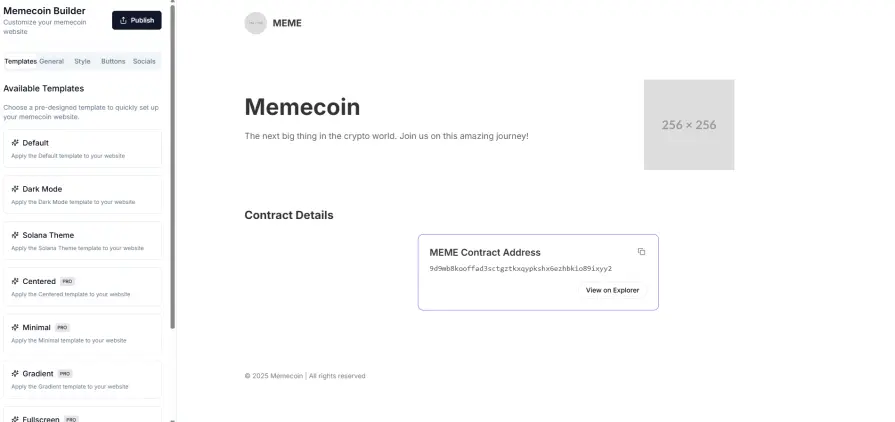
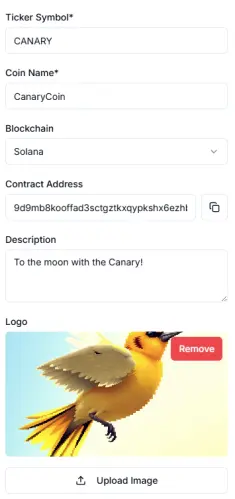
There, I choose the standard template, then go to the 'General tab' where I'll adjust the name, description, network, contract address and logo.
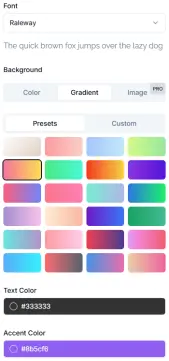
Third, in the 'Style' tab I customize the colors, such as text and background colors.
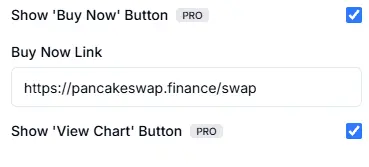
Under 'Buttons', I can enable the Buy Now button with a specific link and show the chart from Dexscreener using the values from 'General' tab
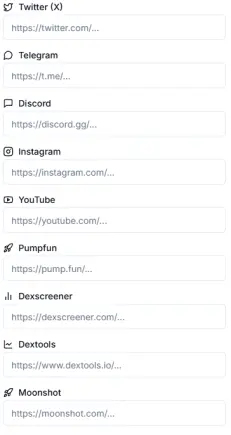
Finally, I can add some social links, such as X, Pumpfun, Dexscreener, TikTok, ....
Once, I am finished, I click on 'Publish' button where I can decide between the Free and Pro version:
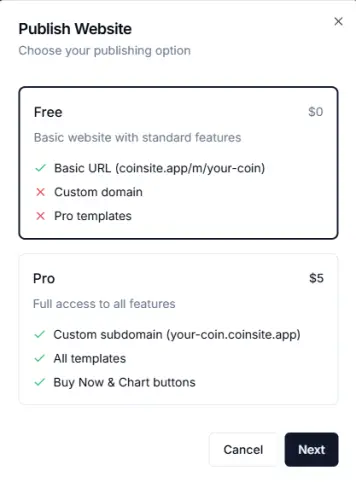
The difference between Free and Pro is the use of Pro templates, widgets and custom background images and an own subdomain!
Once, I finished, I'll be redirected to the dashboard that I have to bookmark in the event of future changes
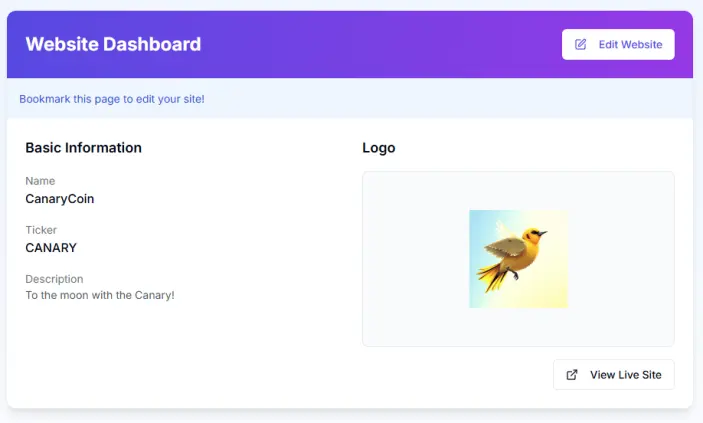
And I can see the live site too!
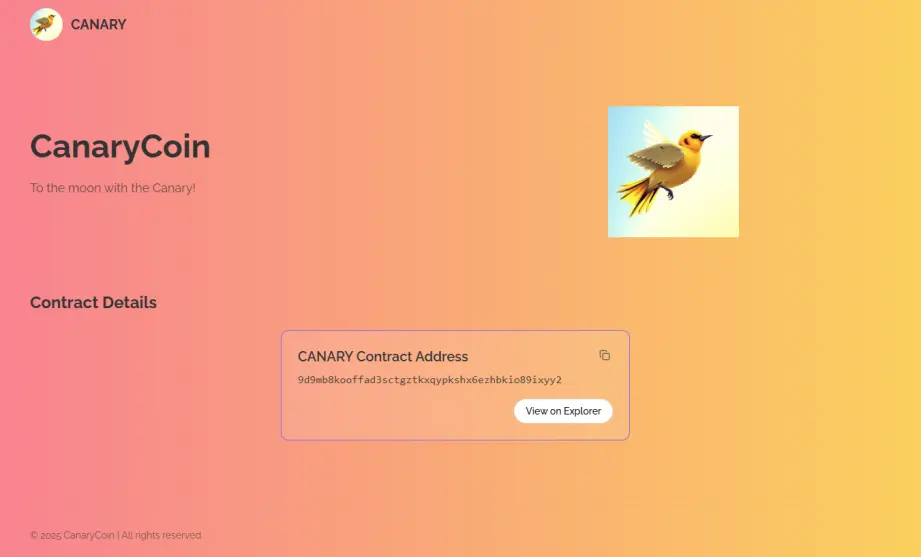
It looks simple, but neat. Of course, there are some other beautiful templates, such as
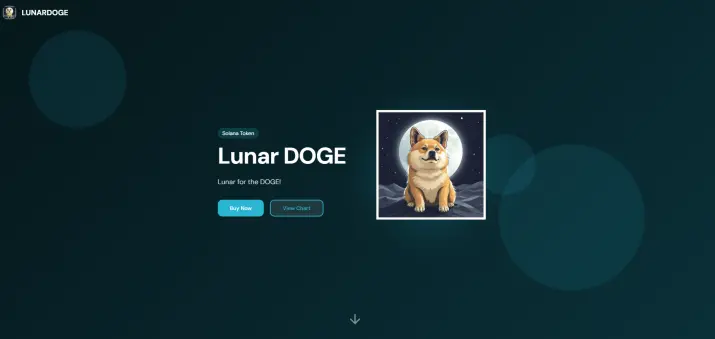
or this
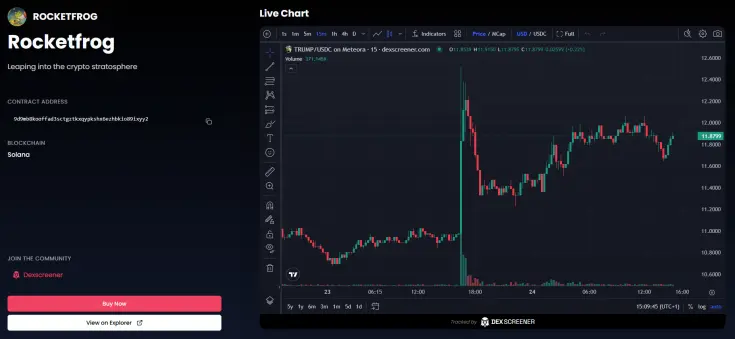
and many more...
Conclusion
Creating a memecoin website has never been so easy. Dedicated memecoin website builders simplify the overall process in minutes, instead of hours.
Thanks for reading this guide!






