
What is GAKEX?
Gakex is a new decentralize application that has recently been release on the Tron network. Developers of the dApp have claimed that it is the world’s first decentralized binary options trading platform.
What the Exchange Supports?
Currently the platform supports four trading pairs BTC/USDT, ETH/USDT, EOS/USDT and TRX/USDT.
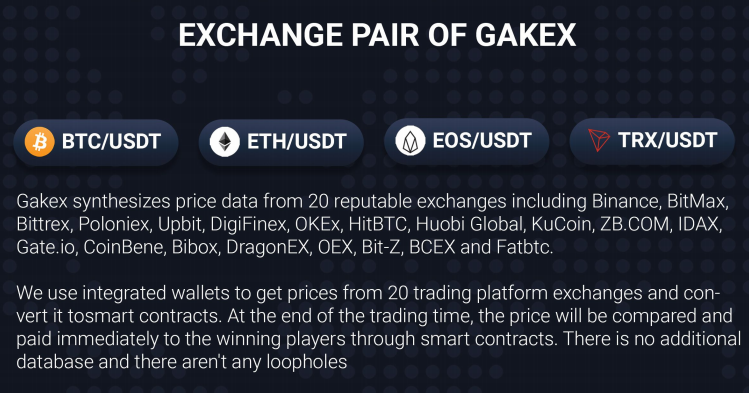 image source
Register Here:
http://bit.ly/GakexBinaryInvite
If you want to check it out right away for more details.
Check also this for other Key Features of the Platform.
> It is a truly decentralized platform with no intermediaries, all options and trades are made on-chain governed by smart contracts, auditable and transparent making it virtually impossible to manipulate.
> Digital assets never leaves the cold wallets of users, there is no need to deposit or withdraw funds as they are executed right off the user’s cold wallets limiting the danger of account lockouts or funds being inaccessible due to lost of service or additional verification requirements for withdrawals.
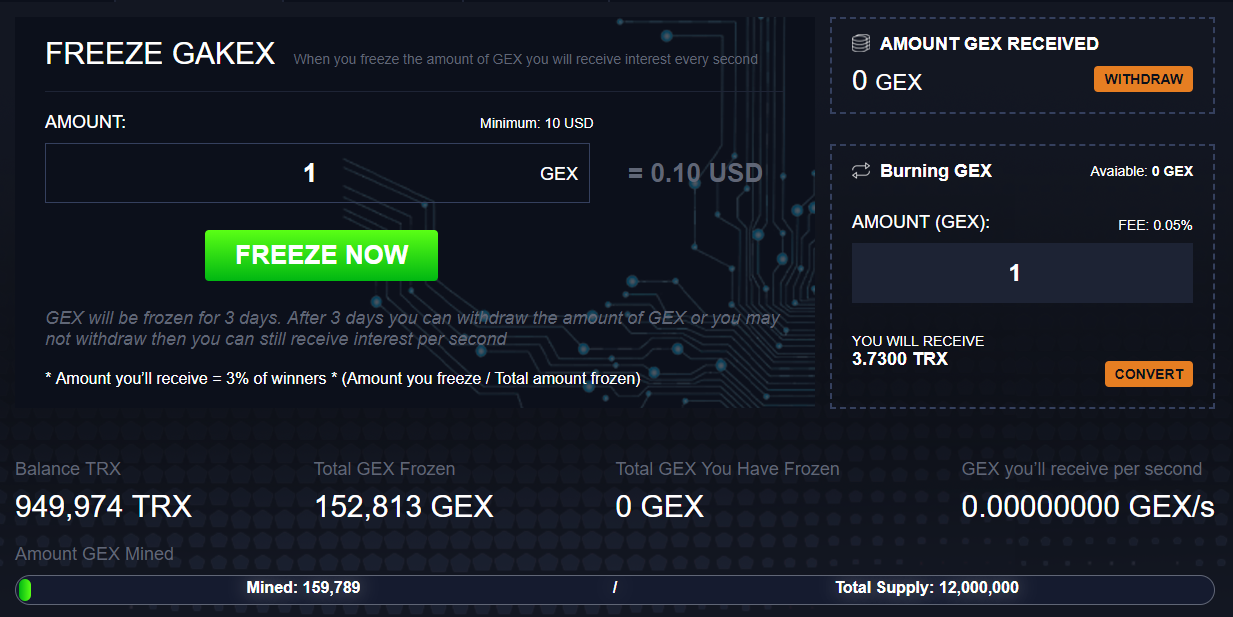
> All trades are rewarded with GEX its own utility/loyalty coin, regardless if it a winning or losing call. These tokens gives revenue share rights to its holders.
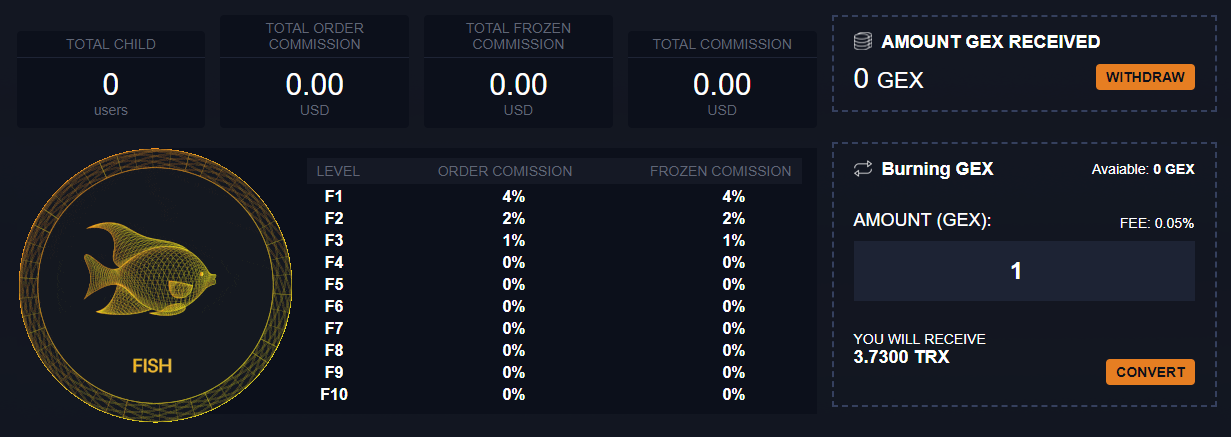
> 10 level referral system with adjusting rewards percentage depending on the GEX staked you staked and by your referral.
How to join?
1. You need a TRON wallet to participate.
For PC you can install http://bit.ly/TronlinkChromeWallet this will install a chrome extension wallet which you can restore in other devices like your mobile phone wallet application.
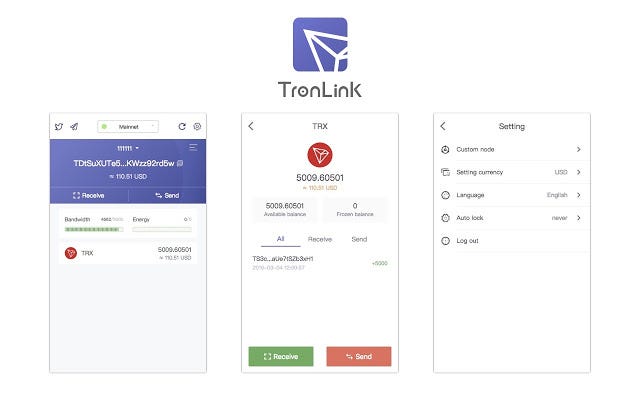
For mobile you might want to download and install
http://bit.ly/TronWalletMobile and create an account.
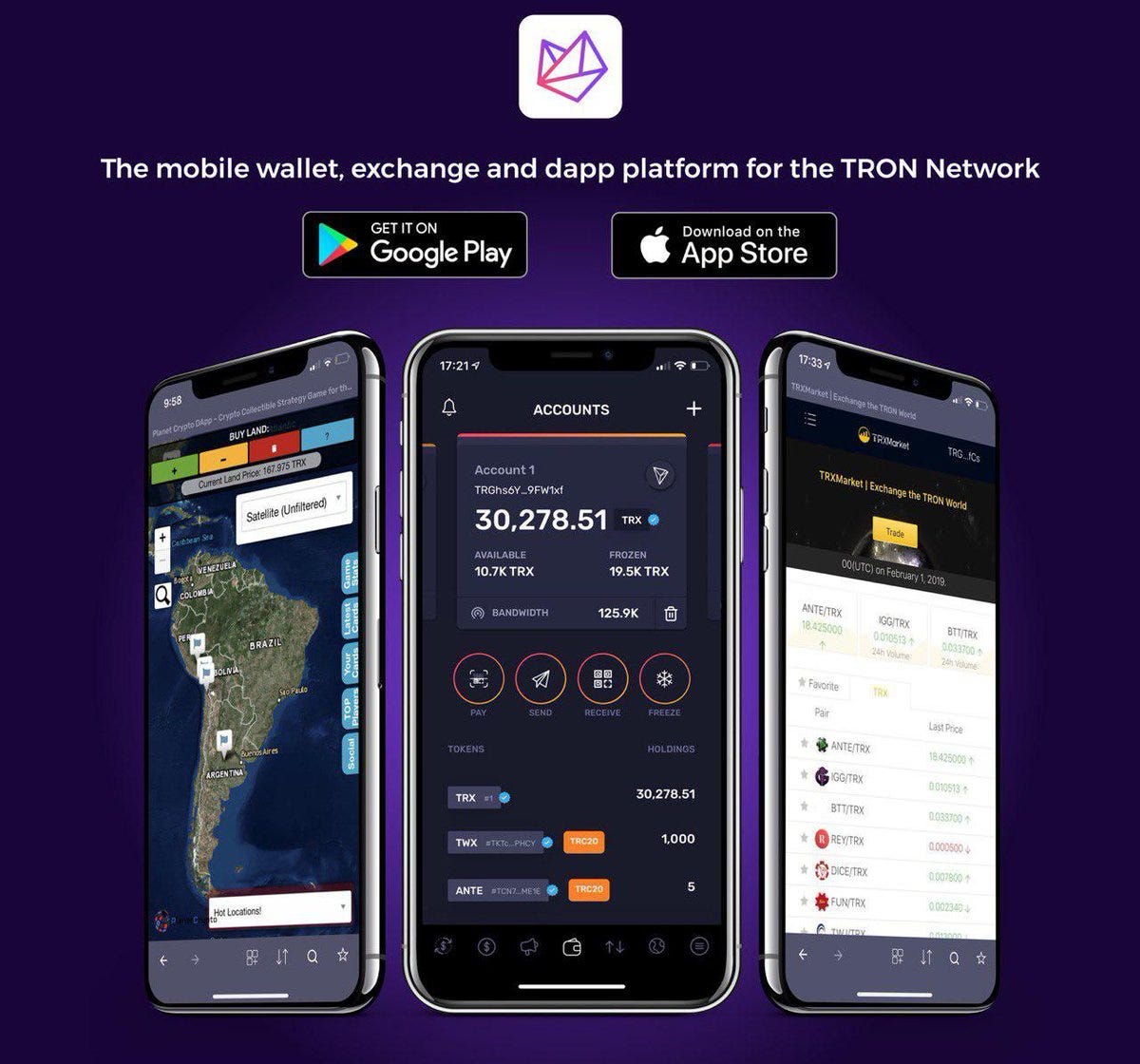
2. To login and access the site make using the pc make sure that you have login your Tronlink chrome wallet and open the site:
http://bit.ly/GakexBinaryInvite
NOTE: Before you register make sure you have around 10 TRX to make your registration work. Registration process uses smart contract which requires some TRX for txn fees.
To be able to participate on trading you need to have TRON (TRX) in your wallet this is the currency used in the platform.
For more information about the Gakex you may want to check out their community:
https://Twitter.com/Gakex_com
https://Facebook.com/gakextrading/
https://t.me/Gakex
To God be all the Glory!!!






