
HALO Network is accessible on different crypto wallets like Metamask, Hashpay and others. For Metamask wallet users, here’s an updated guide on connecting to HALO Network.
1. Install Metamask wallet app
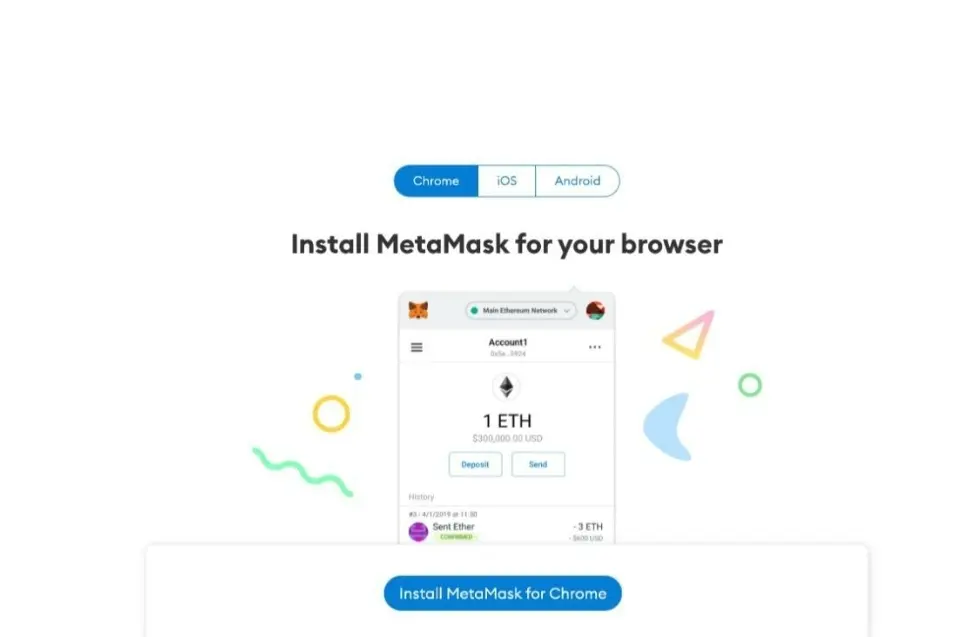
If you have a Metamask wallet, you can skip this step. If not, proceed to the Metamask website, and download the Metamask wallet for your device. Both Android and iOS devices are supported.

You can also opt for the Metamask browser extension, so you can use the wallet on your browser.
2. Create or import wallet
If you have a wallet address, you can just import it to the Metamask wallet app or browser using your seed phrase. If you don’t have an operational wallet address, then you will have to create one.
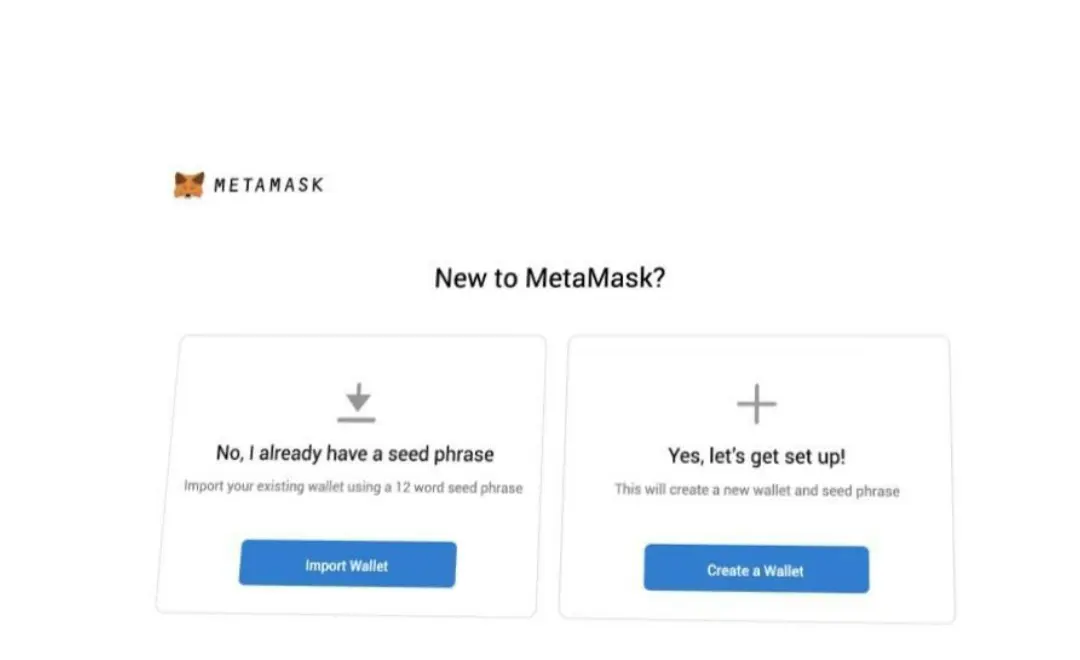
Creating a wallet address on Metamask isn’t difficult. Just click the create tab, write down your seed phrase (very important) and renter your seed phrase.
3. Set up your password
Next, you have to set up your password. Enter and re-enter your preferred password in the space provided. This will be requested whenever you need to make a transaction on your wallet. Afterwards, click create.

4. Link Metamask to HALO Network
To connect your Metamask wallet to HALO Network, you need to change the default network.
At the top, you can see the Ethereum mainnet – that’s the default network. Click on that, and it reveals several other network options. Since HALO Network isn’t on that list by default, you need to include it. Do this using the custom RPC tab.
 Select the custom RPC tab. If you don’t see the custom RPC tab, go to add network.
Then create a HALO Network option using the details:
Network Name: HALO Mainnet
New RPC URL: https://nodes3.halo.land or https://nodes2.halo.land or https://nodes1.halo.land or https://nodes.halo.land
 ChainID: 1280
Symbol: HO
Block Explorer URL: https://browser.halo.land/
Tap the Save button. And you’re ready.
 With that done, your Metamask is fully connected to HALO Network. If any of the nodes are congested, switch to the other available nodes by changing the node selected.
Follow HALO Network and stay up-to-date:
🔘 Official Website: https://halo.land
🔘 Telegram Group: https://t.me/HALONetwork
🔘 Telegram Channel: https://t.me/HALONetwork_news
🔘 Twitter: https://twitter.com/network_halo
🔘 Medium: https://halonetwork.medium.com
🔘 Reddit: https://www.reddit.com/r/halonetwork
🔘 Discord: https://discord.gg/7rMEbWzacd






