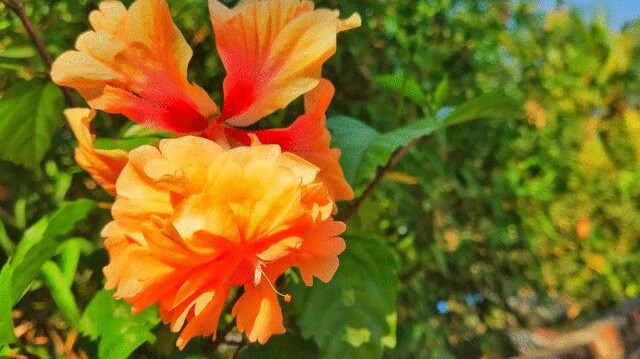
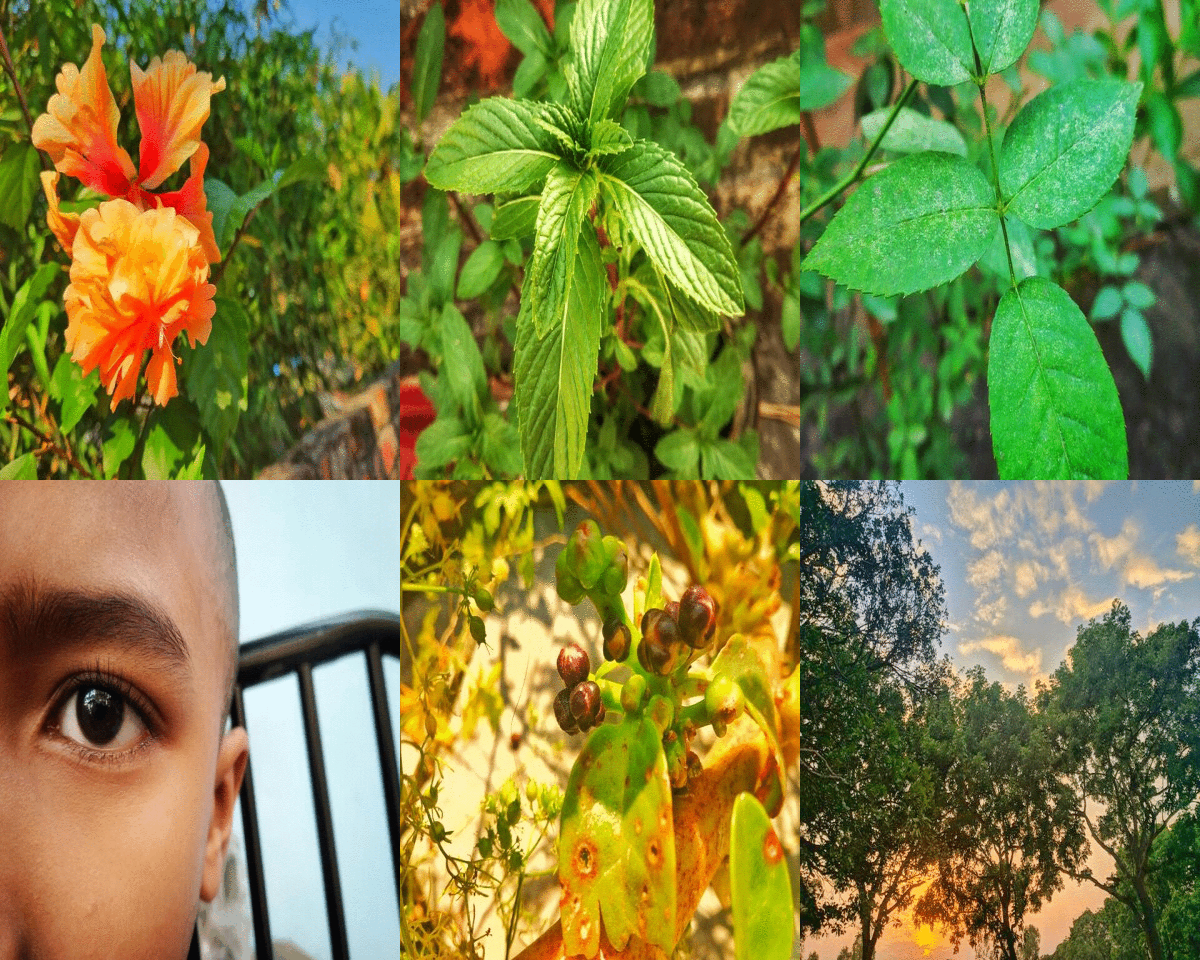
বাংলা :আজ আমি আমার সেরা কয়েকটি ফটোগ্রাফ নিয়ে একটি অ্যানিমেটেড গিফ তৈরি করেছি যা আমি আমার স্মার্টফোনের দিয়ে তুলেছি। আশা করি সবাই গিফটি পছন্দ করবেন। আপনার কোনও পরামর্শ থাকলে কমেন্ট বক্সে আমাকে পরামর্শ দিতে পারেন।
English : Today I Have Made A Animated Gif with Some Of My Best Photographs that I have Clicked With My Smartphone. Hope Everyone will like the gif. If you have any suggestion you can suggest me in the comment box.
Here is the animated Gif Below!
----
বাংলা : আমি দুর্দান্ত এবং সুন্দর জিনিসগুলির ছবি তুলতে আগ্রহী এবং এটি অন্যদের সাথে উপভোগ করি। আমি যা দেখেছি তার সৌন্দর্য ছড়িয়ে দিতে চাই। তাই আমি সবসময় আমার ছবিগুলি সম্পর্কে কিছুটা বর্ণনা করার চেষ্টা করি, এটি আমার ছবি সম্পর্কে আপনার কী ধারণা তা বুঝতে আমাকে সহায়তা করে। শীঘ্রই আমি আরও নতুন ছবি শেয়ার করব।
EngliSh: I'm interested in Capturing Awesome and beautiful things and share it to other peoples. I wants to spread the beauty what I have seen.That's why I always try to describe about my Captures a little, It helps me to understand what do you think about my captures. Soon I will post more new photos.
------
বাংলা:আমি ছবিগুলি তুলতে আমার রেডমি নোট 5 প্রো স্মার্টফোনটি ব্যবহার করি। আমি অফিসিয়াল কোন ফটোগ্রাফার নই এবং আমার কাছে ভাল ক্যামেরা নেই।
ছবি তোলা ছাড়াও আমি আমার ফোন দিয়ে ছবি এডিটও করি! কখনও কখনও আমি এডিট করা ছবি শেয়ার করব। আমি ছবিগুলি আরও সুন্দর দেখাতে সেগুলি এডিট করি।
English : I use my Redmi Note 5 pro Smartphone to Shoot or captures Pictures. I am not an Official photographer and I dont have a good camera.
Besides Shots I also edit photos with my phone! Sometimes I Will share edited photos. I edit photos to make them look More gorgeous.
বাংলা: আমি ছবি এডিট করতে পিক্সআর্ট ব্যবহার করি। যাতে আমার ছবিগুলো আরও সুন্দর লাগে। আপনি পিকসার্ট ব্যবহার করে আপনার ছবি দিয়ে যা কিছু করতে পারেন। আমি আপনাকে ছবি এডিটর হিসাবে পিক্সার্ট ব্যবহার করার পরামর্শ দিচ্ছি। আপনি নীচে থেকে সহজেই ডাউনলোড করতে পারেন।
English :I do use PicsArt to edit photos. So that my photos looks very nice and more gorgeous. You can do anything with your picture using picsart. I do recommend you to use picsart as your photo editor. You can easily download it from Below.
[For Android](https://play.google.com/store/apps/details?id=com.picsart.studio) || [For IOS](https://apps.apple.com/us/app/picsart-photo-editor-collage/id587366035)
---
https://files.peakd.com/file/peakd-hive/dongkong/GpoZPdSU-PicsArt_04-08-08.44.20.jpg
Bangla: আপনার ফটোগুলির জন্য পুরষ্কার পেতে অ্যাপিক্স সম্প্রদায়টিতে যোগদান করুন। এটি ইনস্টাগ্রামের মতো। কেবল আপনার ফটো আপলোড করুন এবং সম্প্রদায়টি যদি এটি পছন্দ করে তবে আপনি আপোভেট পাবেন এবং এপিএক্স টোকেন উপার্জন করবেন। অ্যাপিক্সগুলি এখন বিটা সংস্করণে রয়েছে তাই এটি ব্যবহারের জন্য আপনাকে আমন্ত্রণ জানাতে হবে। আমন্ত্রণ পেতে এখানে আপনার আবেদনটি করুন।
English: Join the appics community to get rewarded for your photos. Its like Instagram. Just upload your photo and if the community likes it you will receive upvote and will earn APX token. Appics is now on beta version so you have to be invited to use it. Apply your application here to get invited. [Submit Here](https://ref.appics.com/?ref=dongkong)
You will receive an email to download the app.
Thank you!