
In NorthLight School, we prepare you for the future. Since it is important for you to communicate yourself clearly in the workplace, we teach you how to make beautiful PPT slides. We choose food as the theme because many of us are passionate about food.
How to Create PPT Slides
1. Go to https://slidesgo.com/ and click on 'Student'.

2. Type 'food' on the search bar. Many food-related templates will appear instantly.

3. Choose a template you like and click 'Download'.

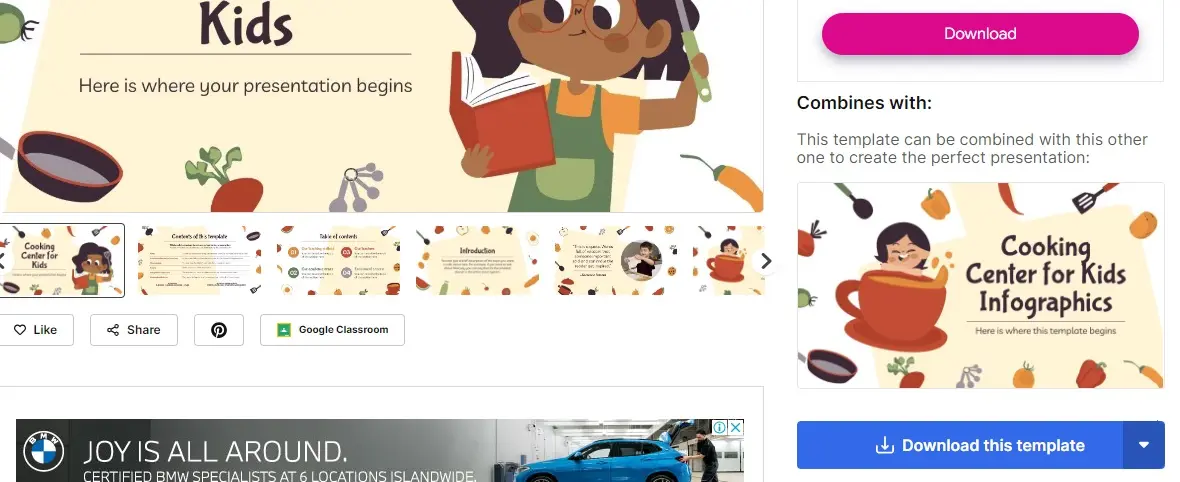
4. Type your food item, names and class. Capitalise the food item and your names.

5. Do research on the origin of the food item your group chose. Type "Origin of X" into Google, where X is your food item.

6. Copy the origin of your food item and paste it on your PPT slide.


7. Use the "Seven-by-Seven" rule in PowerPoint
Use no more than 7 words per line and no more than 7 lines per visual.
8. Condense the information to no more than 7 words per line.






