
What’s CoolWallet?
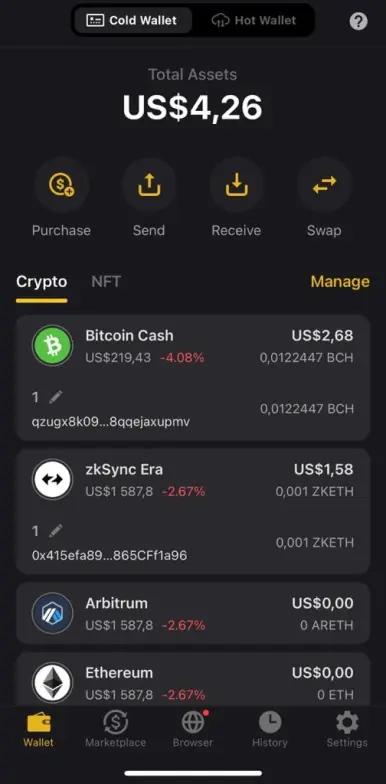
The CoolWallet App is a non-custodial solution that ensures your data remains private. Only the user has access to their assets. With features like screenlock and transaction verification, the app heightens the safety of your digital assets. Users have the option to utilize either biometric recognition or a password for unlocking and transaction approvals.
At present, the CoolWallet App is compatible with over 10 primary chains such as Bitcoin, Ethereum, Binance Smart Chain, Polygon, Avalanche C-Chain, Arbitrum, Optimism, zkSync Era, Cronos, Flare, ThunderCore, OKX Chain, and Linea. Beyond the primary tokens, it also accommodates more than 12,000 custom tokens, particularly on chains like Ethereum and Binance Smart Chain.
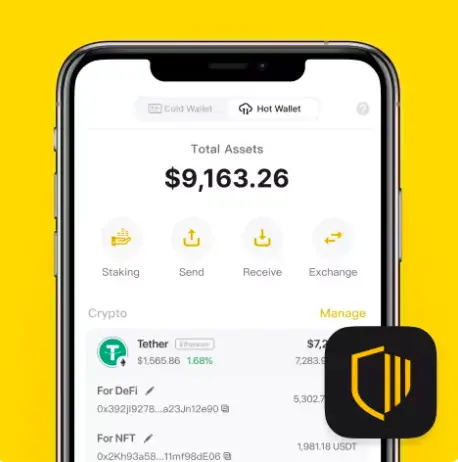
Source: https://www.coolwallet.io/
Certainly, the CoolWallet App isn’t just about storage; it boasts a Web3 browser. This permits users to effortlessly buy, exchange, and oversee their cryptocurrency through various platforms.
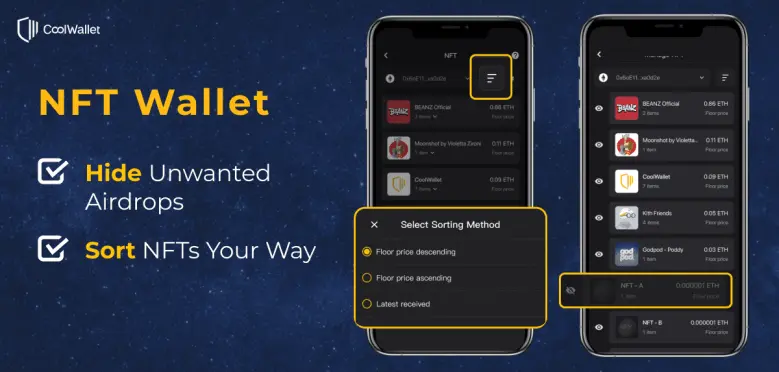
Moreover, with the NFT management feature and an advanced transaction analysis tool named Smart Scan, users gain more security. The tool meticulously examines transaction details and detects discrepancies, adding an additional security layer before confirming transactions.
CoolWallet App vs CoolWallet Pro
The CoolWallet App functions as a digital gateway to control your crypto assets, which might be housed in the CoolWallet Pro. The app facilitates transactions such as sending, receiving, buying, selling, swapping, and staking of crypto. It mimics the features of a hot wallet, even in the absence of the CoolWallet Pro/S cold wallet.
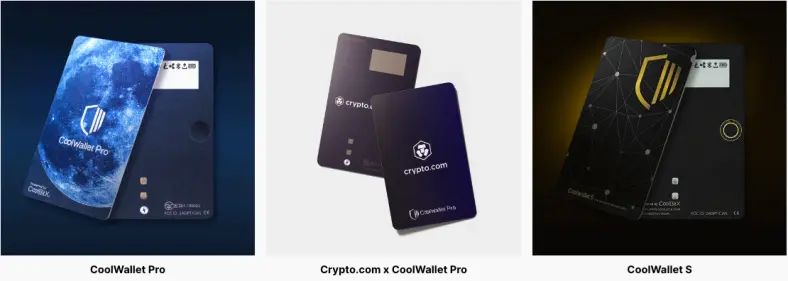
Conversely, CoolWallet Pro stands out as a sleek, credit card-like hardware wallet tailored to safeguard your wallet’s private keys from unauthorized access. Pairing the CoolWallet App with CoolWallet Pro lets you manage both cold and hot wallets within a singular platform. This integration provides the robust security attributes of the CoolWallet Pro, complemented by the practicality of a hot wallet, taking encrypted asset management up a notch.
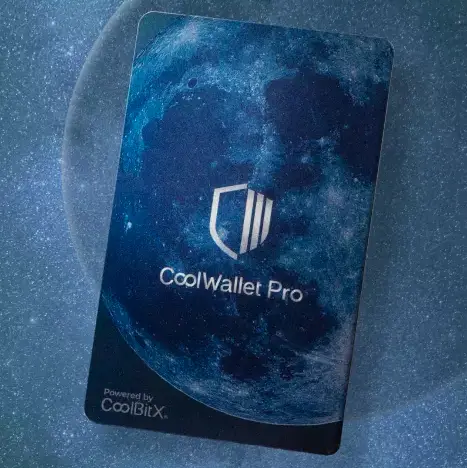
CoolWallet Pro is unmatched in its class, providing unparalleled cold storage safety combined with user-friendly features. Safely manage your cryptocurrency, DeFi, and NFT assets discreetly anytime, anywhere. It’s packed with features like an EAL6+ SE, encrypted Bluetooth connectivity, multi-currency support, and a comprehensive app.
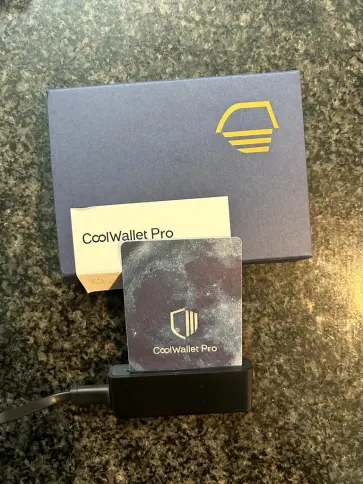
When you purchase the CoolWallet Pro hardware wallet, you receive a package that contains the CoolWallet Pro unit, Charger kit, Initial setup guide, Backup phrase cards. If your CoolWallet App password slips your mind, your crypto assets are not lost. Your crypto assets reside on the blockchain. A forgotten password for the CoolWallet App doesn’t equate to the loss of your encrypted assets.
Always ensure that your recovery phrase (or mnemonic phrase) is stored securely, either handwritten or safely saved. This is essential for the restoration of your crypto wallet should the need arise.
How to Set Up CoolWallet Pro Step-by-step Guide
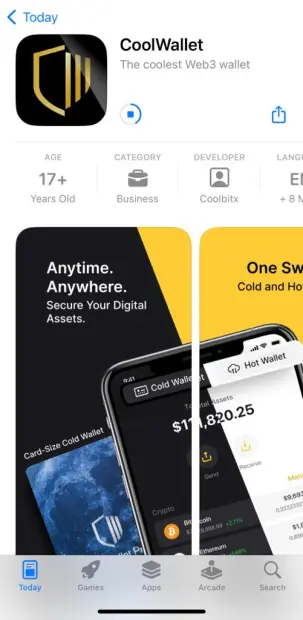
The first step is to download the CoolWallet app to your iOS or Android device.
Please note:
- Card Serial Number: This is your CoolWallet’s unique identifier and is essential for pairing with the CoolWallet App.
- Physical Button: Tucked away discreetly, this button necessitates manual pressure for confirming transactions or making changes in your CoolWallet App, ensuring enhanced security for your assets.
- E-Paper: To move forward with any outgoing transaction, you must first confirm the displayed amount and follow the instructions shown on the E-paper by pressing the button. This adds another security dimension to CoolWallet.
- Charging Pins: When charging your CoolWallet Pro, ensure this side aligns with the arrow indicator on the charging deck.
How to Charge Your CoolWallet Pro
For the initial setup and during firmware updates, your CoolWallet requires power. Align the “lightning” symbol on your CoolWallet with the “arrow” symbol on the charging platform. Carefully slot the card into the charger until you sense a “click”. *Before the inaugural charge, take off the protective film from the charging Pins. A complete charge typically takes around 2 hours, with a standby duration of approximately 3 months. Regularly charge your CoolWallet every month to optimize battery life.
How to Use CoolWallet
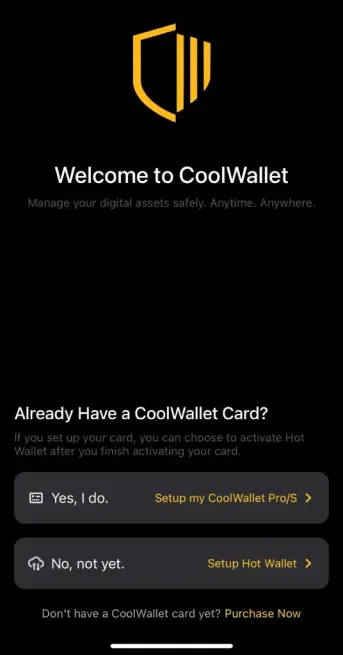
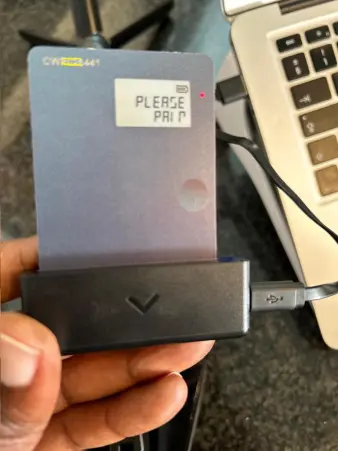
To commence your crypto journey safely with CoolWallet, first, pair your CoolWallet Pro with the CoolWallet App.
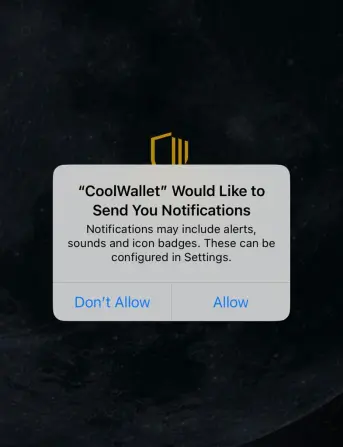
Step 1. Launch the CoolWallet App and enable Bluetooth access. It’s advised to enable app notifications so you stay updated with recent news and coin price changes.
Tap “Connect” and hold down the Physical Button to activate the card. Upon successful Bluetooth connection, your card’s serial number will appear on the Radar screen. Choose your serial number and tap “Connect” to continue.
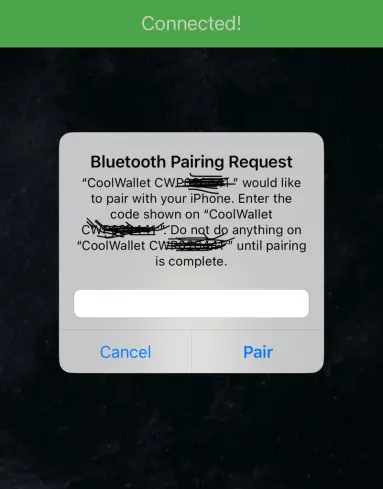
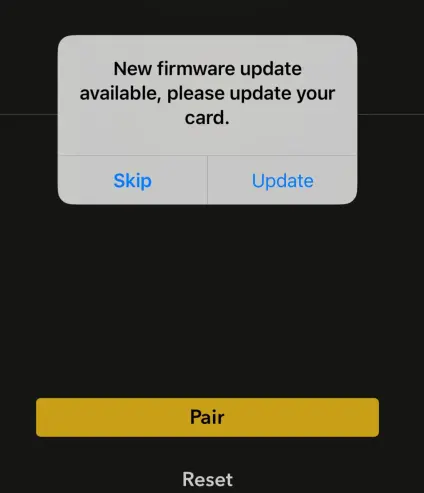
Step 2. A pairing password will be displayed on the E-paper. Input this password into the “Bluetooth Pairing Request” prompt and tap “Pair”. There might be a prompt for a firmware update to the latest version.
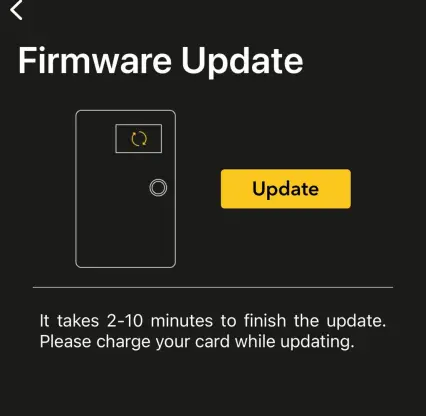
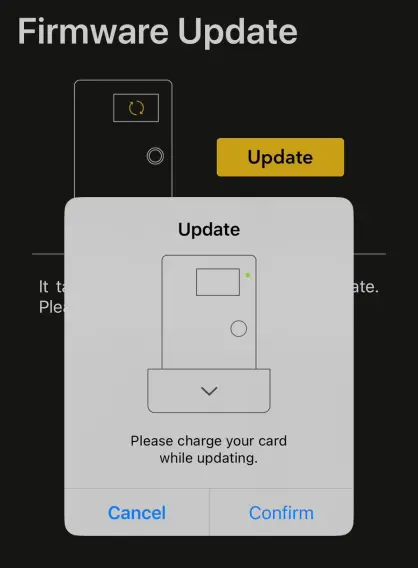
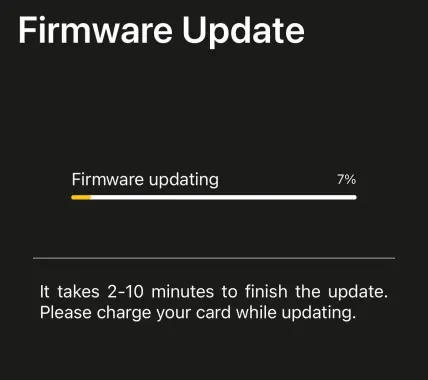
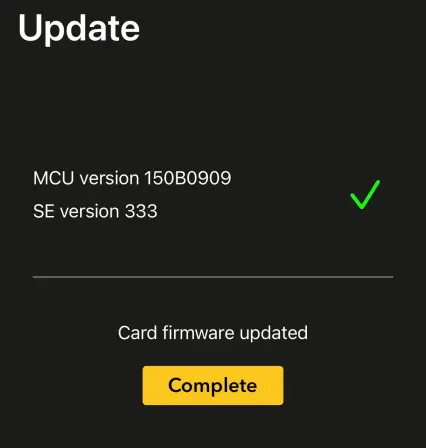
Step 3. Connect your CoolWallet to a power source during the firmware update. This process may last between 2 to 10 minutes. Once updated, the latest firmware version will be displayed. Tap “Complete” to move on to Wallet Setup or Recovery.
Seed Generation
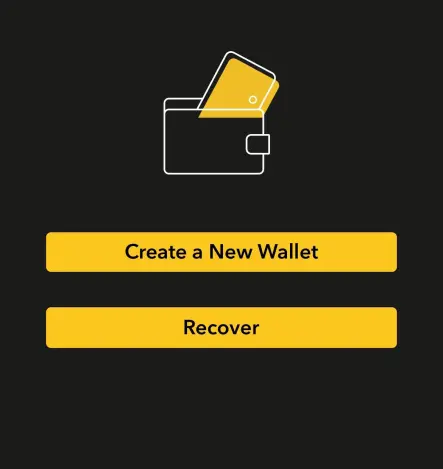
Step 1. Tap “Create” to produce new seed phrases for your wallet. To restore a wallet using existing seed phrases, see the “How to import mnemonic from other wallets” section.
Step 2. For a new wallet creation, generate a seed comprising 12, 18, or 24 numbers. (For heightened security, it’s suggested to select “By Card” and a 24-number mnemonic set). Press ”Generate” to advance.
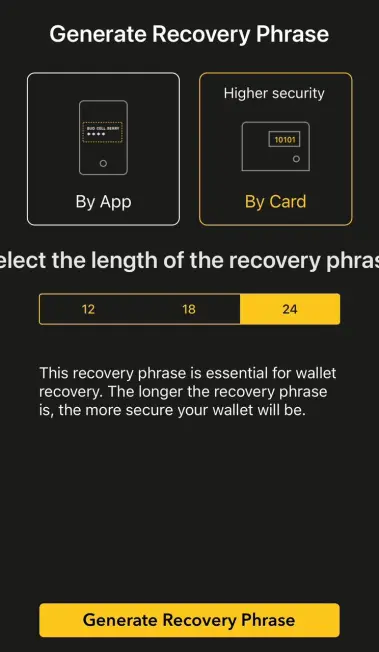
Step 3. Ready a pen and the Recovery Seed Card (provided with your CoolWallet). Note down the number displayed on the E-paper. After jotting down each seed, push the Physical Button to reveal the next one. This seed combination acts as your device’s backup, enabling asset restoration in case of CoolWallet or phone misplacement. Store this with utmost care.
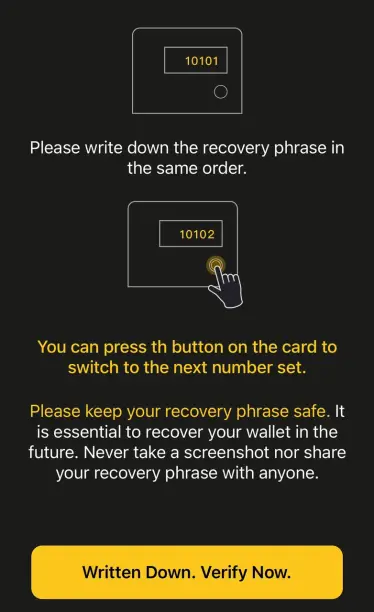
Seed Validation on CoolWallet
A verification sequence starts to ensure your seed’s accuracy. Sum up all numbers in your seed and enter the total above the highlighted line. Tap “Verify” to validate the total.
Mnemonic Import on CoolWallet
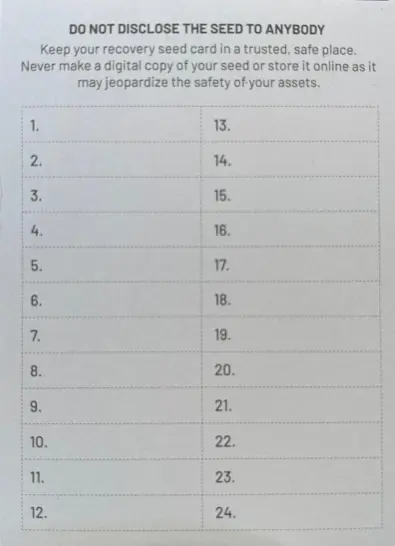
If your seed phrases originate from CoolWallet and you aim to retrieve your wallet, opt for the “Advanced Wallet Recovery”. However, if your seeds from other wallets are letter-based instead of numerical, select “Basic Wallet Recovery”.
Once your wallet is set up, you can then add assets. First choose, which tokens you want supported on your wallet.
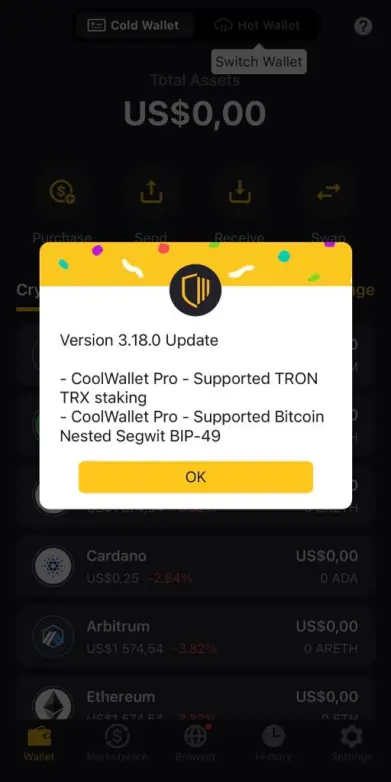
Then top up your wallet with the coins/tokens you wish to store on your CoolWallet Pro and you’ll be good to go!
Conclusion
CoolWallet is one of the most convenient ways to store your digital assets offline and in cold storage. The solution is easy-to-use, affordable and best of all secure and reliable. Start your crypto journey the right way by making sure your assets are safe and in your custody so that you don’t rely on third parties who may compromise your security or lose your assets.
Get your CoolWallet Pro: https://www.coolwallet.io/product/coolwallet-pro/?ref=zjblodh
Read the complete guide: https://decentralised.news/coolwallet-review-2023-best-cold-storage-solution/
Subscribe to our newsletter: https://decentralised.news/newsletter/
Recommended crypto platforms: https://decentralised.news/ecosystem/
Free Crypto resources: https://decentralised.news/resources/
#CoolWallet #DeFi #Selfcustody #Crypto #Blockchain #Tech






