
The following article is a guide on how to make your cryptocurrencyportfolio with the CoinMarketCap-app.

First of all you need (of course) to download the CoinMarketCap-app in the Appstore or in the Google playstore. You can do this with the following link:
Appstore
Playstore
When the App is installed, you have to open it and you need to make an account. After everything is set up you should get to this homescreen:
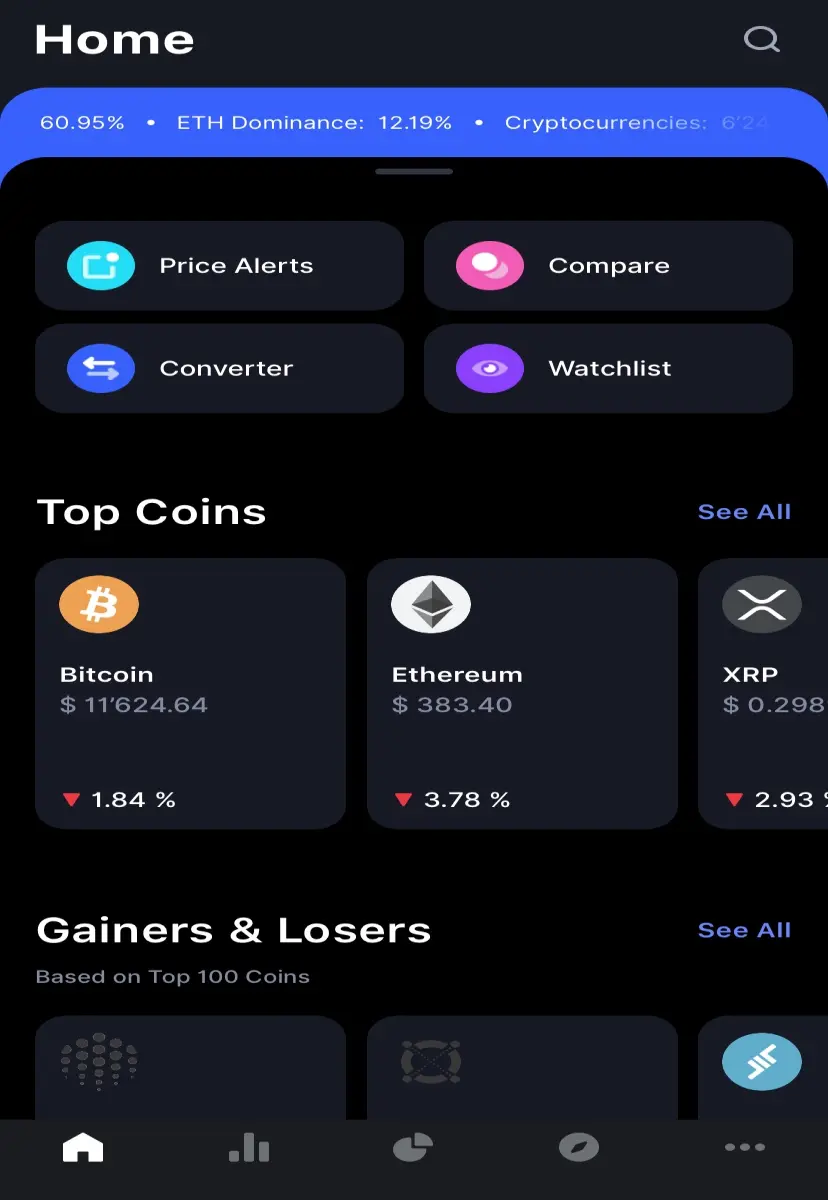
I personally prefer the black background, but you can change it to white if you want to in the settings.
Now you have to tap the diagram at the bottom in the middle to get to the portfolio section.
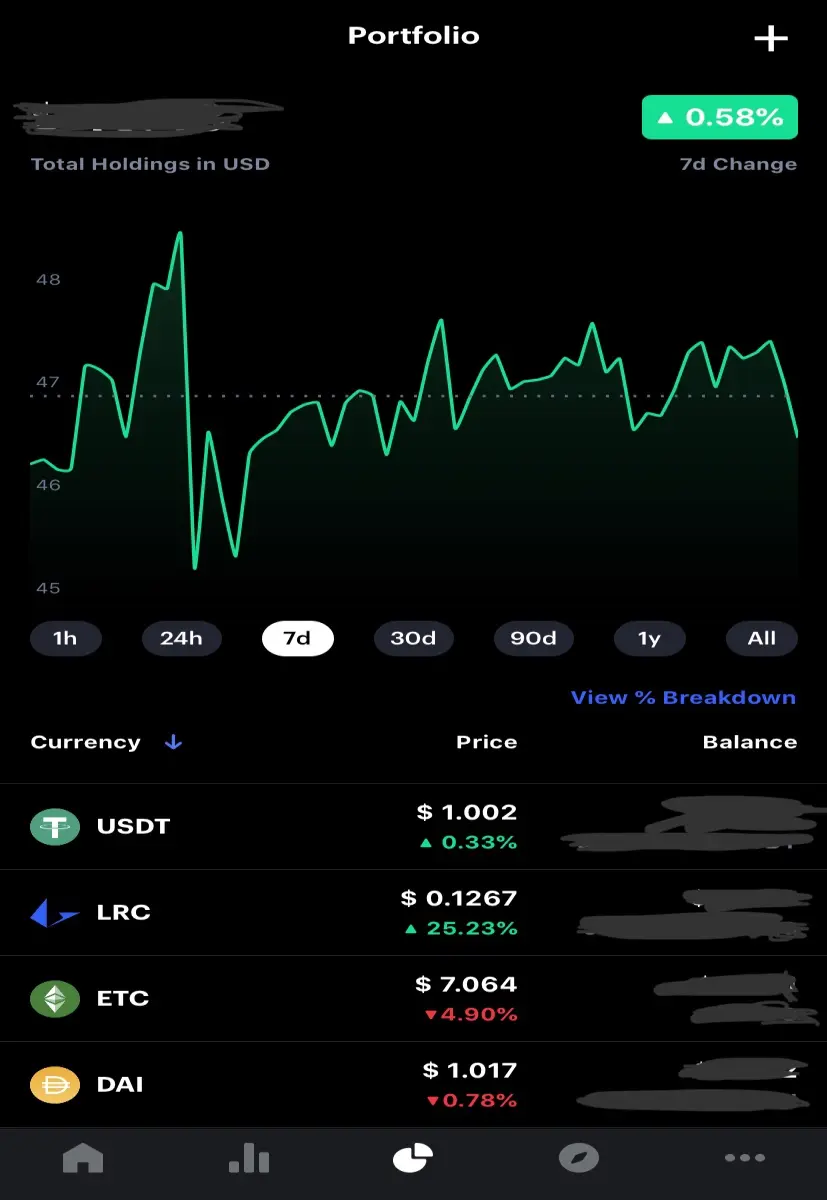
In my case there is already some stuff on it but in your case this should be empty. Then press on the plus symbol at the top on the right. There you can select the coin you have in posession.

Next you have to type in the amount of the coin you have. You can repeat this step, until all your coins are in the list below the chart.
And there you have made your portfolio in the CoinMarketCap-app.
There you can analize the course of all your money spent on Cryptocurrency.
Now I hope that everything is clear. When tere are still questions, just write it in the commentary section.






