
Hi everyone
Today I am going to show you how I earn basic attention tokens from browsing the internet as I normally would.
Step 1
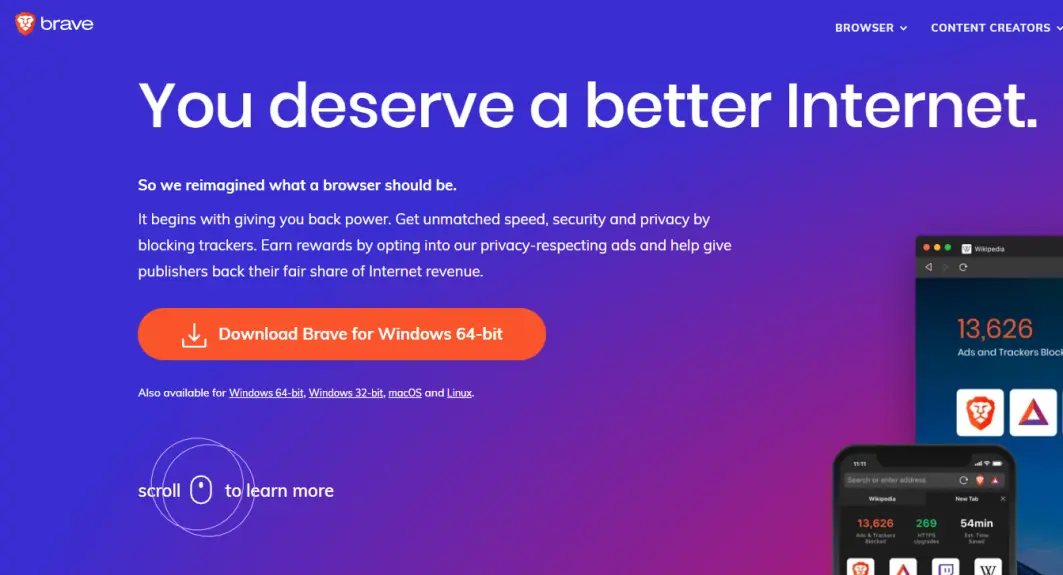
The first step is to download the brave web browser which you can do with the following link: https://brave.com/qoi398
Step 2
After downloading the Brave web browser, open it up and then click on the Basic attention token symbol as shown in the below image.
 Step 3
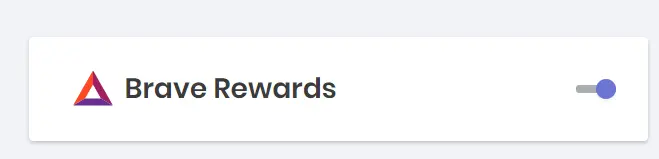
On the next screen after clicking on the Basic Attention Token symbol the first thing you need to do is enable Brave rewards. This will allow for you to be able to receive the Brave Rewards.
Step 4
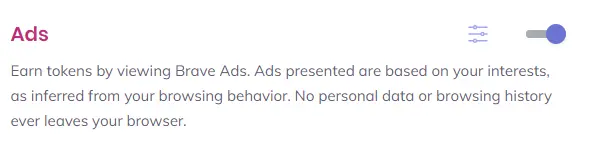
The next thing you want to do is enable ads which pay you per view.
Step 5
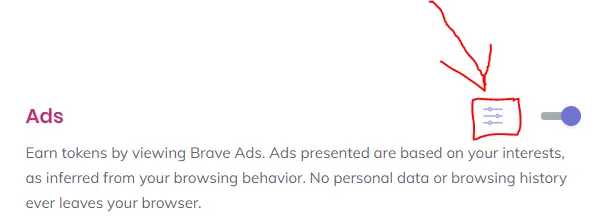
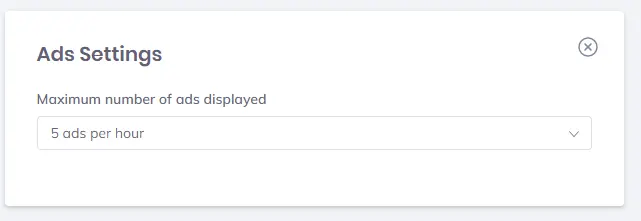
After enabling the ads you will need to set the number of ads per hour to the max amount possible per hour which is 5. To do this you must first click the pull down menu symbol located directly next to where you just enabled the ads. After selecting this choose to receive 5 ads per hour which will allow you to maximise your potential basic attention token gain.
Step 6
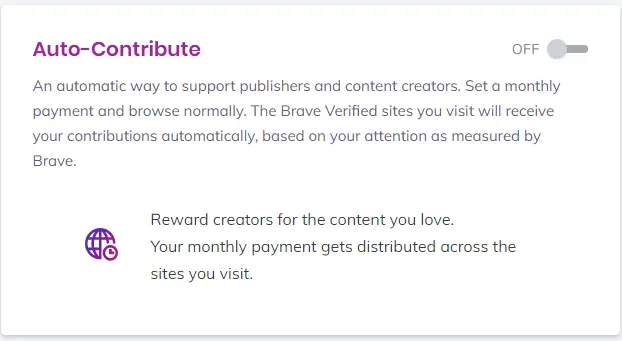
You will then need to turn off auto contribute if you want to keep the BAT that you receive. The reason for this is that your BAT will automatically be sent to each site that you visit during the course of the month. If you turn off auto contribute the only way for a site to be tipped your BAT is for you to tip the site manually. With auto contribute disabled you get to keep your BAT that you have earned.
Step 7
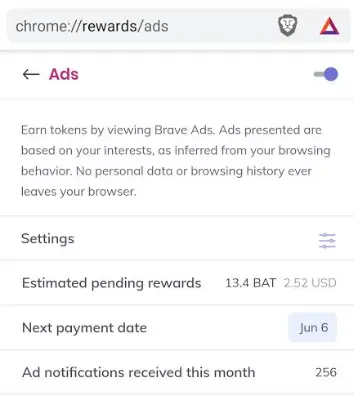
Just use the brave browser as your default browser on whatever device you downloaded it on and receive your rewards. In the image below it shows the amount of BAT I have earned so far this month just from using this method.
Stay safe stay at home
Thanks for reading!!!!
Download the brave web browser for no ads and speeds up to 3x faster than google chrome here:
Follow us on publish0x for more articles
https://www.publish0x.com/@Frank12
Follow our affiliate for software reviews and more information on Brave
https://www.publish0x.com/@G-Dog
Follow us on twitch here






