Whether you're new to crypto, intermediary, or advanced in your crypto knowledge, one basic rudiment and principle of crypto you must learn and learn well is the concept of crypto wallet and usage to send and receive assets- be it tokens or NFTs.
This is especially important because a simple error you make during the simple yet careful process of sending assets or retrieving your wallet address to aid you to receive assets can make you lose your assets forever!
What?
........Yes lost forever!
This is because when tokens are sent to the wrong wallet address; it is like "dropping a piece of paper in a fiery furnace". It's lost and lost forever.
Funny enough the process of sending assets via your crypto wallet either from a DEX (Decentralized exchange) or DeFi wallet like the Trust wallet or from a CEX (Centralized exchange) wallet is a very simple procedure but requires to be done gingerly; with extreme care and caution.
Let's consider what is involved or required to transfer assets to and from a DeFi wallet...
What is involved in Receiving assets?
To receive crypto assets both NFTs and crypto tokens, you simply need to copy the alphanumeric data that identifies your DeFi wallet address and note that any mistake made while copying that address would mean sending a wrong address to the sender, hence if not detected by the sender before sending the assets, simply means the sent token is lost forever like that paper thrown into a burning furnace.
It also requires that the sender or the receiver identifies the blockchain or receiving wallet address network to send the funds accordingly. Any error there too, like mismatching the network and sending to the wrong network also means the tokens are lost forever.
What is involved in Sending crypto assets?
To send crypto assets simply requires that the sender requests the wallet address of the receiver and identifies the receiving blockchain/network of the receiving wallet address and sends the number of tokens according to the wallet address via the corresponding network.
Now you understand what I meant when I said it is a simple process yet must be done gingerly to ensure correctness.
You agree with me that this process looks simple for an intelligent and sharp elementary student to pull off with minimum guidance.
The shocking statistic is that a lot of people are losing their assets because of making these reiterated errors critically considered above. Reports have it that many crypto newbies and some advanced crypto users have made such errors in the past and some are requesting an approach that mitigates these losses.
What if I told you that Binance has a product- Binance Pay that caters to this need?
What if I introduce to you an upgrade in Binance Pay that makes the process of sending and receiving crypto assets to a DeFi wallet as simple as clicking a few buttons; it doesn't even require copying wallet addresses nor does it require wallet address scrutiny to ascertain the network to be used in sending the asset.
I am very sure, you must like that because after all "Simplicity is Enjoyable".
Before we X-ray the process fully, I would like to mention that the details of this article represent my research work using the information available on the Binance Blog and in the Binance Telegram Community.
Hence I employ you to DYOR (do your own research) to confirm the details.
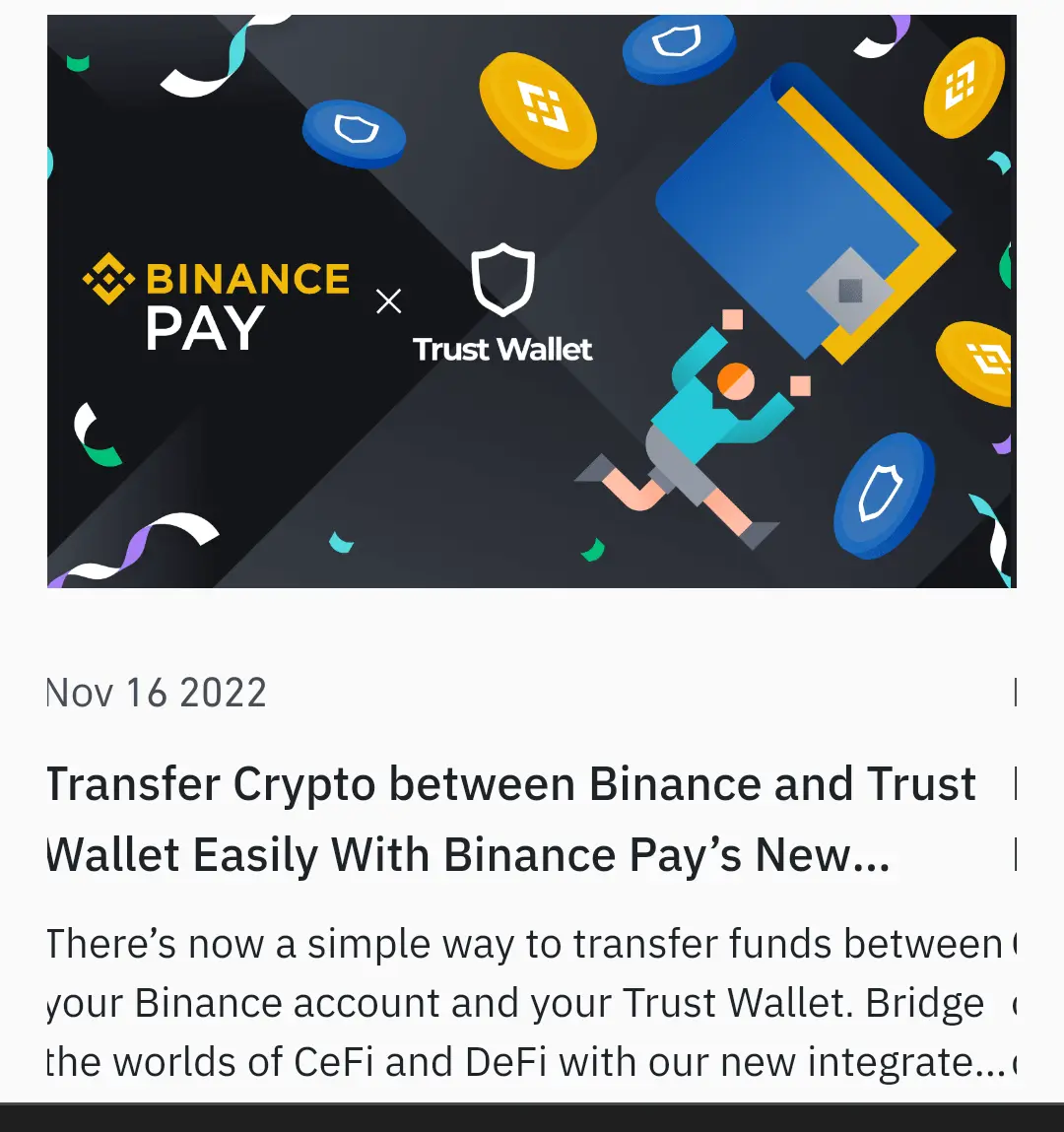
That being said; this new and the simplest process of sending assets from DeFi to CEX is "Binance Pay Trust Wallet Integration".
This article focuses on how to use Binance Pay to receive tokens to your personal DeFi wallet (Trust Wallet) from a CEX- Binance Funding Wallet.
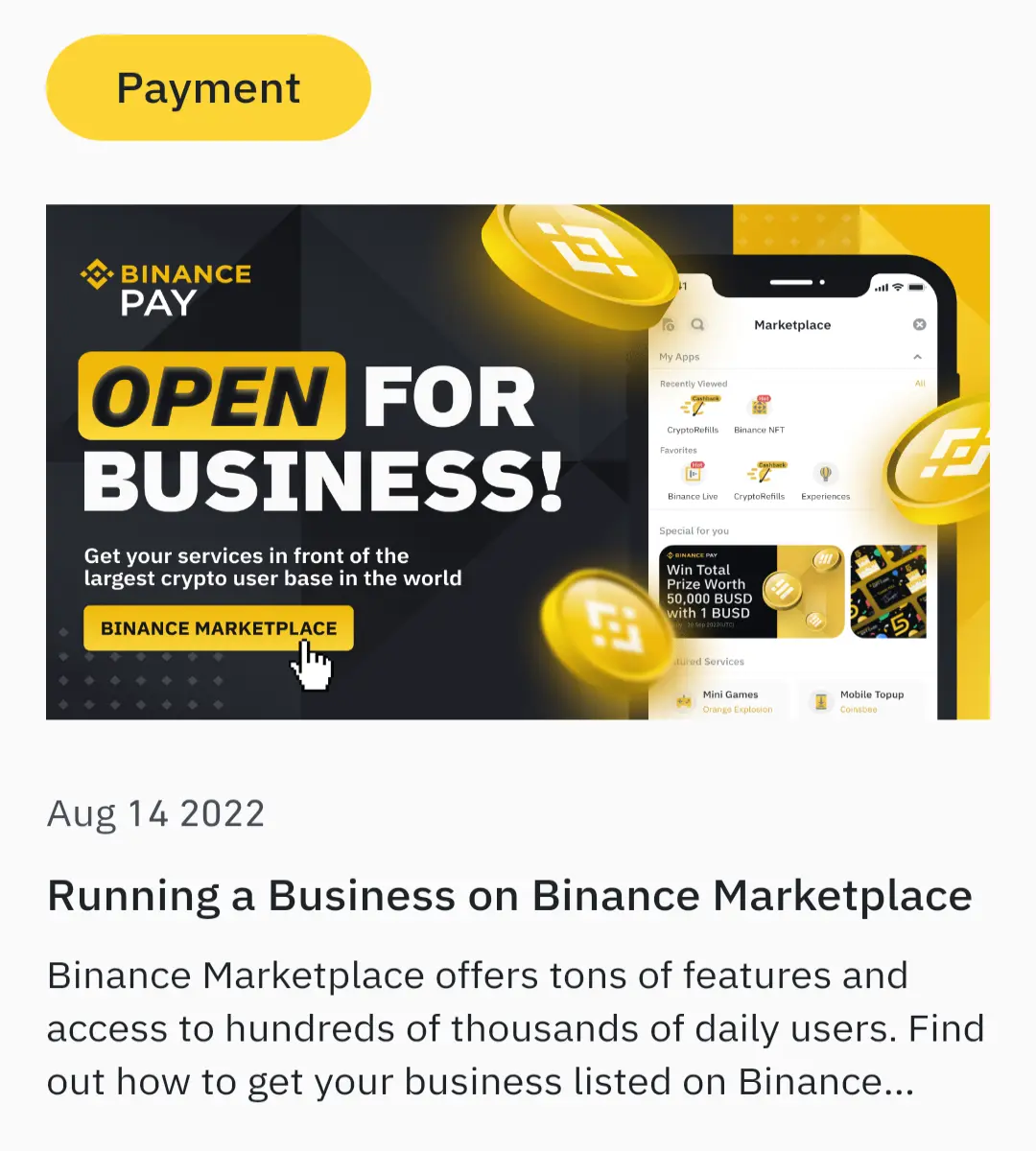
So Binance Pay is a crypto financial tool used by Binancians (Binance Users) to send and receive tokens and coins free of charge. It is as fast as lighting and very easy to use. It is a digital crypto payment structure already integrated into many businesses all over the world and rapidly expanding into many sectors that require a secured and reliable digital payment structure. You can now use Binance Pay as a merchant who runs a business integrating Binance pay as your payment or transaction platform. (See image below)
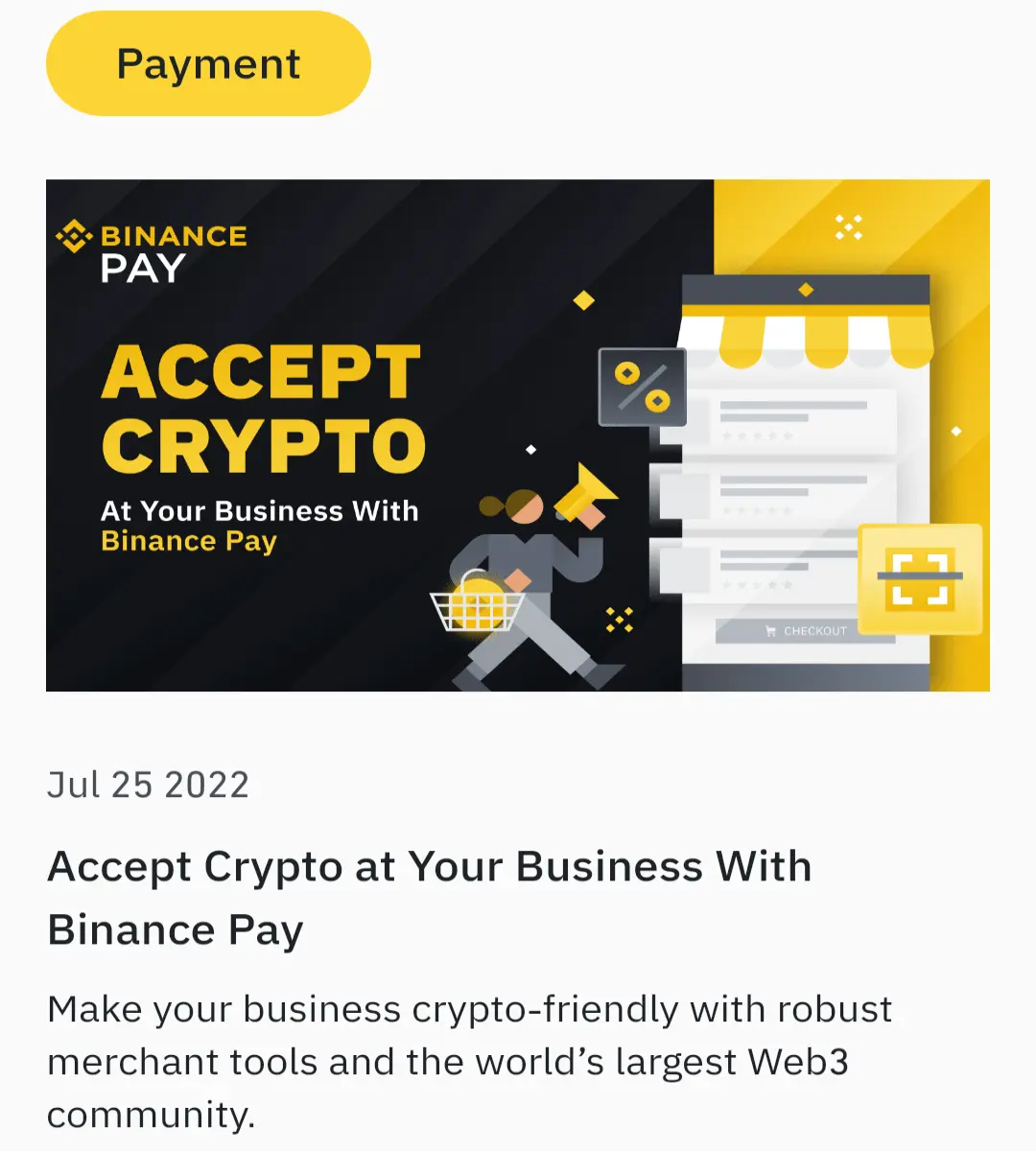
 The benefits of Binance Pay are too numerous to reiterate, no wonder top industries are embarrassing it. You can use Binance Pay to pay for goods and services rendered whether crypto or not, you can book flights using Binance Pay, Shop digitally or virtually, Pay for a Booked ride, etc. (See Images below)

I wrote an article on Binance Pay recently that carefully explains how to use Binance Pay to send and receive tokens very fast devoid of paying any transaction fees. The article also extensively discusses the concepts and how to". Here is the link: https://www.publish0x.com/crypto-articles/what-is-binance-pay-xjolnev.
Let's jump into the details of how to use Binance Pay to receive tokens in your Trust wallet straight away…
How to receive tokens on Trust Wallet from Binance using the Binance Pay Trust Wallet Integration?
Before I show you the steps, kindly note that, for this process to work you'll need a DeFi wallet connected to your Binance Account and you can do this by simply using the option to import your wallet phrase from the Overview Wallet interface in your Binance App.
(To create a Binance Account; Click this link. My referral link gives you a $100 cashback voucher bonus)
Now let's jump into the step-by-step guide…
The process is as easy as 3 simple clicks.
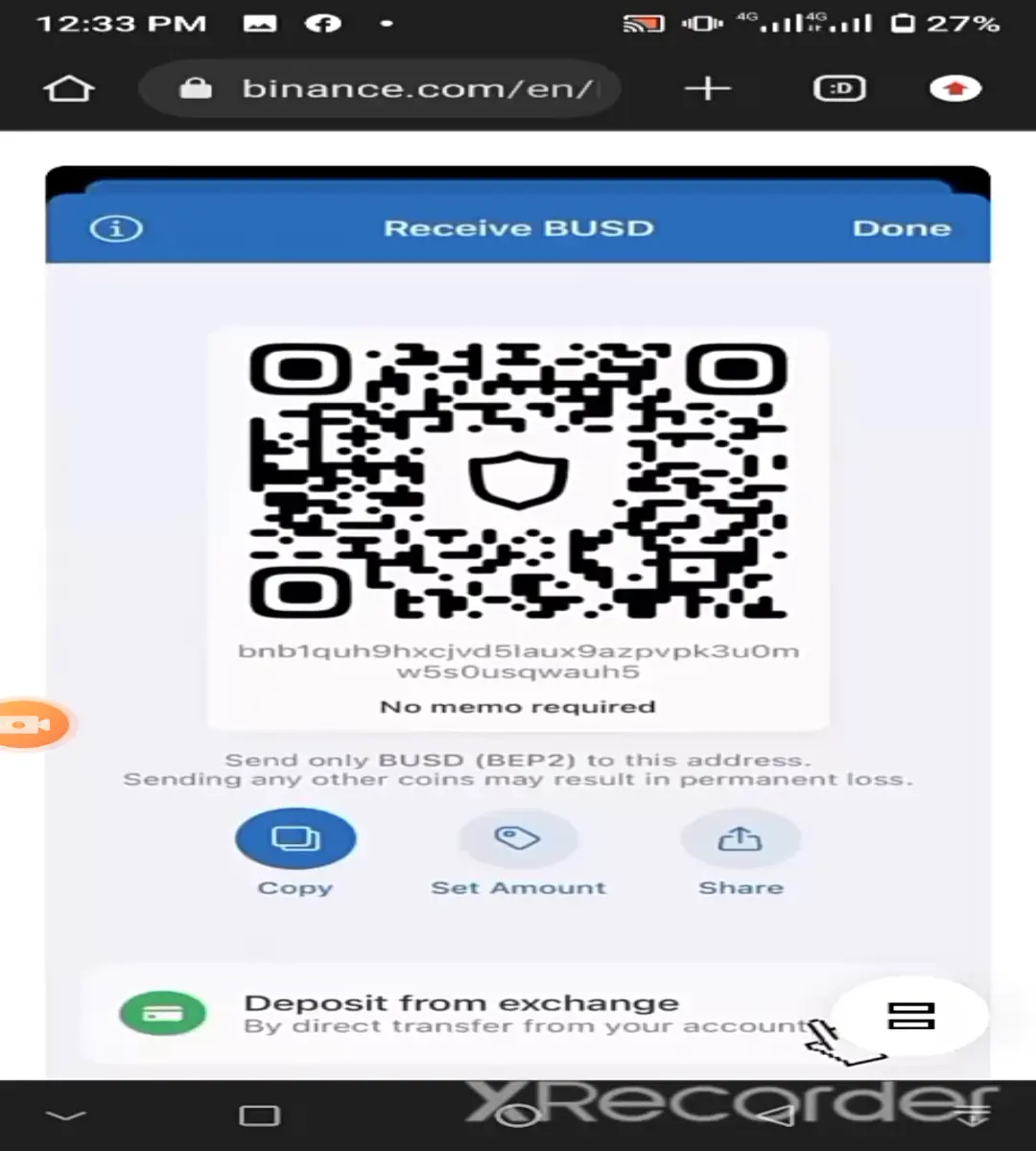
Step 1 (Click 1)
Open your trust wallet already connected to your Binance Account and click Deposit from an exchange. It's shown in the image below...
Step 2 (Click 2)
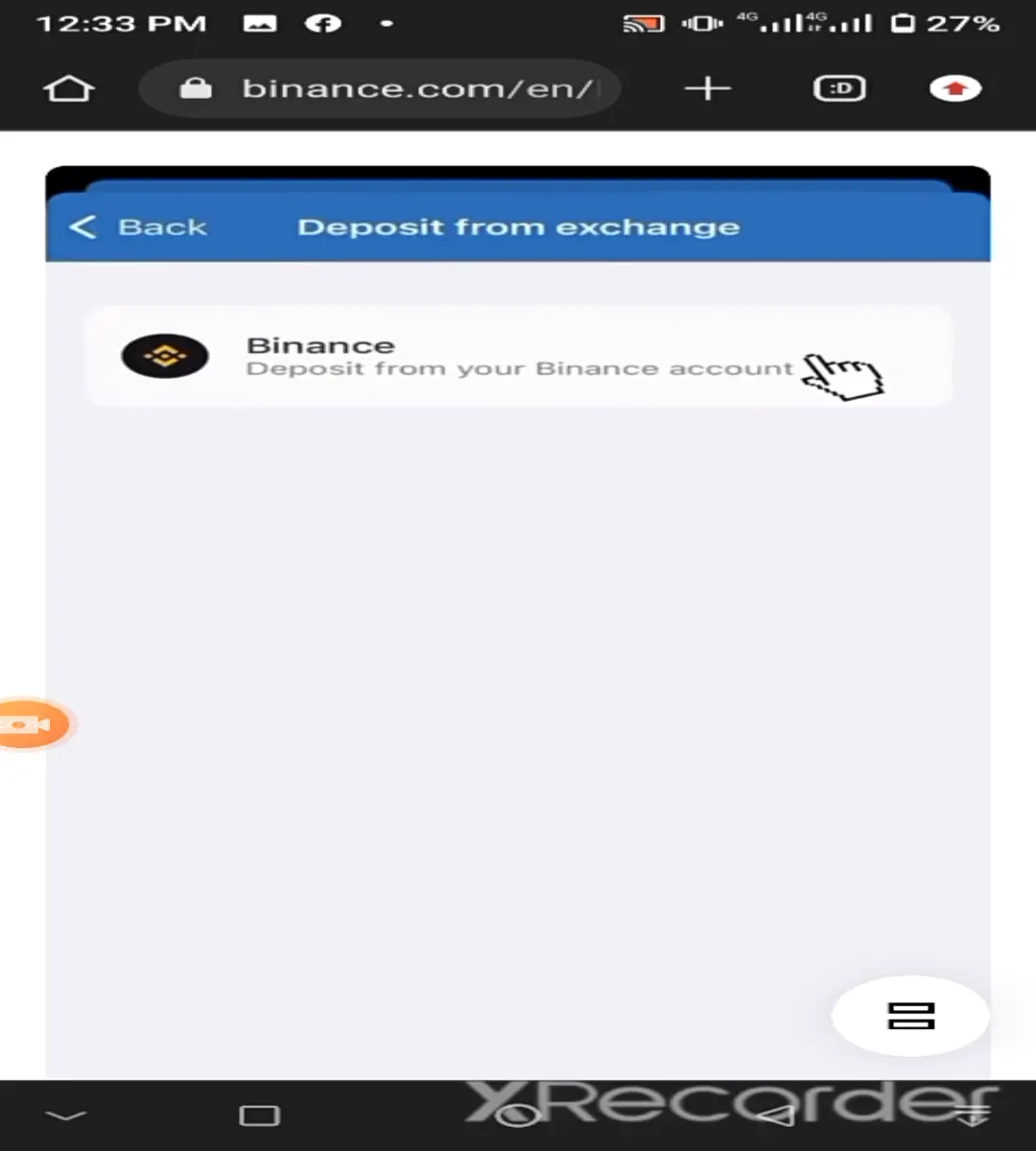
In the new window that opens, click Deposit from your Binance account. That click opens your Binance wallet. It's shown in the Image below…
Step 3 (Click 3)
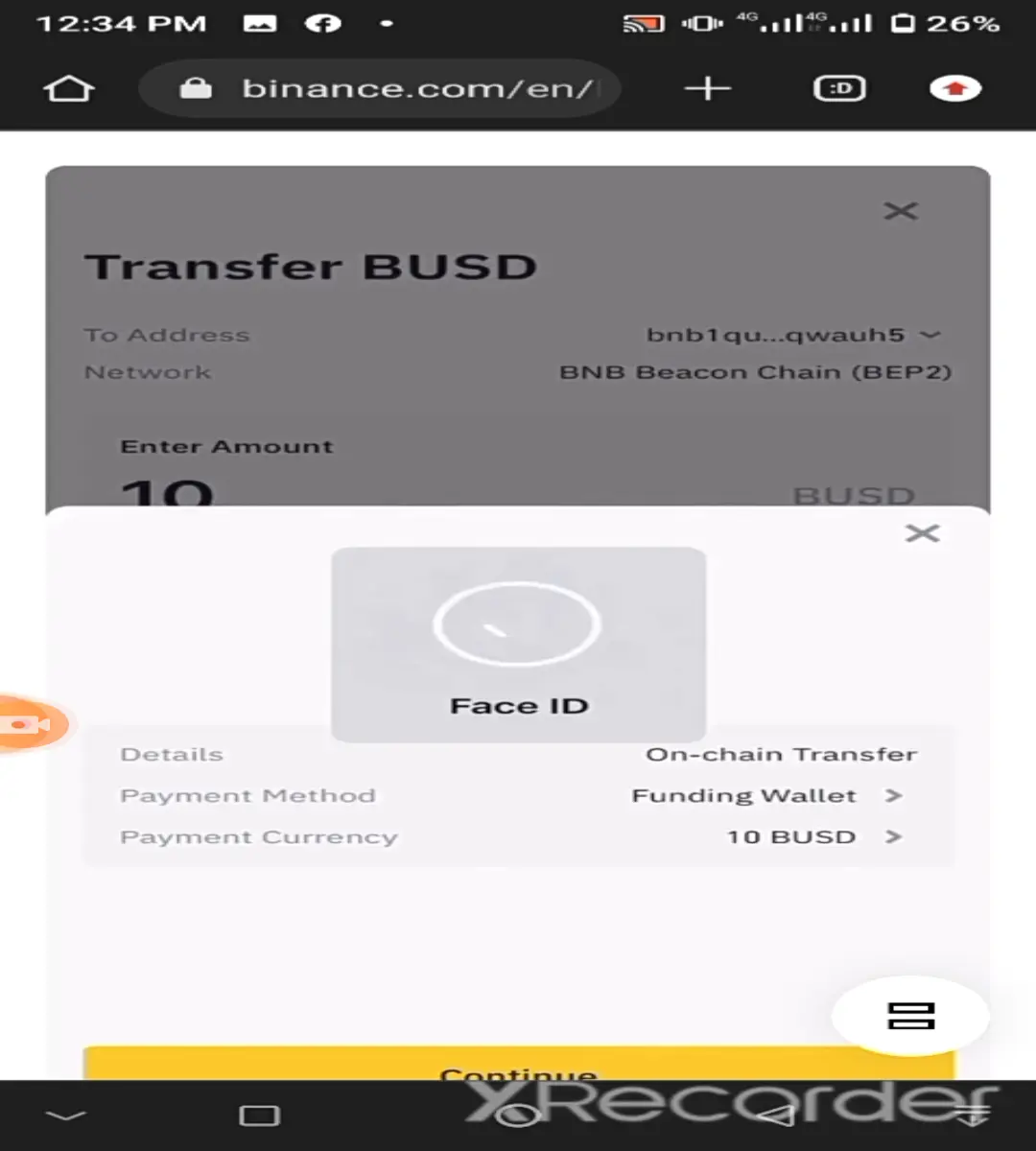
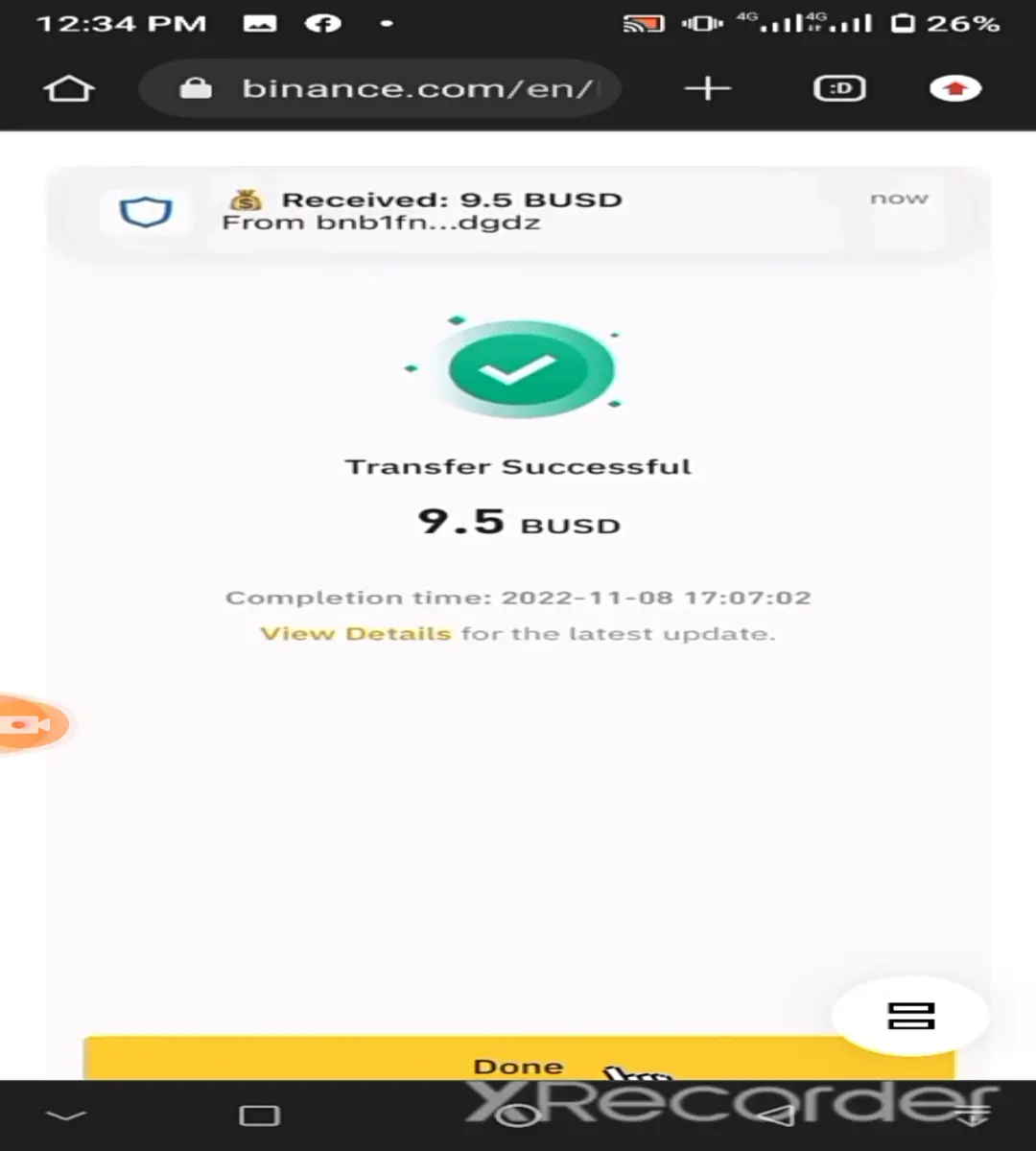
In your Binance wallet that opened, volunteer the amount you want to receive or send to your DeFi wallet and click the yellow Confirm button as shown in the image below.
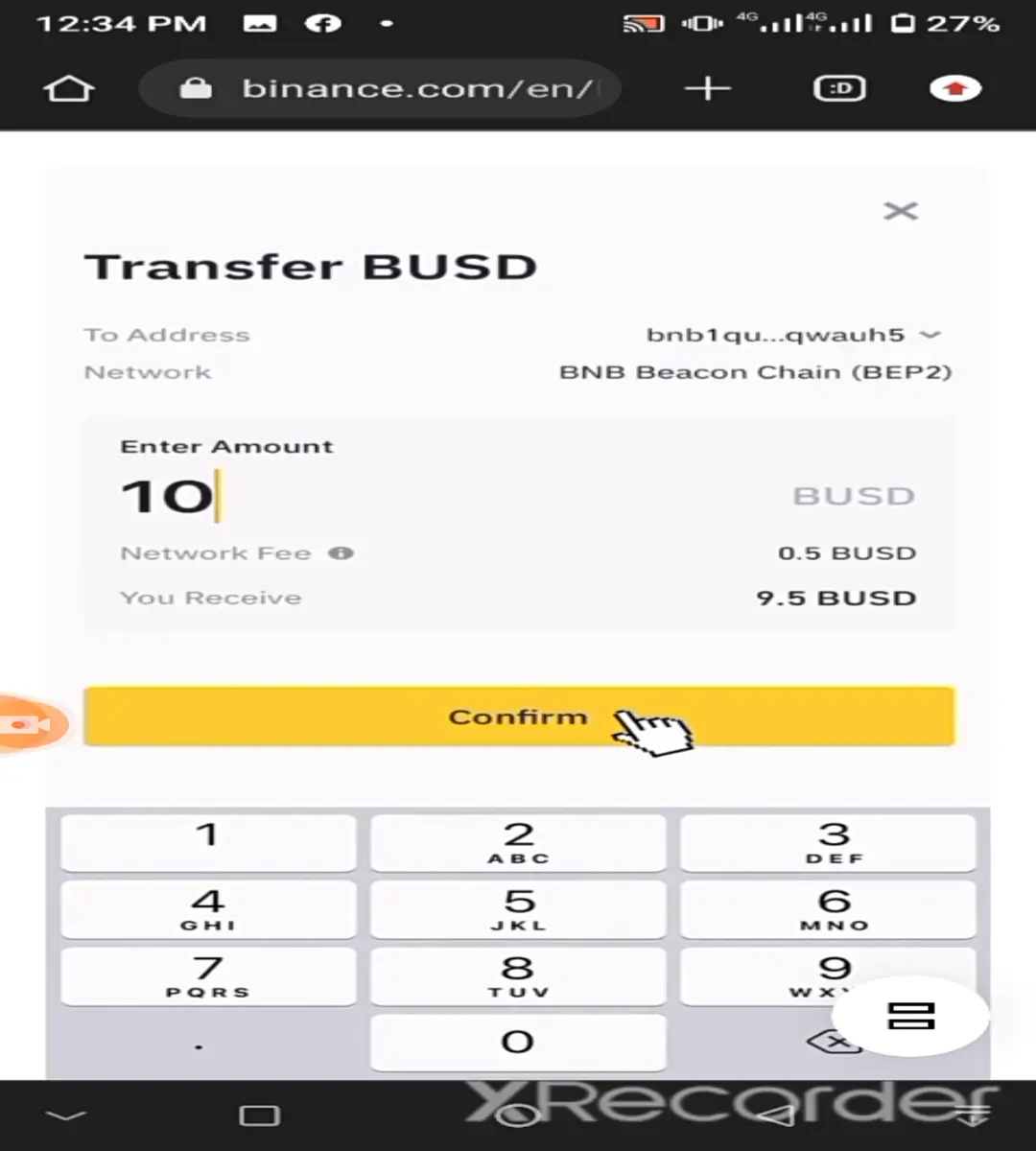
Note that after clicking Confirm, your trust wallet will initiate a security feature that requires you to confirm that you are authorizing the transaction by paying the transaction fee to complete the transaction. Simply complete the authentication process using the preselected security option.
(For the image below, it's a face ID authorization process, for some its a fingerprint authentication, while for many, it's a pin authorization).