
We're going to show you how to sign up for a Kucoin account. Be sure to visit our site for more informative articles that will talk you through the basics of getting started with crypto. If you would like to know how to join any of the major exchanges, then we have a guide for you.
- How to Join Binance
- How to Join Bitfinex
- How to Join Kraken
- How to Join Chiliz (Fan Tokens)
- How to Join Bitkub (Thailand)
- How to Join Satangpro (Thailand)

Kucoin is a good exchange platform for both beginners and seasoned professionals. Here are the steps to visit kucoin.com:
- First, you'll want to make sure it's the right website. - Visit KUCOIN
- To sign up for KuCoin, click the green button at the top right of your screen. You'll be greeted by a screen displaying their terms of use. Read and accept these terms, and you'll move onto the next step of the registration process. - After accepting KuCoins terms of use, you will come to the signup screen. Here you need to enter your email address and a password. Make sure that you have a copy of this information somewhere else in case you forget it.
- After you've entered the correct information and clicked next, you'll be directed to a new screen telling you to verify your account. If you can't find the email with instructions for verifying your account in your inbox, then check your junk mail folder.
- Activate your account by clicking the link in the email and you will instantly be signed in.
- To activate your account fully, you will need to complete a KYC form — this means providing us with your proof of identity. You'll also need to install Google Authenticator on your mobile device.
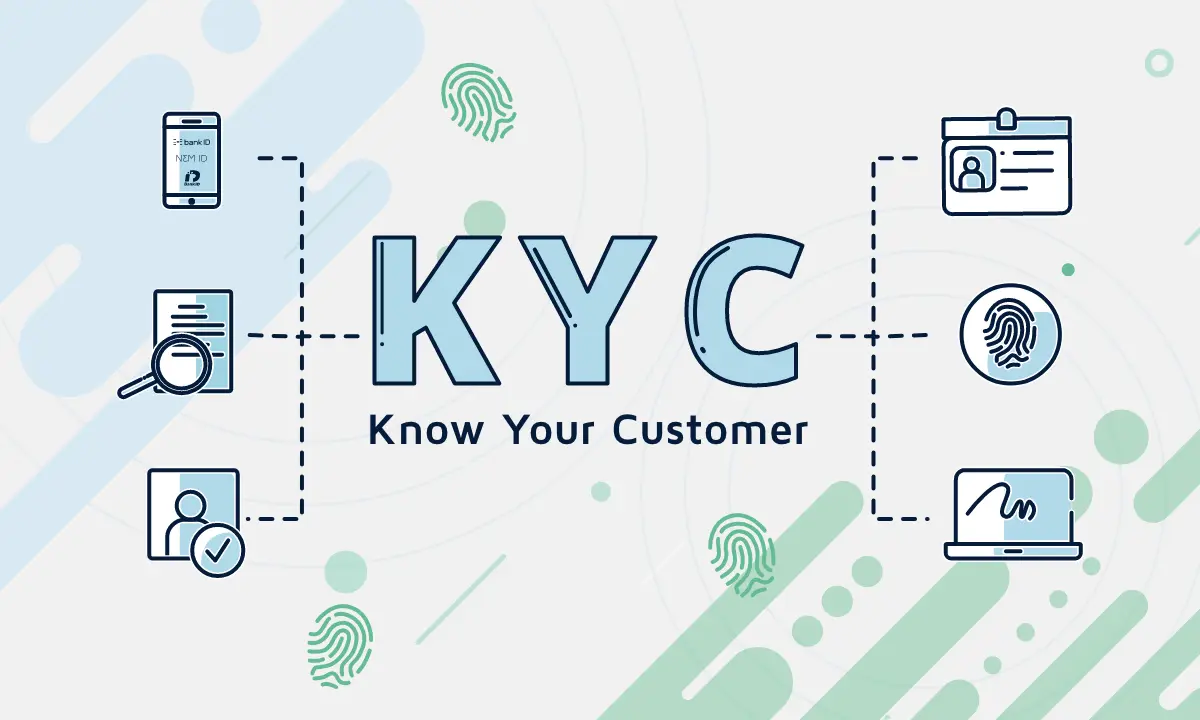
You can do all this by navigating the menu on the left side of your screen.
You'll need to complete a form before you can start trading. All the information needed will be found here—your proof of identity, and other important personal details.
In order to make your 2-step verification process more secure, Google is going to give you a 16-character secret key. The number will be in red, so that it's easy to read. It's important that you save the number somewhere safe like your password manager (and not on your computer). In addition,
Installing Google Authenticator is easy. First, get your secret key from the Authy website and then head to your relevant store. Once you have your phone in-hand, go ahead and download the app by following the instructions below.
You'll receive a notification on your mobile device asking if you want to download the app. Click yes and the app should start installing itself onto your phone.
Once you've installed the Authy app, you'll be able to use it to scan codes on your screen, or provide a pre-generated 6-digit authentication code. You don't need to memorize these codes as they will continuously generate new ones to keep your account always safe.
As soon as you complete this step, the screen will change and you'll see a pop-up warning not to uninstall Google Authenticator. This is to protect your accounts from hackers who may try to steal your data.
Now that you have completed these steps, you should be all set to use Kucoin exchange. One thing to note is that it may take a few days for KuCoin to process your KYC information. Until then, some interactions may not be available.
Good Luck and always trade safely.






