
Hello, folks lets try something new today. If you are eager to hop on the new Windows 10 May 2020 update then this post is for you. Normally, you can update through the Windows Update interface. What if it's not showing up for you? Well, keep reading!
Warning: Please make a backup of any important data you may have. I am not responsible for any data lost. It's also a good habit to have backups made before a major system upgrade.
Step 1:
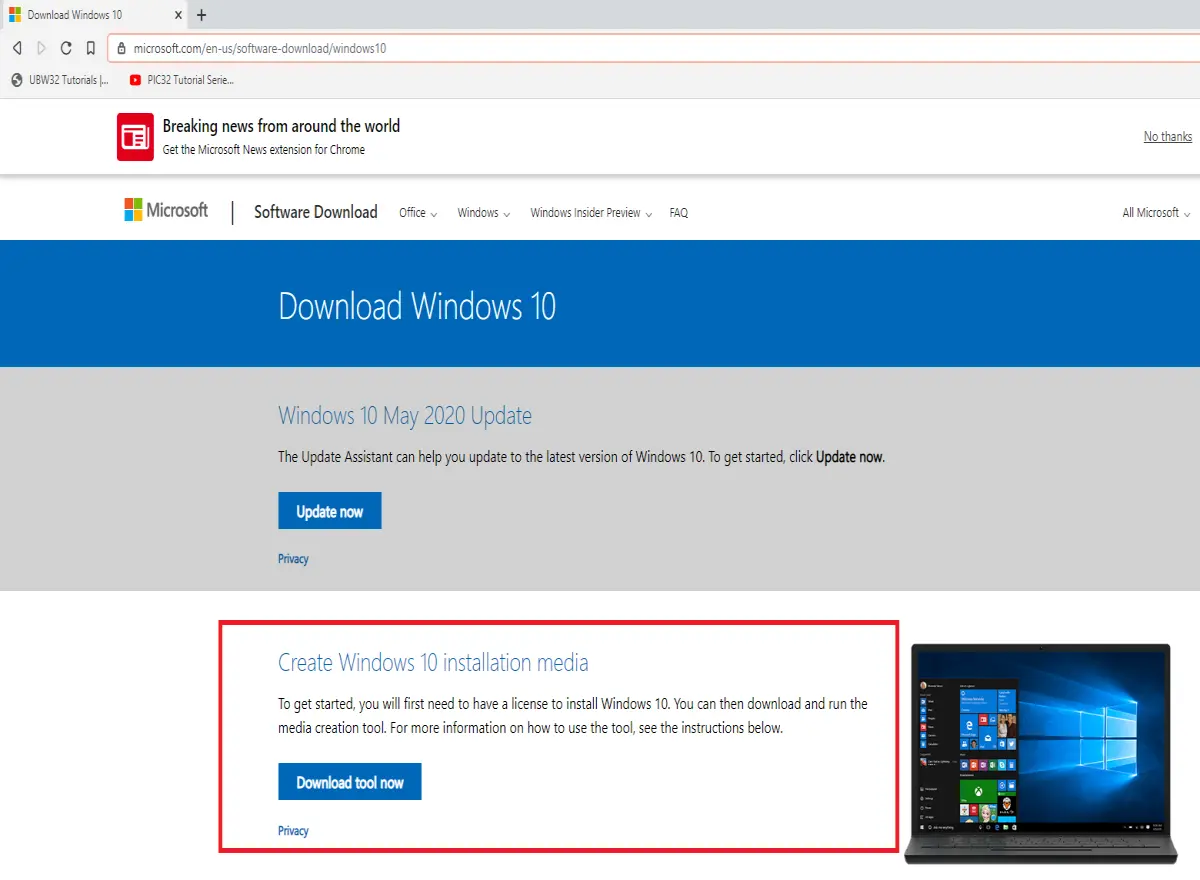
Head on over to the Microsoft website: https://www.microsoft.com/en-us/software-download/windows10. Now, click on the download tool button. You will be asked where to save the file. I went ahead and saved it to my desktop.
Step 2:
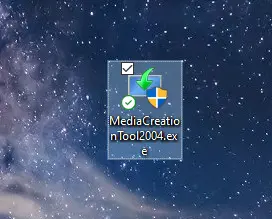
Once the tool has downloaded go ahead and click on it. It will ask for admin privileges.
Step 3:
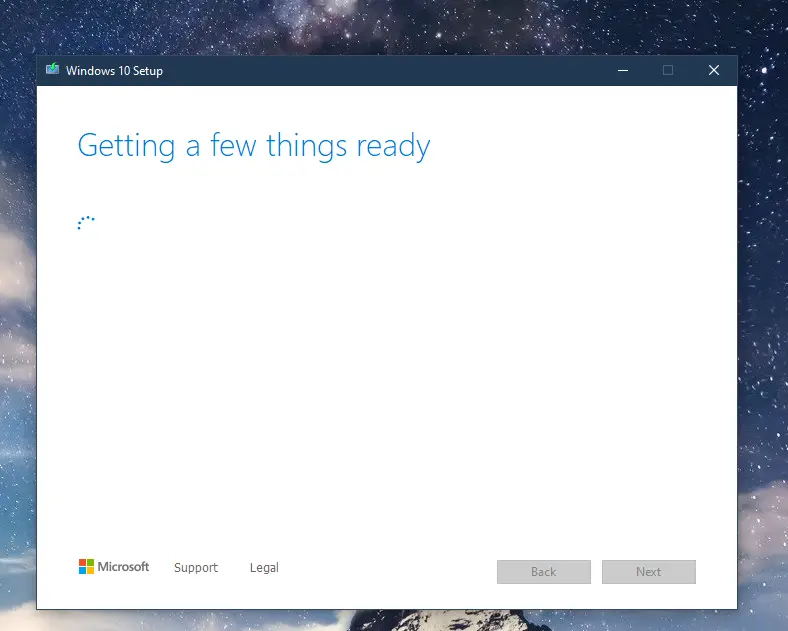
You will have to wait a few minutes while the tool gathers information about your system. Once it's ready accept the license agreement. Then go ahead and select the "Upgrade this PC now" radio button and hit next.


Step 4:
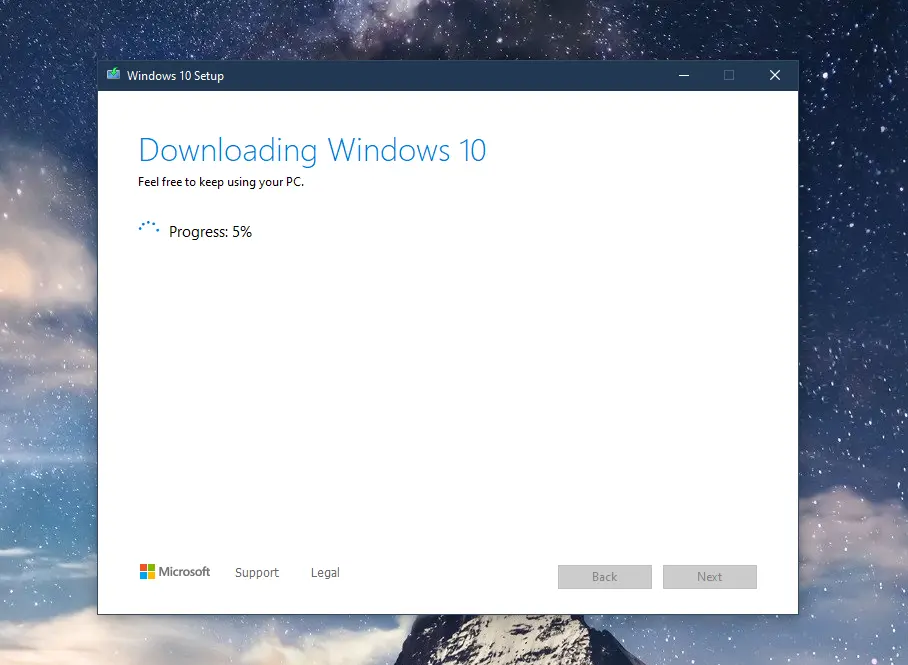
This part will take anywhere from a few minutes to a few hours. It all depends on your network connection. This step will only download the Windows 10 files needed for your system configuration.
Step 5:
Once step 4 is finished you'll be greeted with another license agreement. Go ahead and accept it.

Step 6:
After accepting the license agreement the tool will now check for any pending updates.
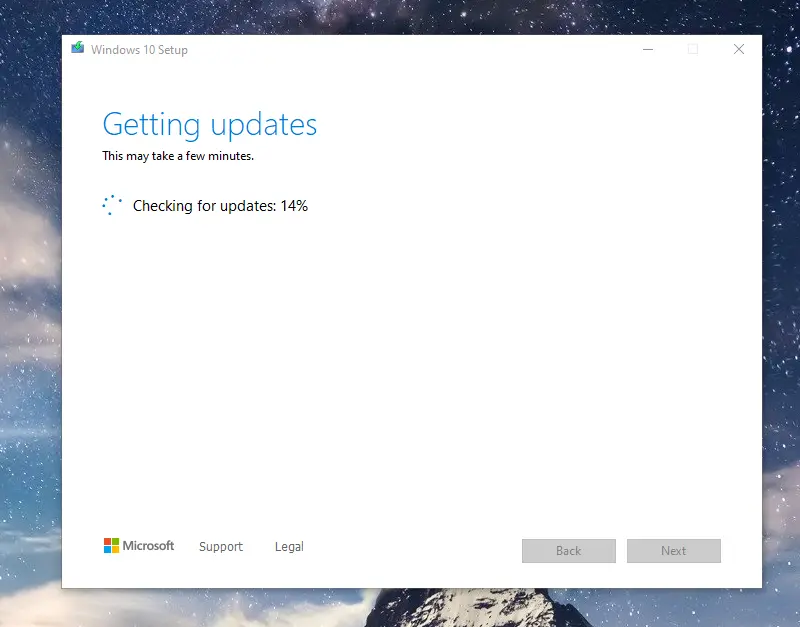
Step 7:
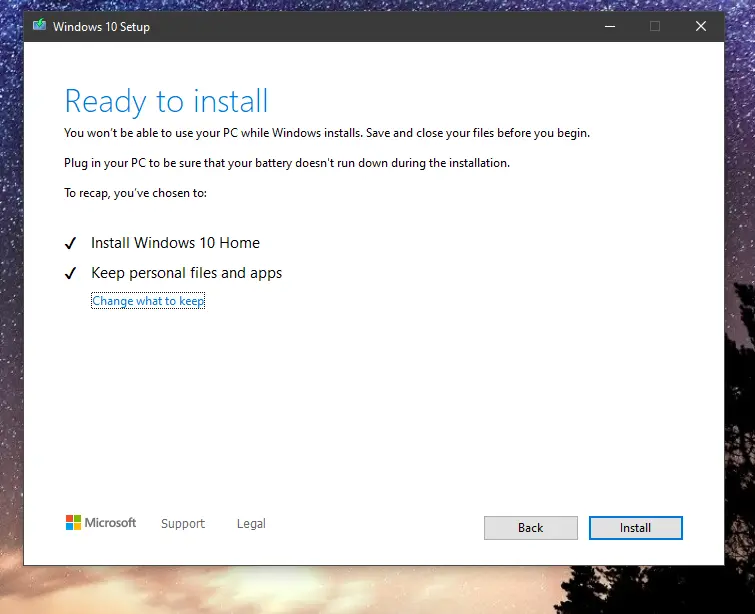
Once step 6 is done the tool will be ready to upgrade your system. You'll be presented with the following screen. By default, the tool will preserve your files and apps. You can always choose what to keep as well. In case you would like to do a clean install. When you are ready hit install. Sit back and relax! This step will take some time to complete.
Step 8:
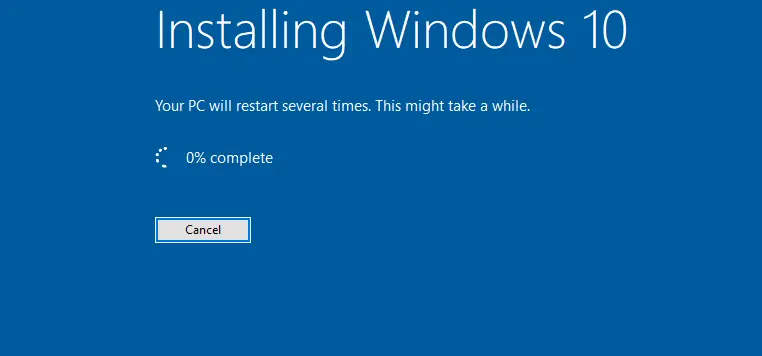
If all works out you will see this screen. Be patient as this will take a while!
Well, there you have it! A quick way to hop on board the Windows 10 May 2020 update. Let me know what you think, if you are looking forward to certain features, or if you just want to leave a nice comment.
thanks for your time! I hope this was useful.






