
Hello all! Welcome, it's been quite some time since my last post. Today lets talk about something rather cool. I am sure most of you are aware that Uniswap recently upgraded to Version 2 of its protocol. With this great change came the ability to trade virtually any ETH/ERC-20 or ERC-20/ERC-20 token pairs. I, like some of you who use The Coin App (see my previous post on it here), may have some XYO tokens laying around in our wallets. Currently, an exchange called Kucoin is the favored way to exchange our hard-earned XYO tokens. What if I told you there was another way? Yes, that's right now you see where this is going.
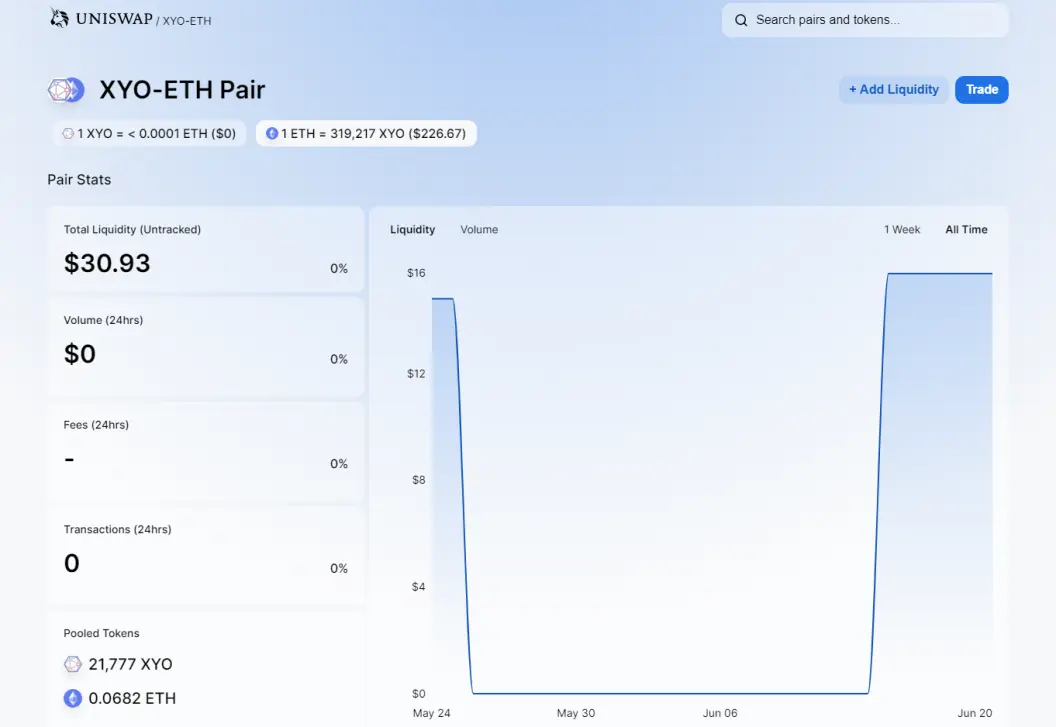
As you can see some brave soul has provided a small amount of ETH and XYO to the liquidity pool. Now anyone can trade some XYO tokens for ETH or vice versa. The only issue is the amounts are so low that it would take one or two big swaps before there is no XYO left. Therefore I am calling out all XYO token owners to provide liquidity to the Uniswap XYO/ETH pair! This not only benefits the providers of liquidity with a small percentage of fees collected but also the bigger community. It will give us another avenue other than Kucoin.
How do I provide liquidity?
This is rather easy to do provided you have some XYO and ETH. Keep in mind that you'll have to provide equivalent amounts of both plus transaction fees.
Step 1:
Head on over to https://uniswap.exchange/swap
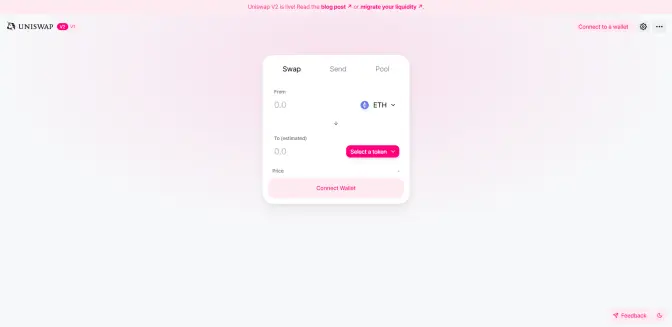
Step 2:
If you haven't already sign in with your wallet provider.
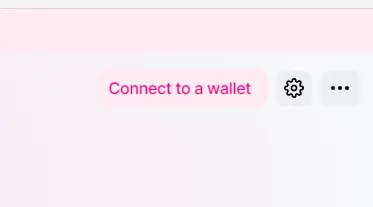
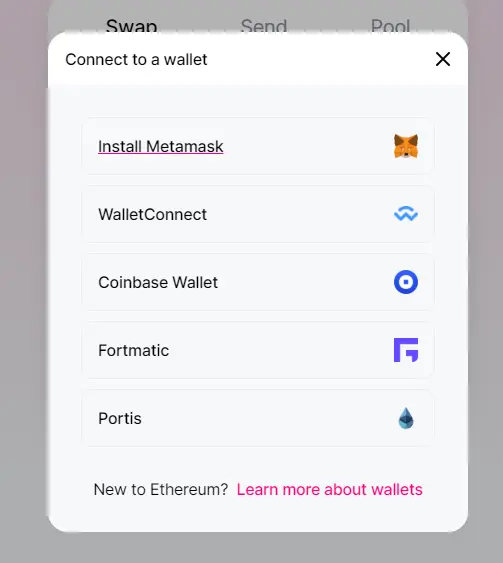
Step 3:
This is where it gets a little tricky. For some XYO shows up in the token list for others it doesn't. In case it doesn't you'll need to do the following.
Click on "select a token". Then paste in this address: 0x55296f69f40ea6d20e478533c15a6b08b654e758 . Next, hit add.
a) 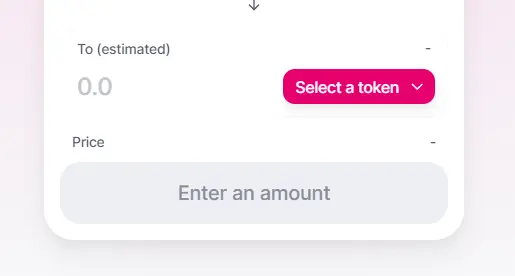
b) 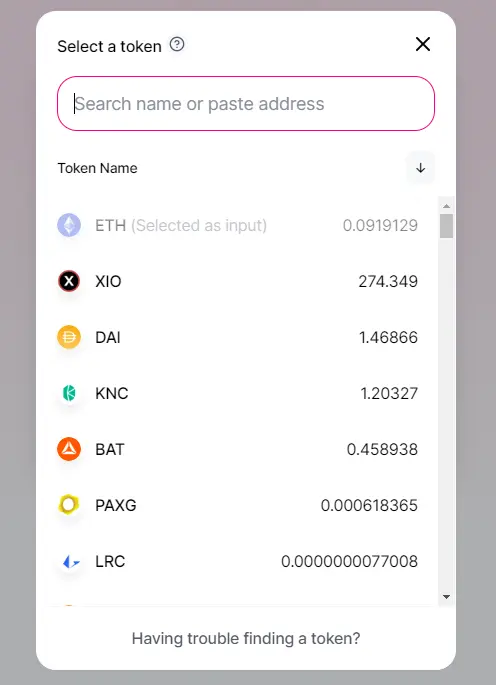
c) 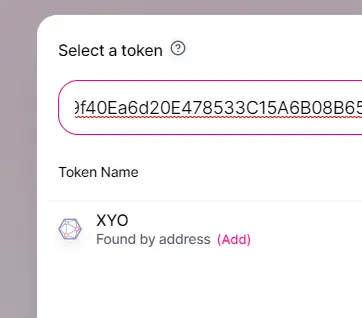
Step 4:
For this step hit the "Join another pool" button. It may say just "Join pool" if you haven't joined any pools before. You'll need to search for the XYO/ETH pair. Hit the "Add Liquidity" button.
a) 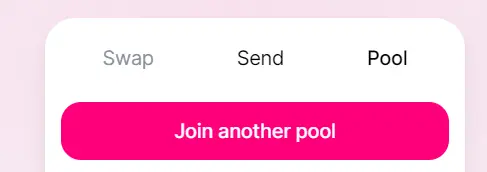
b) 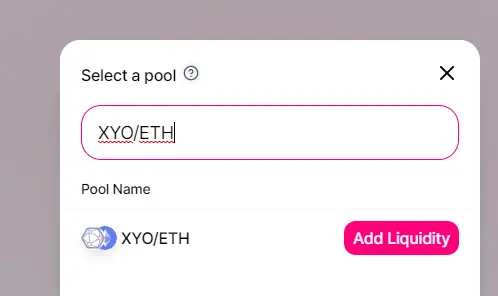
Step 5:
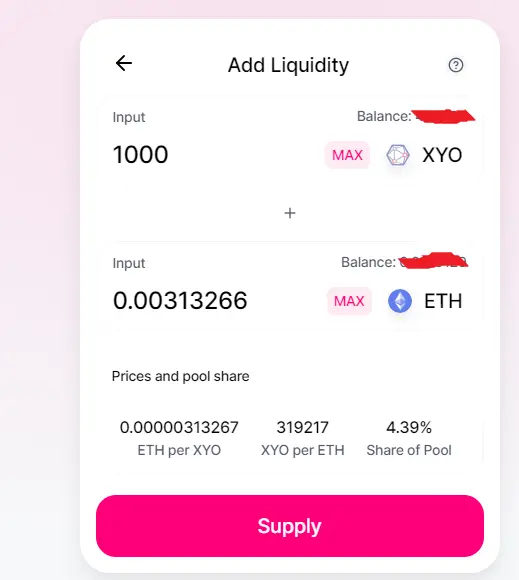
Now you should see the image below. Like I mentioned before you'll be adding both XYO and ETH to the pool. The Uniswap tool is smart enough to autofill in amounts if you type in the XYO box first or the ETH box first. It will calculate the equivalent amounts for you. When you are ready, hit the supply button. A confirmation box will appear. Note: Like any ETH transaction there will be some transaction fees!
Last thoughts
Thank you for taking the time to read this. I hope I have provided useful information. As always feel free to leave comments and ask any questions! I have included the resources below as well. That's all folks! Have a good one! Stay Safe!





