
Harvest Finance seems to be one of the hottest automated yield farming protocols right now. It provides Farming-as-a-Service (FaaS), allowing you to just deposit your assets into the protocol and sit back to generate a yield.
Over the past few weeks, the team has deployed a huge amount of new strategies to get involved with, and their Profit Sharing pool remains as strong as ever.
However, with so many options to pick from, it can become quite confusing which strategy you might want to choose.
Not sure where to put your funds into?
Here is a handy tool to help make your decision!
Source: https://cultivator.finance/
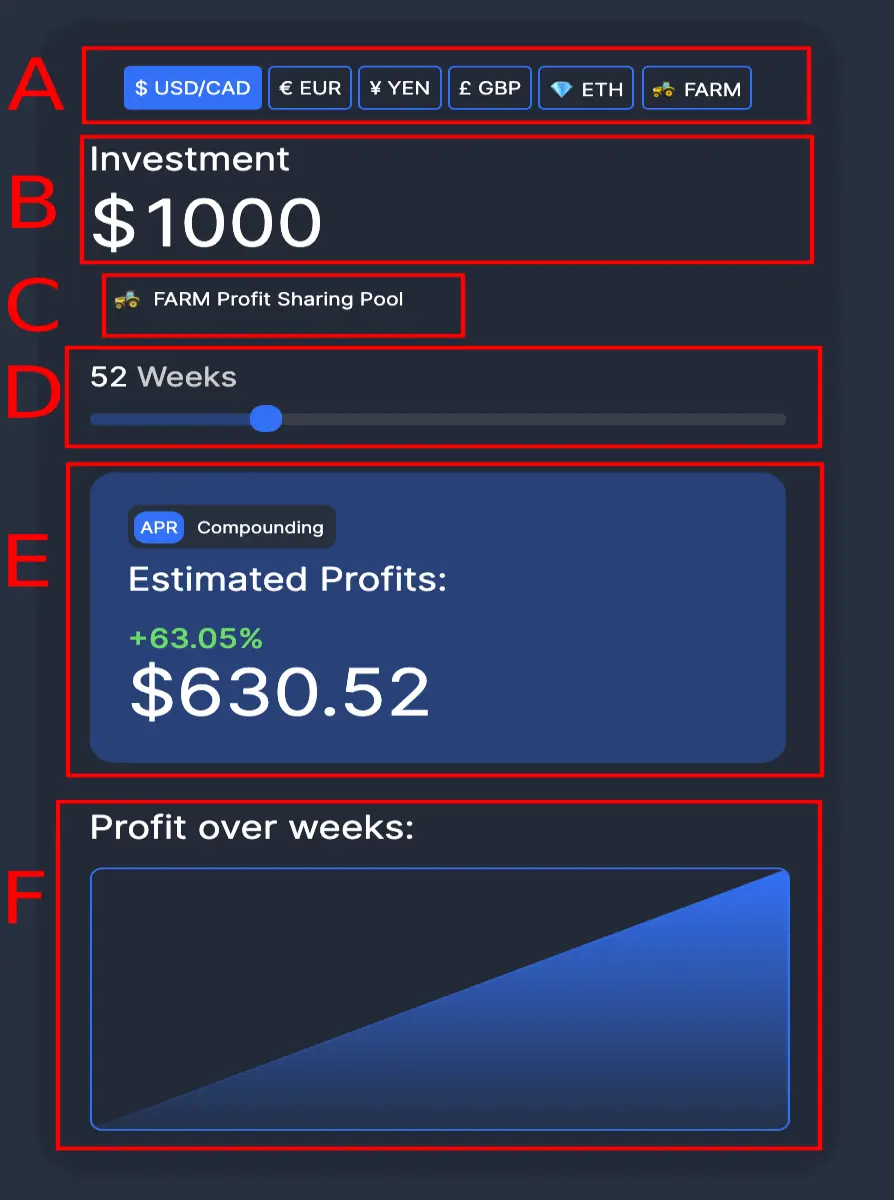
The calculator allows you to input your investment amount and pick your pool to see how much interest you would earn over the selected weeks.
Although the calculator is pretty simple, I’ve broken down the calculator to help explain what each section does.
Field A:

Here you choose the currency that you would like to calculate with. If you are entering with US Dollars, hit $USD/CAD. Entering with British Pounds? Choose £ GBP. You can also choose $FARM if you want to calculate how many additional $FARM you will earn through yield.
Field B:

Here, enter the total investment you are planning to put into the Harvest Protocol. If you are coming with $1000, then enter $1000 here as a base to start the calculation from. If you are putting in 10 $FARM, then simply hit the $FARM icon in Field A and enter 10 in Field B.
Field C:

This field allows you to choose the specific farming strategy you would like to calculate your returns from. There are many to choose from and the calculator also includes all the inactive pools on Harvest Finance.
In the example, I selected the $FARM Profit Sharing Pool, but you can click the field and choose from a wide selection. You can manually browse for the pool you are intending to join, or use the search function;
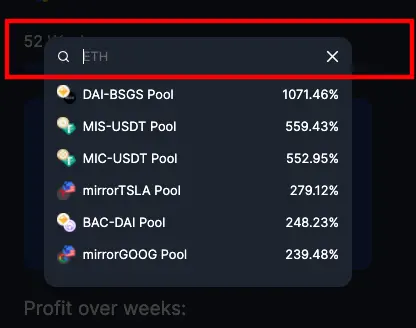
Field D:

Field D is a slider that allows you to select the number of weeks you would like to hold the investment for. Choose the number of weeks you will farm for to calculate your returns.
Field E:
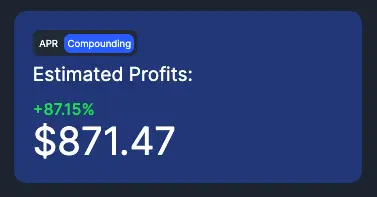
This shows you the total return from the details inputted in the previous fields. It will show you your estimated profit in the investment currency you selected in Field A.
Notice that there are two options to select to view your estimated profit here;
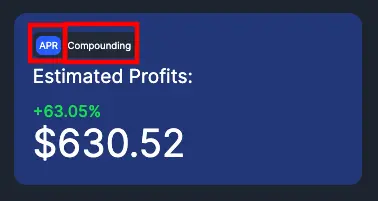
Selecting APR will show your estimated return from the initial investment - without the investment being compounded over the timeframe you selected.
If you switch to the “Compounding” tab, it will show you your estimated APY for the number of weeks selected. This will be a higher return because the yield earned is automatically put back into the investment to earn an additional yield on top of your initial investment.
NOTE: All of the farming strategies on Harvest Finance are automatically compounding by default until you remove your earnings.
Field F:
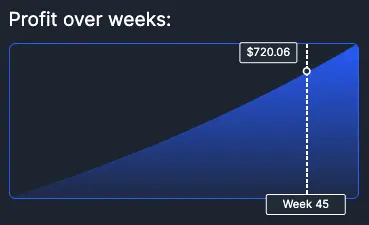
Field F shows you a pretty graph of your estimated earnings over the weeks so you can visualize your gains.
Things to Remember
- The estimated profits are calculated from today's prices. If the price of $FARM continues to rise, your earnings will be much higher.
- The longer you hold your investment in the selected strategy, the higher the returns. This is due to the magic of compound interest.
- Remember, the current APYs are not eternal. You can check their history at https://farmdashboard.xyz.
- The $FARM Profit Sharing Pool is one of the best choices for beginners
- We can expect Harvest Finance to continue adding additional strategies over the coming weeks






