A long time ago, in a galaxy far, far away ... attempting to install a blockchain could prove to be a dive into the dark side. Today the Force can led you towards Substrate.
Substrate is an open-source framework for blockchain developers. The framework is fully modular and it is based on modules called pallets. There is a good number of bundled pallets related to the core components of a blockchain (like consensus, network or staking). but you can add pallets from other sources ( https://crates.io/ ) or write your own pallets from scratch.
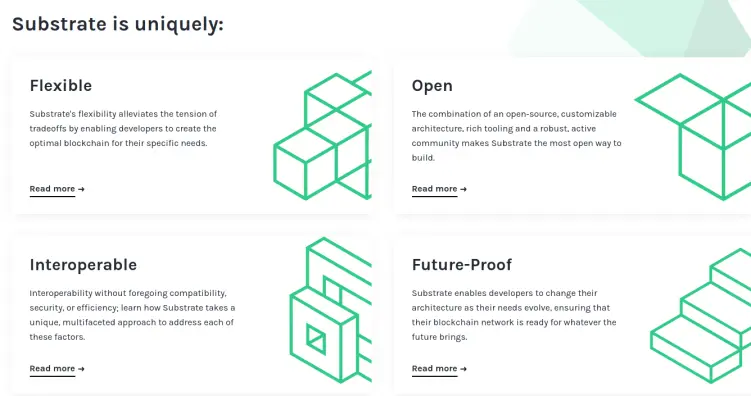
You can build a solo-chain or extend the framework to build a parachain on Polkadot or Kusama networks, but you can also develop a solo-chain bridged with Ethereum or Bitcoin blockchains. Everything just by adding or removing pallets.
Last but not the least, the framework is open source, not only because you can find all the source code on github, but also because it has a community on the background, there is a vision, a path and, why not, a business strategy.
Substrate, in less than five years, boosted an ecosystem of more than 150 services or environments containing other services in the blockchain meta-universe.
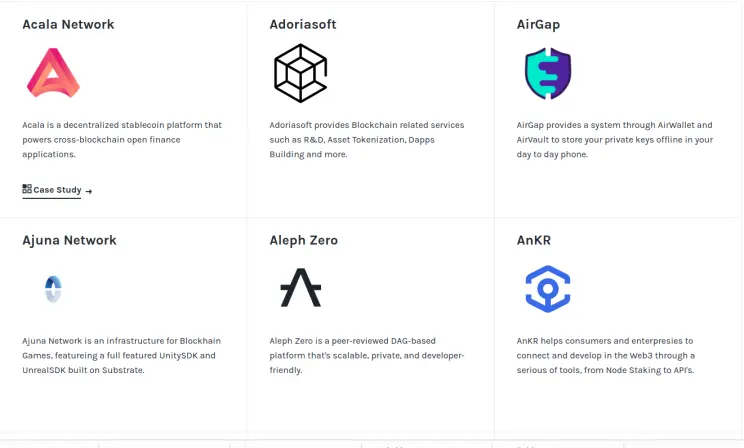
See all the Substrate projects at a glance
To create your project you have to install Rust, RustToolChain and some libraries (depending on your OS).
TIP: What is Rust?

Don’t you know Rust?
It could be your next investment on your future, currently Rust developers are in the top ten of best paid.
To install those dependencies step by step see here:
- https://docs.substrate.io/tutorials/v3/create-your-first-substrate-chain/#install-required-packages
- https://docs.substrate.io/tutorials/v3/create-your-first-substrate-chain/#install-rust-and-the-rust-toolchain
There is also a useful script to install everything in one shoot: https://getsubstrate.io/

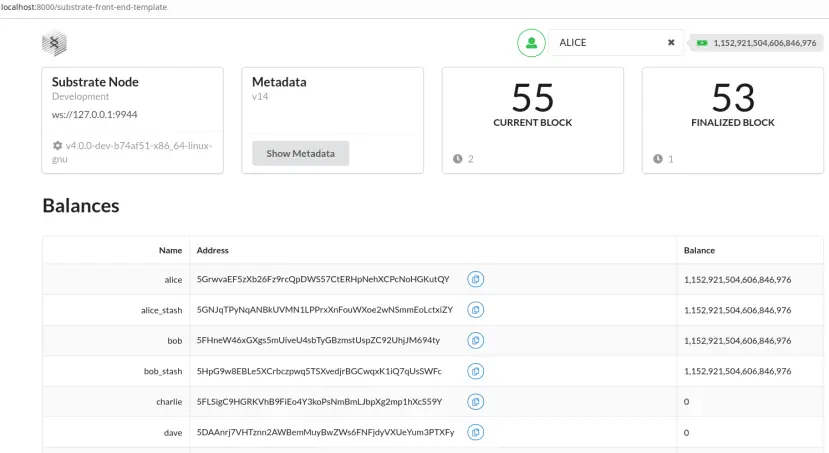
Then you can set up your dev environment composed by a node template and a basic frontend.
The first one is the core of our blockhain, and embeds some key components:
- Storage
- Peer-to-peer networking
- Consensus capabilities
- Data handling capabilities for external or "extrinsic" information
- A Runtime
The basic frontend instead is a React,js app scaffolded to interact with the node.
Just few steps:
- let’s make a dir: my_own_chain/
- Inside this directory clone from Substrate github repository:
-
git clone https://github.com/substrate-developer-hub/substrate-node-template
-
git clone https://github.com/substrate-developer-hub/substrate-front-end-template
Now we’re going to compile the node with Rust and the frontend with yarn.
Go to the directory: my_own_chain/substrate-node-template and run those commands:
-
git checkout latest
-
cargo build --release
cargo build is the command to compile a Rust application, so now you have to wait 'till the end.

let’s have a coffee…
Now go to: my_own_chain/substrate-front-end-template and compile the frontend with:
-
yarn install
TIP: to compile the frontend template you must have yarn, you can install yarn
from the official packages of a linux distro (or mac-os), or by using
npm (just write in a terminal: npm install -g yarn ) or you can add
yarn repos to your sources.list file, as explained in this StackOverflow post.
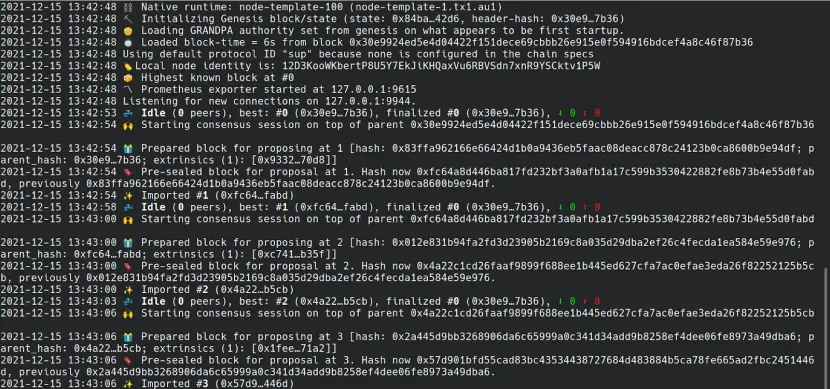
Now, go back to the node template directory and start the node:
-
./target/release/node-template --dev
And see your node getting up logging events and actions.
Open a new shell and go to my_own_chain/substrate-front-end-template, then run:
-
yarn start
Start the browser on http://localhost:8080 and see the draft of the next token that will lead the metaverse.