
Blockchain.com STX Airdrop
If you are a user of Blockchain.com wallet anytime before January 2020, there is a high chance that you might have enrolled in the Blockstack(STX) Airdrop in the wallet.
But the caveat was that we need to wait till January 2021 to claim our Free STX Airdrop tokens.
The Airdrop is now available to claim and I will explain the procedure to claim below.
STEPS
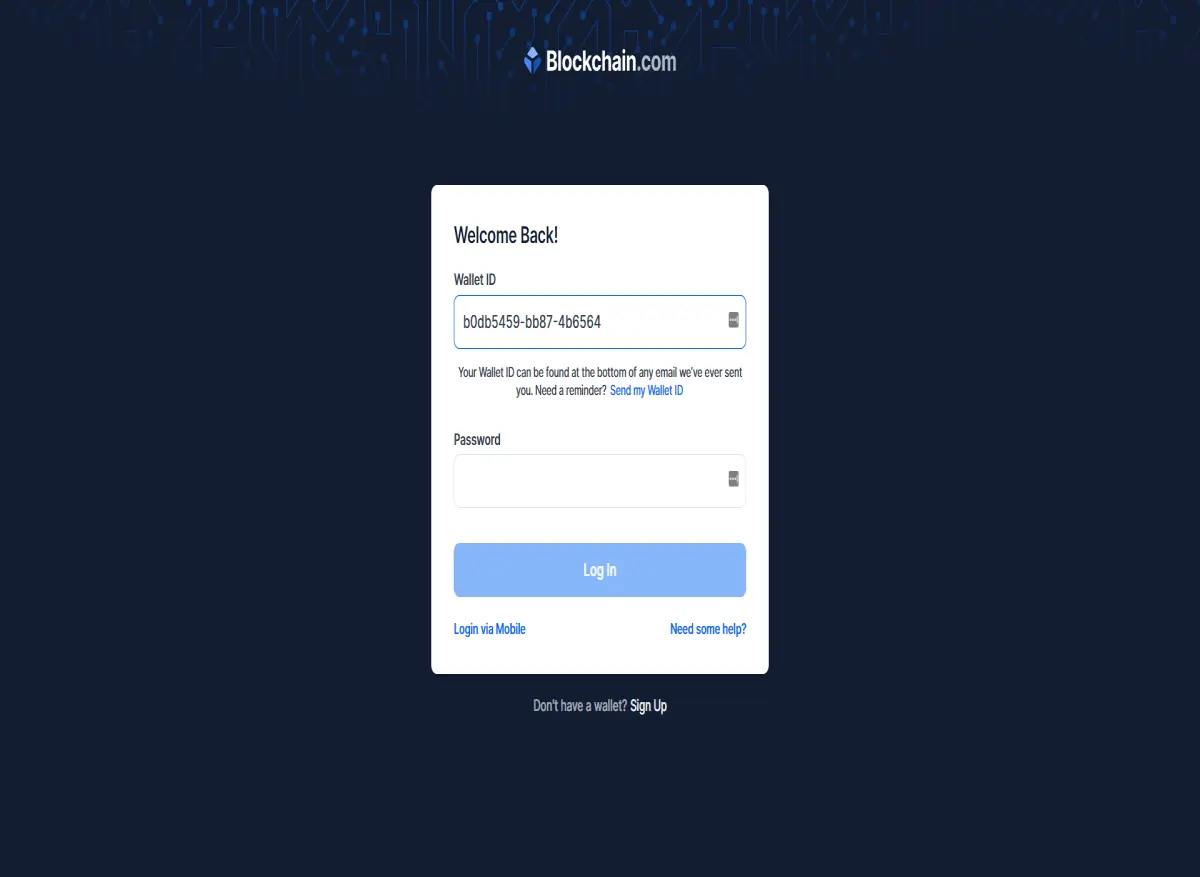
- Login to your Blockchain Wallet using your wallet id which can be found in every mail that you have received from blockchain.com
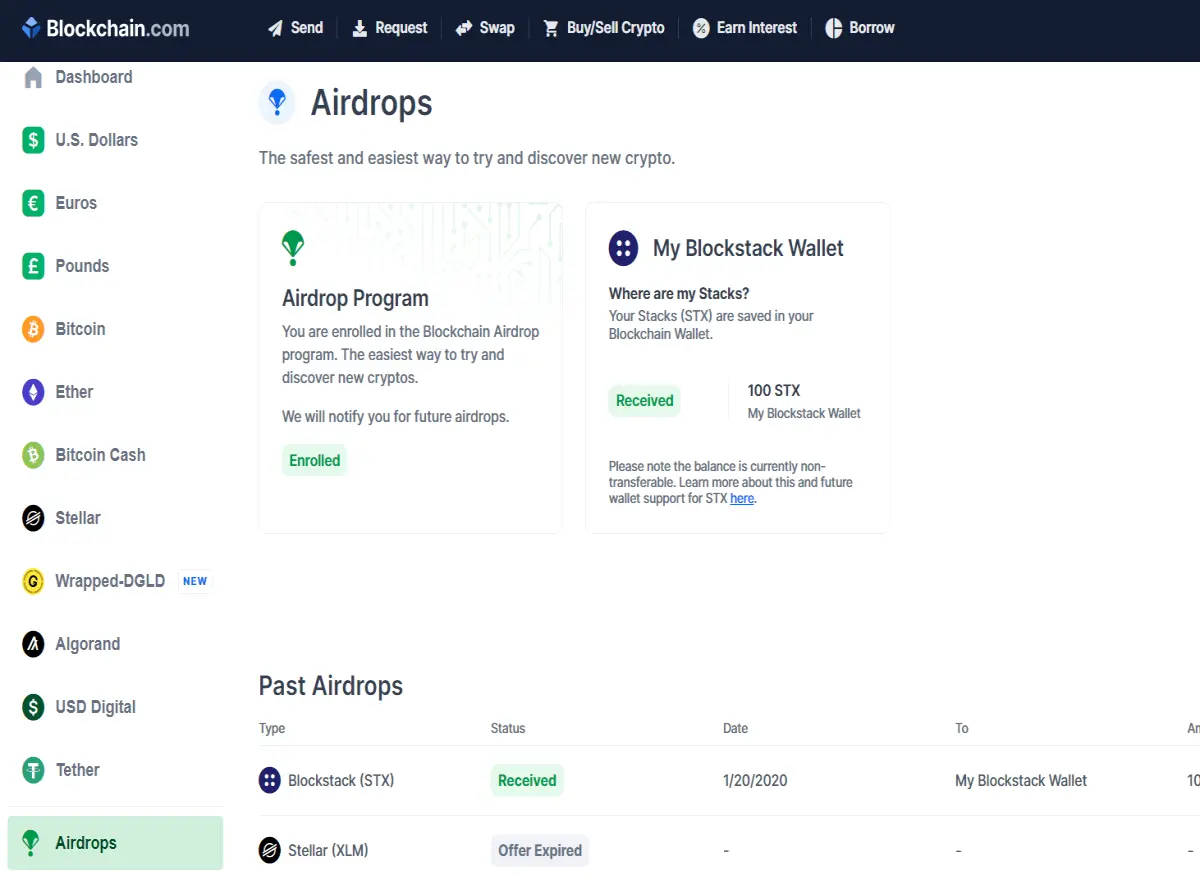
- Go to the Airdrops Page and confirm that you are enrolled in the airdrop
- After confirming that you are enrolled in the airdrop, go to your profile and note down your Backup Phrase (this is a very important step)
- Now visit Stacks Wallet and download the Desktop Wallet for Stacks based on your OS
- Install the desktop wallet and open it .
- Then Click on Already have an wallet and use the Backup Phrase that you noted down from blockchain.com
- You should be seeing 100STX worth $47 in your wallet
- You can send it to any wallet from this.
If you have anything to say please leave it in the comments.
If you have found value in this content leave an Tip and Follow me
Thank you.
Want to support me on my journey??Register at WazirX : https://bit.ly/2GYhyc8
Register at BitBns and get INR 100 for free :https://bit.ly/2KIoRFU
Register at LocalBitcoins :https://bit.ly/2KvvPPS
Register on the World's Leading Crypto Exchange BINANCE: Binance Sign up
Donate Bitcoin:1L8dcMuoZHZMJsEZ8sWMJswsjV5nbEikGZ
Subscribe to my Youtube channel: Youtube Channel






